Free QR Code Generator
Style
Frame
Text below
Background color
Text below color
Body
Body color
Edges
Frame type
Edge frame color
Ball type
Edge ball color
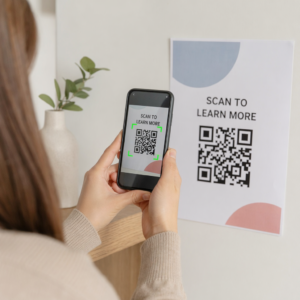
What is a QR code?


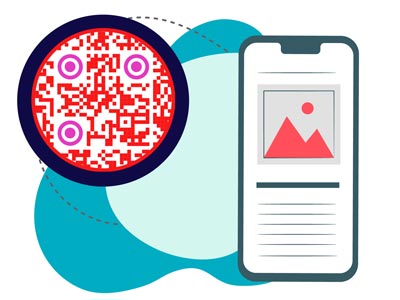
Match your brand with logos, colors, and design options.
Change links anytime without reprinting.
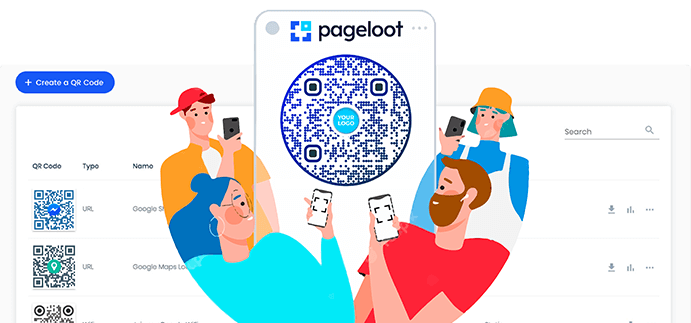
Organize all your QR codes in one easy place.
Track scans, locations, and engagement in seconds.
How does the free QR code maker work?


Before you begin to create a free QR code you need to choose a type. This depends on your content.


Enter all the details in the QR tool. You can also add additional images, videos, links and more.


After you generate your QR code make sure you custom design it before downloading it. Change its color, add a logo, and include a frame.


Download your ready-to-go QR customizable code and share it with your guests. To track data and edit later you need to sign up for a free trial.
Create a Free QR Code Examples
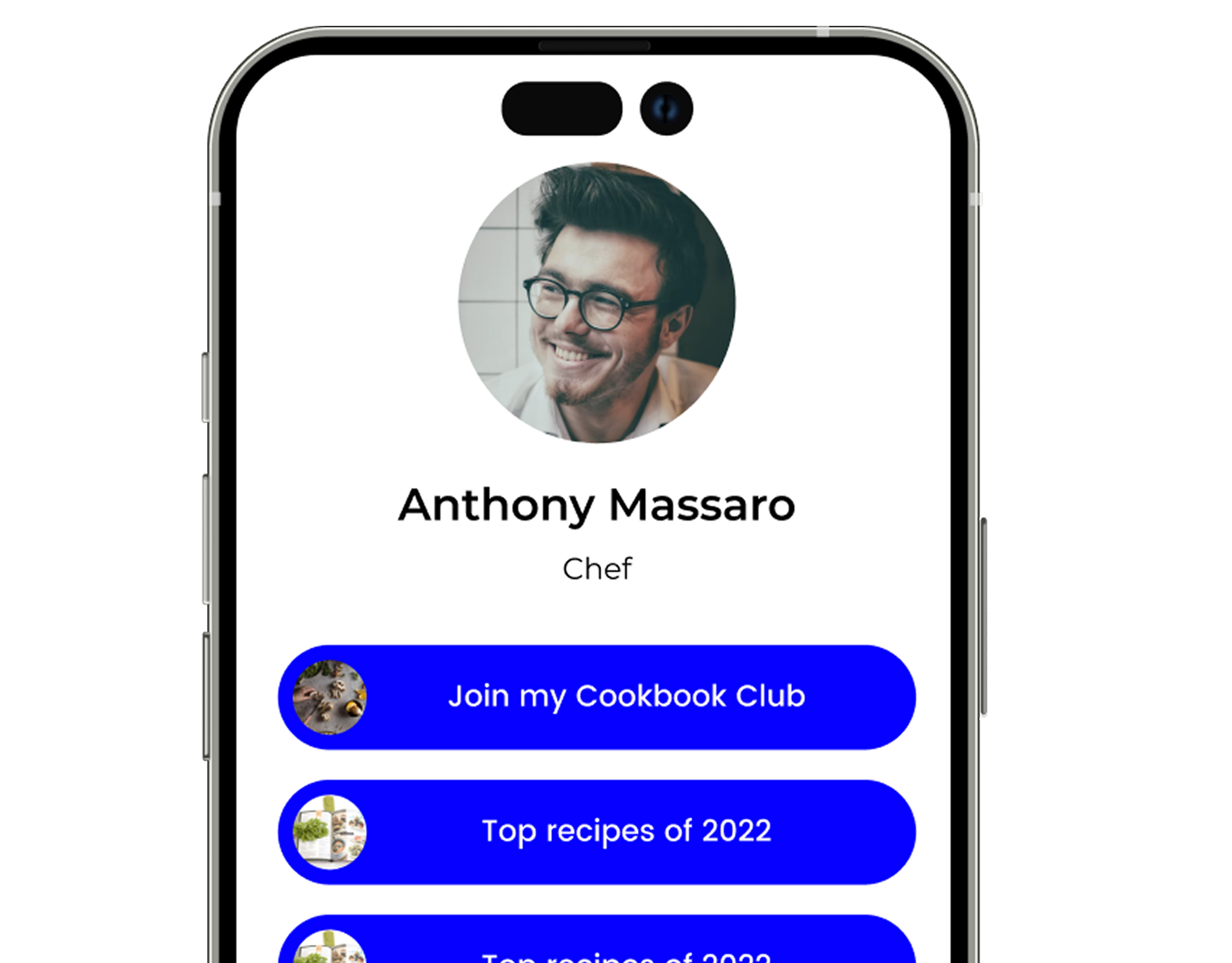
Tap on the images to zoom in
Create your first QR code in seconds - for free
Free 14-day trial.
No credit card required.


How to make a customizable QR code?
To create a QR code online, use the free tool on this page. If you want to explore more code features, you can try out our 14-day free trial.
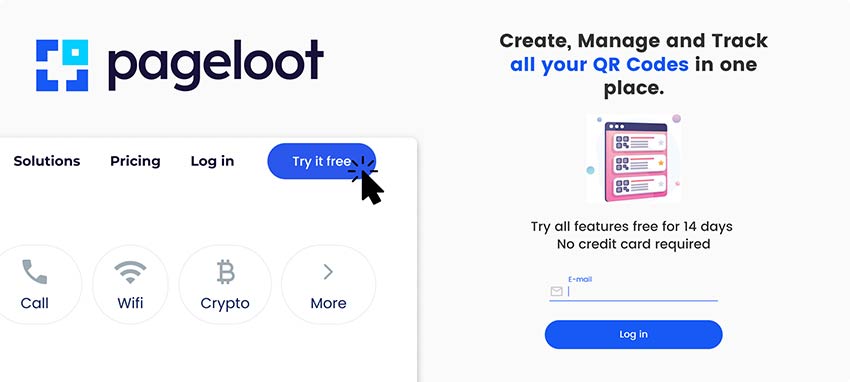

Choose the type of QR code that you are looking to create and follow further instructions. Make sure you include all required data in the designated fields.
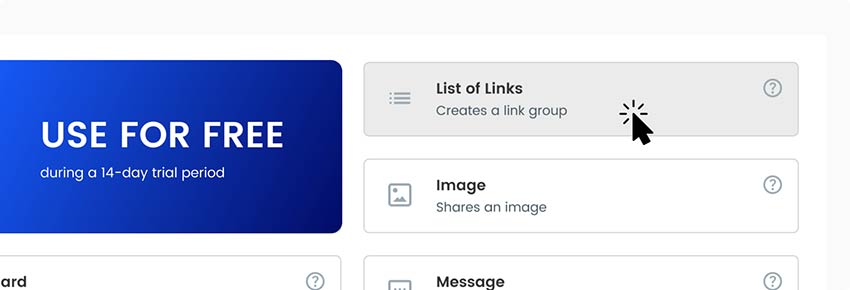

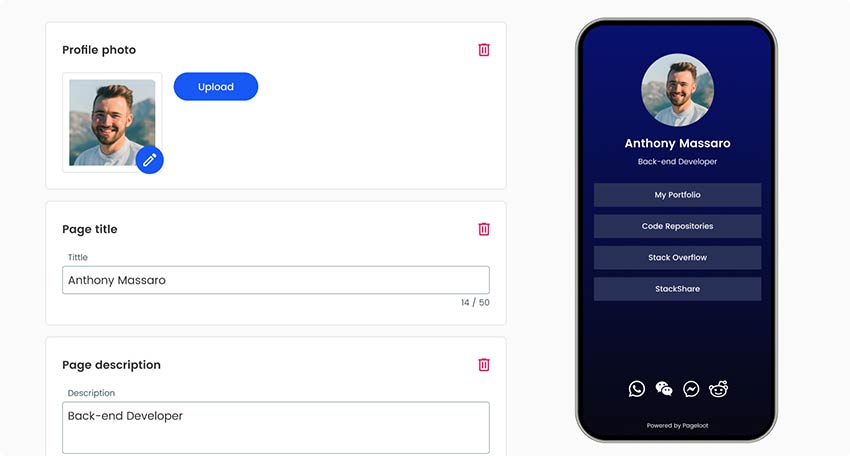
Add additional details to customize the landing page. Those can be visuals like images or videos but also timelines and other graphs.

When finished with the inside of the QR code, make sure you design its appearance. Add your brand's logo, change its colors to represent your company, and try out various frames or shapes.
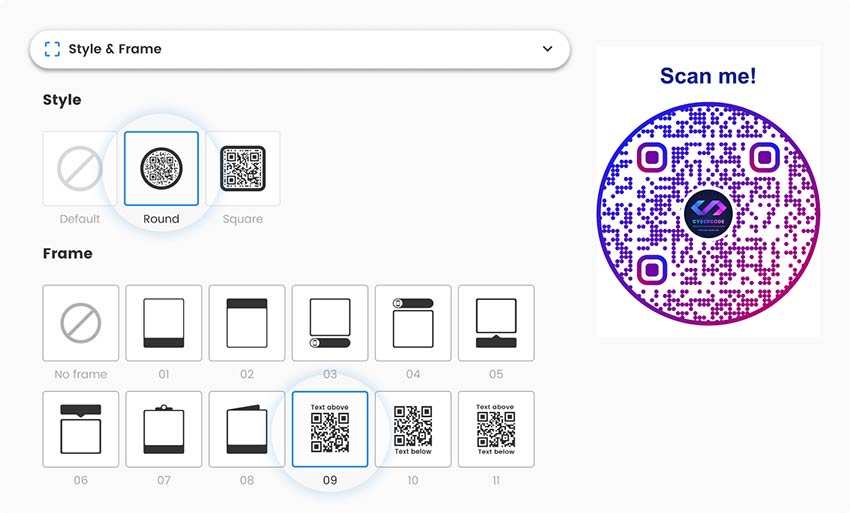

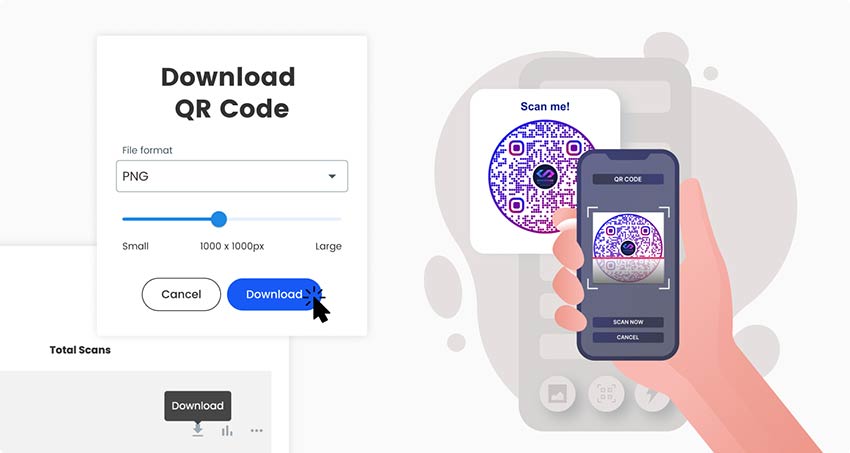
Save and download your finished QR code and don’t forget to check if it works. You can now share it online and print it to distribute it among your offline audience.

Why do I need a QR code maker?


The online QR code generator helps you create, manage and edit all your QR codes in one place.

The QR code can significantly simplify the way you share information since guests can access it with their smartphones. It’s a great opportunity to collect data about scans and analyze it from the analytics dashboard, which is easy to navigate.

Frequently asked questions


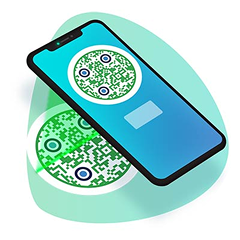
To use your free QR code all you need to do is create one and download it. Then you can start sharing it with your audience who will simply scan it with their phones and can access all data included in the file
Yes, you absolutely can. Use the free tool on the top of this page. Enjoy the free version. See if QR codes work for your needs. If you need to edit the QR code later without making a new one or track statistics – check out our pricing page.
To create a free QR code you can use the free tool on this page. To try out premium features, you can sign up for a 14-day free trial. This includes seeing QR scan data history and editing the QR code after printing.
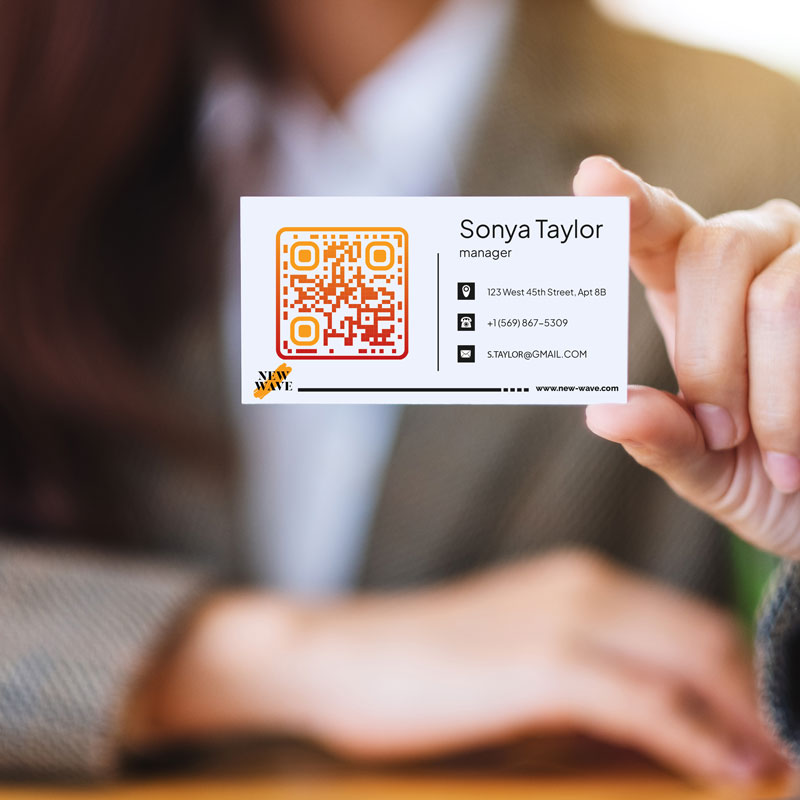
You can use the customizable QR code generator in various ways. To summarize, you can print or display the QR code anywhere you like from business cards to product packaging and flyers. Learn more about where to use a QR code here.
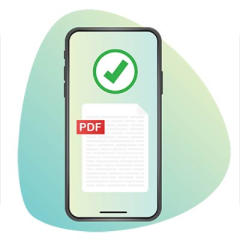
In addition to the most popular link QR code – you can make all types of QR codes from sharing a WiFi network to PDF and image files. See our QR code solutions page to get a better overview.


Contact us and we’ll be happy to help!
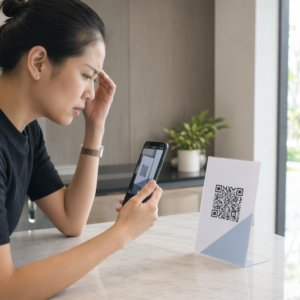
Why is my QR code not working?
-
You're not getting enough scans
Don't use the ugly standard pixelated QR code. Apply some design with our tool. Always use a CTA frame on your QR code. Explain why the QR code should be scanned. -
The link is broken
It's possible you have made a typo or your link has changed. You can either print out a new QR code, or use our dynamic QR codes when signing up. These can be edited without reprinting.
-
The QR code doesn't scan
Make sure the QR code has enough contrast with the background. Don't use a very similar color to the background. Instead, use light on dark and vice versa. -
The QR code is disabled
This can only happen if you were using a paid version of the QR code service. The QR code will work as long as your subscription is active.
4.86 / 5 stars rating


Where to use a QR code? Examples
Tap on the images to zoom in


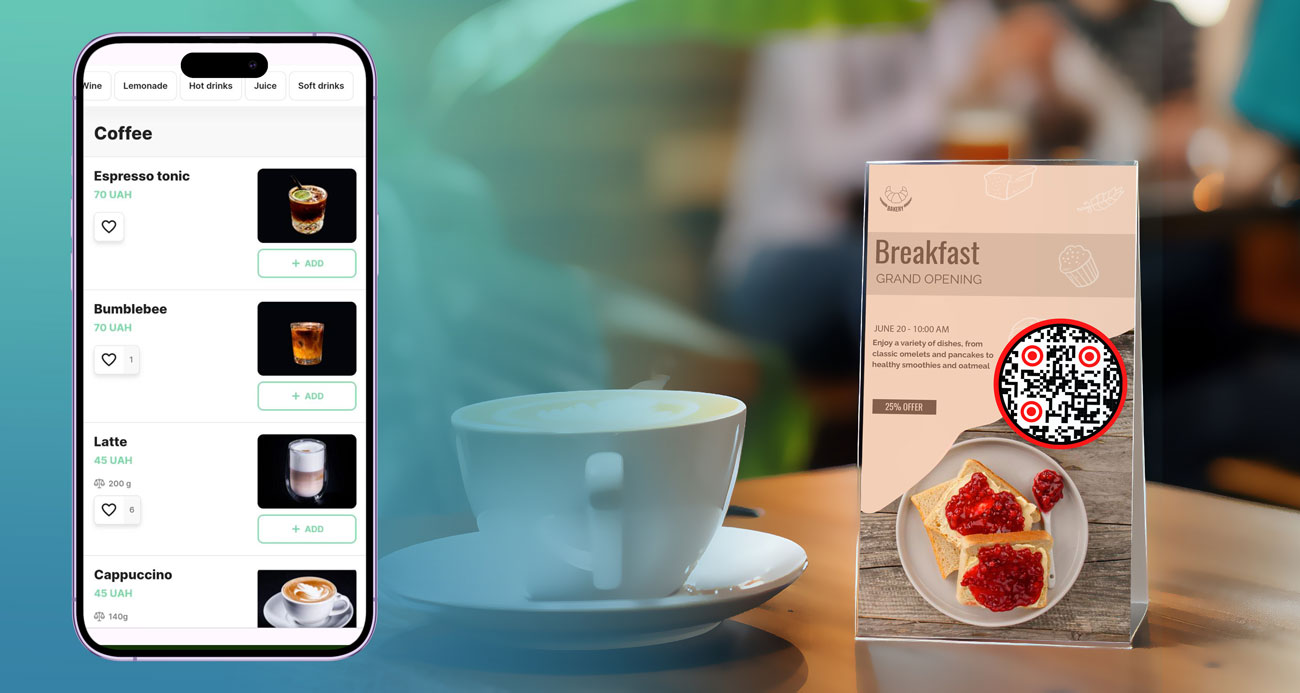
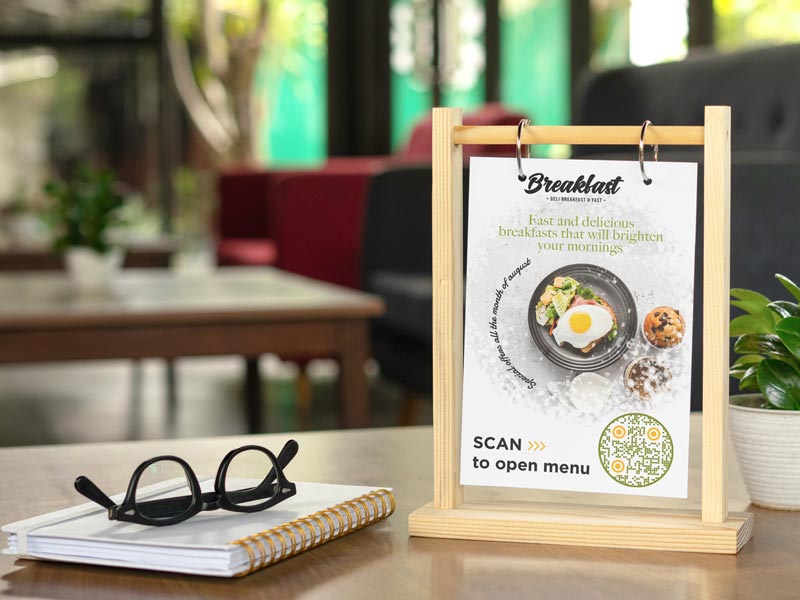
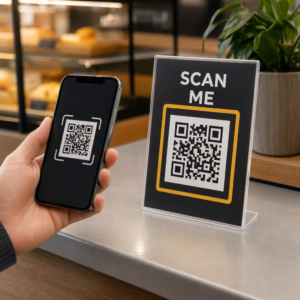
The most popular way to use a QR code is creating a menu to include on restaurant and cafe tables. With a digital version available, a paper copy doesn’t always have to be handed out. The customer can conveniently access the menu as soon as they reach their table.


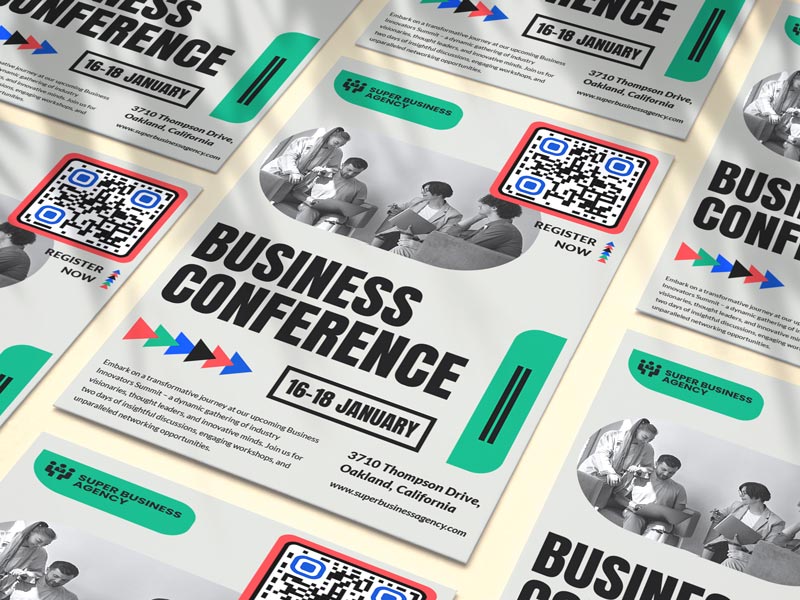
Many conferences have a set list of attendees, so to avoid starting the conference before everyone checks in, the organizers can use QR codes to see who is running late and whom they should contact.


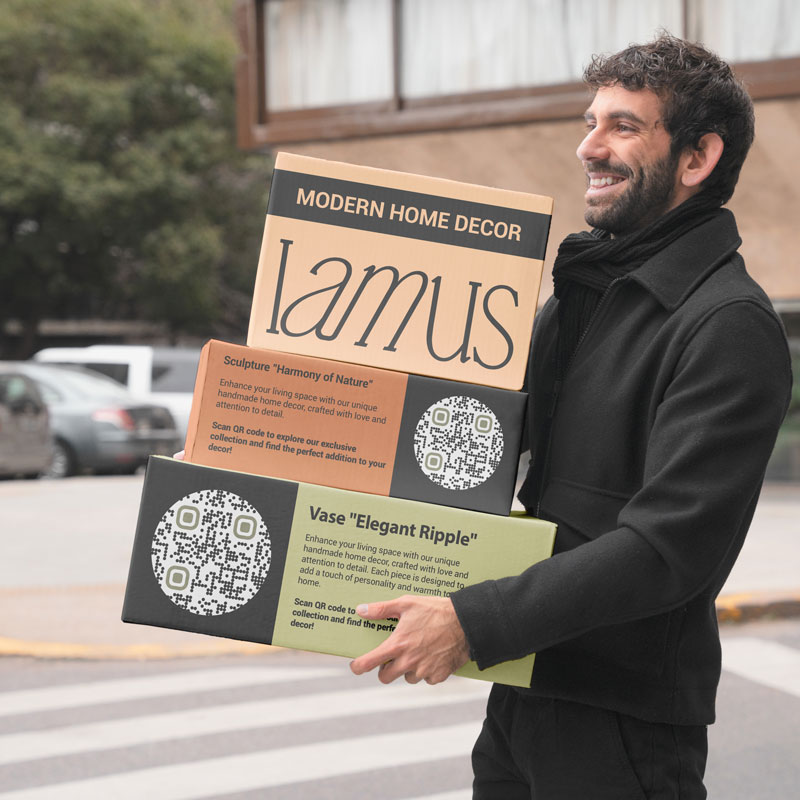
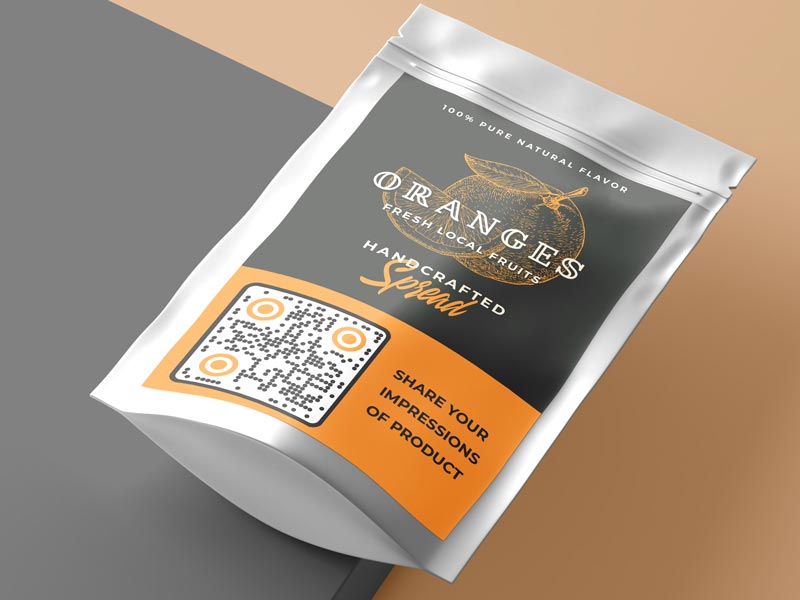
A great way to use a QR code is on product packaging allowing your customer an easy way to contact you. Happy customers will be able to express their emotions in the moment and those who wish to leave recommendations and bad reviews. You will be able to access the review data right away and contact the customer to resolve the problem ASAP.


Whether it a workout training or business training the best way to spread viable information and the training plan is by including all the data in a QR code. You can include any additional details about the training in the QR code as well as a check of the attendance of guests present.
How to get more scans on your QR code?
-
Make scanning easy for everyone
Your QR code must be easy to scan, without having to come closer to it or having to flat it out. -
High quality print
Make sure all users can scan the QR code seamlessly, without it being blurry or reflecting light.
-
Make it unique
Add brand colors and frames to your QR code to make it more notable and appealing. -
Use different channels
If you want your QR code to get noticed, you should actively promote it using various materials, both printed and digital.
Tips for creating a QR code
Always add a CTA description, a small phrase, explaining what guests can find after scanning the code.


Adding images of the event planned, video promos, or timelines to the QR code is a great customization tip.
If you are printing your menu on billboards at events, make sure you include an organization logo, so that visitors can trust the QR code.


Make sure to always update the QR code of the website link changes of the website is updated.
Benefits of using a QR code online


All QR codes are responsive and be viewed from different screens. So, everyone interested can not only scan the code from various surfaces but also open the link in other browsers and devices.


The QR code can store a lot of data. You can add images, videos, and links to all your online channels. Customization features allow you to personalize your QR code as much as possible and make it interesting.


Track all of your QR codes scans to collect statistics on users and customers who most visit your website.


With a printed ready-to-use QR code, companies won’t have to reprint it after every event or guest list change. They can simply make the edits in the QR code Tracker generator.


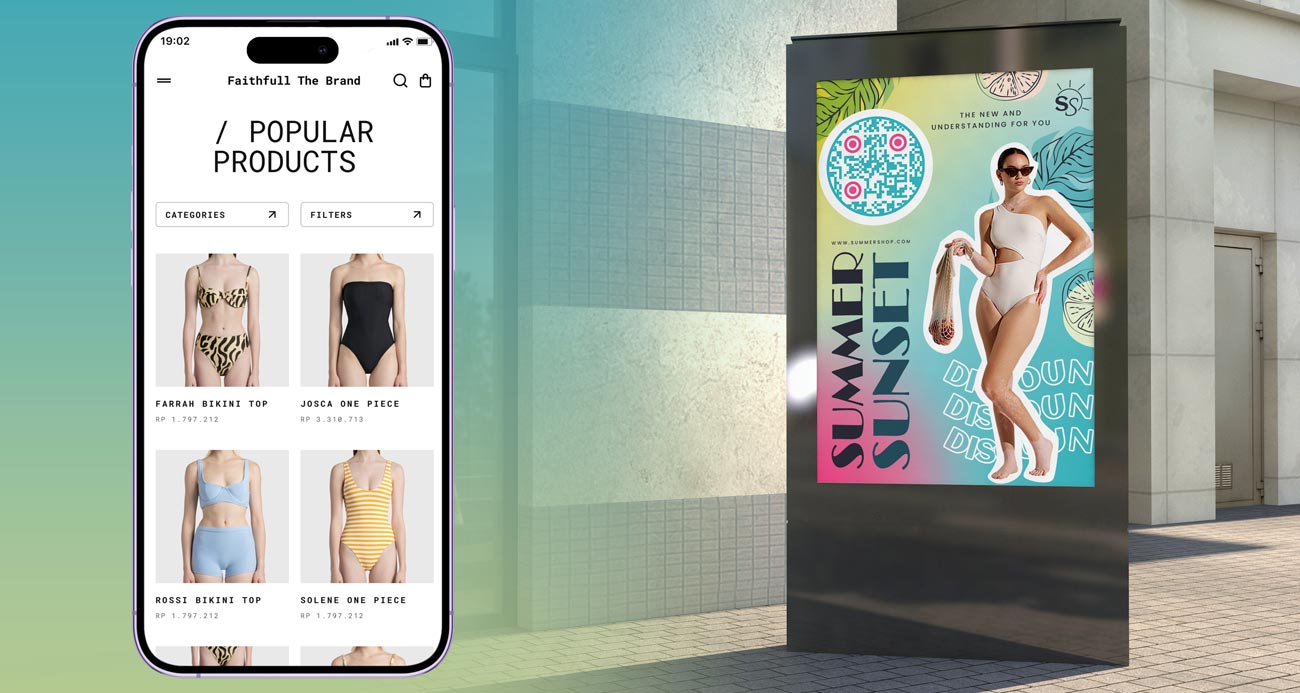
Instead of including a URL for your customers to type in their phones, you can include a QR code which they will quickly scan. This will save customer typing time and encourage more scans.


Creating a Website QR code is quite cost-effective, it doesn’t require any knowledge or special tools, and you can generate it with Pageloot for a few dollars and even for free.