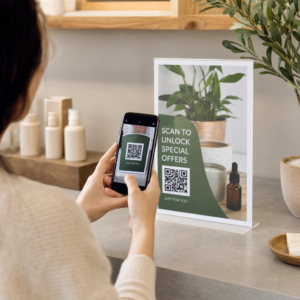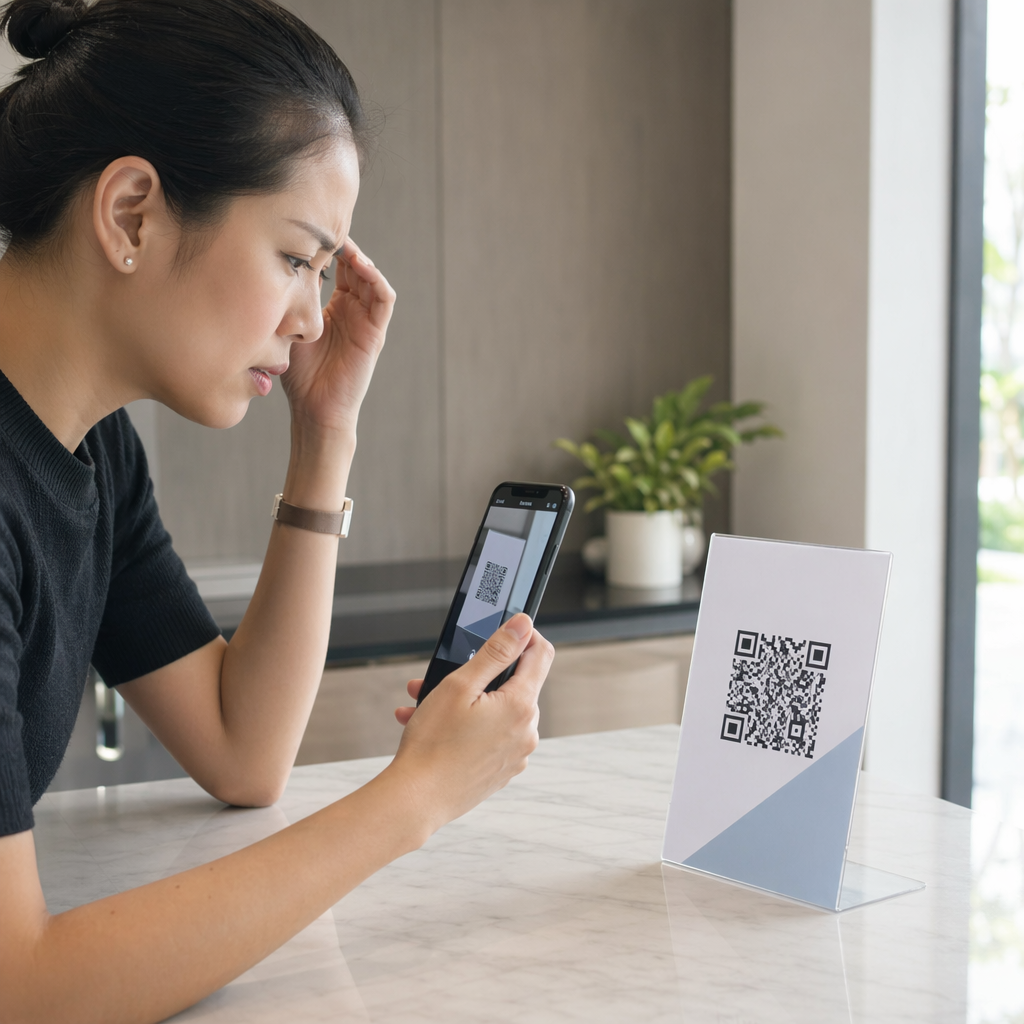
Is your QR code failing to scan or directing users to the wrong page? A non-functional code creates a poor user experience and can lead to lost engagement. This guide helps you diagnose common technical failures and provides practical solutions to ensure your codes work reliably every time.
Why Size and Distance Dictate Scannability
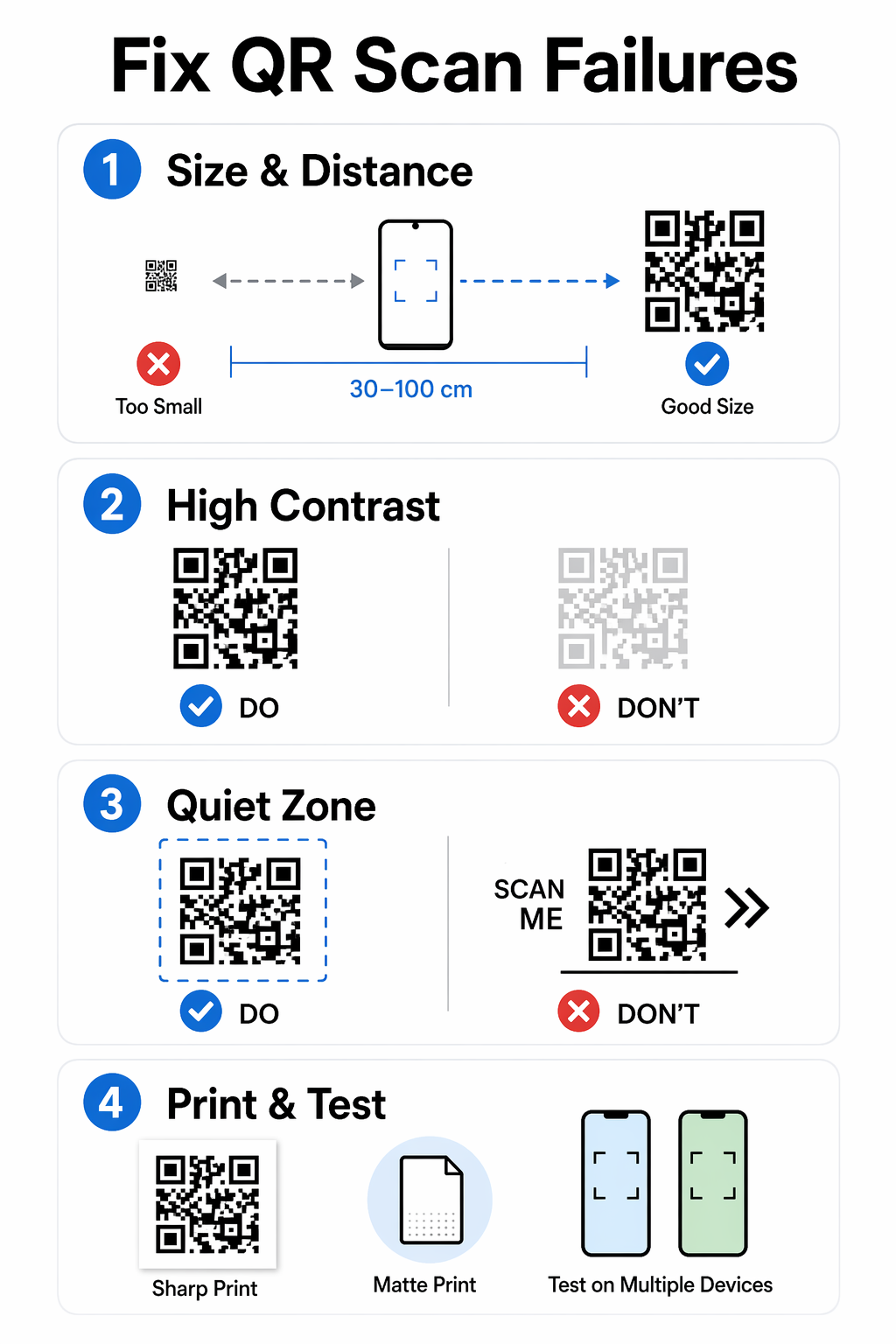
The physical dimensions of a QR code are the most frequent cause of scanning issues. If a code is too small, the smartphone camera cannot distinguish the individual modules within the pattern. Industry standards suggest a minimum size of at least 0.8 x 0.8 inches (2 x 2 cm) for close-range materials like business cards or product packaging. For codes intended to be scanned from a distance, you should follow the 10:1 distance-to-size rule, meaning a code viewed from 10 feet away should be at least 1 foot wide.
When planning your layout, remember that denser data requires more modules, which in turn requires a larger physical footprint to remain legible. Following best practices for QR code readability ensures that your design accounts for these proportions before you commit to a large print run. If you are unsure of the final placement, it is always safer to err on the side of a larger code to accommodate older mobile devices with lower-resolution cameras.
Why Color Contrast Is the Foundation of Readability
Scanners rely on the distinction between dark and light modules to decode information. If the contrast is too low, the software may fail to recognize the pattern against the background. While branded colors can improve engagement, you must maintain a high contrast ratio – ideally 4.5:1 or higher – to comply with color contrast best practices. Traditional black-on-white designs provide the highest reliability, but dark navy, deep purple, or forest green on light gray or cream backgrounds are also effective.
Avoid using inverted colors, as many native camera apps struggle to read light-colored codes on dark backgrounds. Similarly, stay away from gradients or translucent backgrounds that can create uneven lighting or mid-tones. Think of the scanner like a high-speed reader that needs a clear, sharp distinction between the “ink” and the “paper” to process the data correctly.
The Importance of the Quiet Zone and Padding
The “quiet zone” is the blank margin that surrounds the four sides of a QR code. This space is critical because it tells the scanner where the code begins and the surrounding design ends. According to international standards, this margin should be at least four modules wide. If text, logos, or background patterns encroach on this space, the scanner may incorporate those elements into the code itself, leading to a failed scan.
Maintaining this unobstructed border is one of the most effective tips for faster scanning. Even if your design is crowded, preserving this white space is more important than the aesthetic of a tight layout. Without a clear quiet zone, the scanner might perceive the code as part of a larger graphic rather than a functional tool.
Managing Data Complexity with Dynamic QR Codes
A QR code that contains too much information – such as a long URL with multiple tracking parameters – will appear extremely dense and pixelated. This complexity makes it much harder for cameras to focus on and decode the small blocks. To solve this, you can use a QR code generator to create dynamic codes. These codes store a short, simplified redirect URL rather than the full destination address, resulting in a cleaner, less cluttered pattern that scans significantly faster.
Dynamic codes offer the added benefit of flexibility. If your destination link breaks or changes, you can update the URL in the backend without needing to reprint your materials. This prevents the “broken link” problem that often occurs with static codes, where an expired promotion or a deleted landing page renders the printed code useless.
Monitor Your Campaign in Real-Time Want to see exactly where and when your customers are scanning your materials? Use the QR code generator to create trackable codes and access a full performance dashboard today.
How Print Quality and Substrates Impact Performance
The material your code is printed on can be just as important as the design itself. High-resolution images are essential; you should always use vector formats like SVG or EPS for printing to prevent pixelation. When a code is blurry or smudged, the edges of the modules bleed into each other, confusing the scanning software. Referencing the impact of printing techniques can help you choose the right method, such as offset or digital printing, to maintain sharp edges.
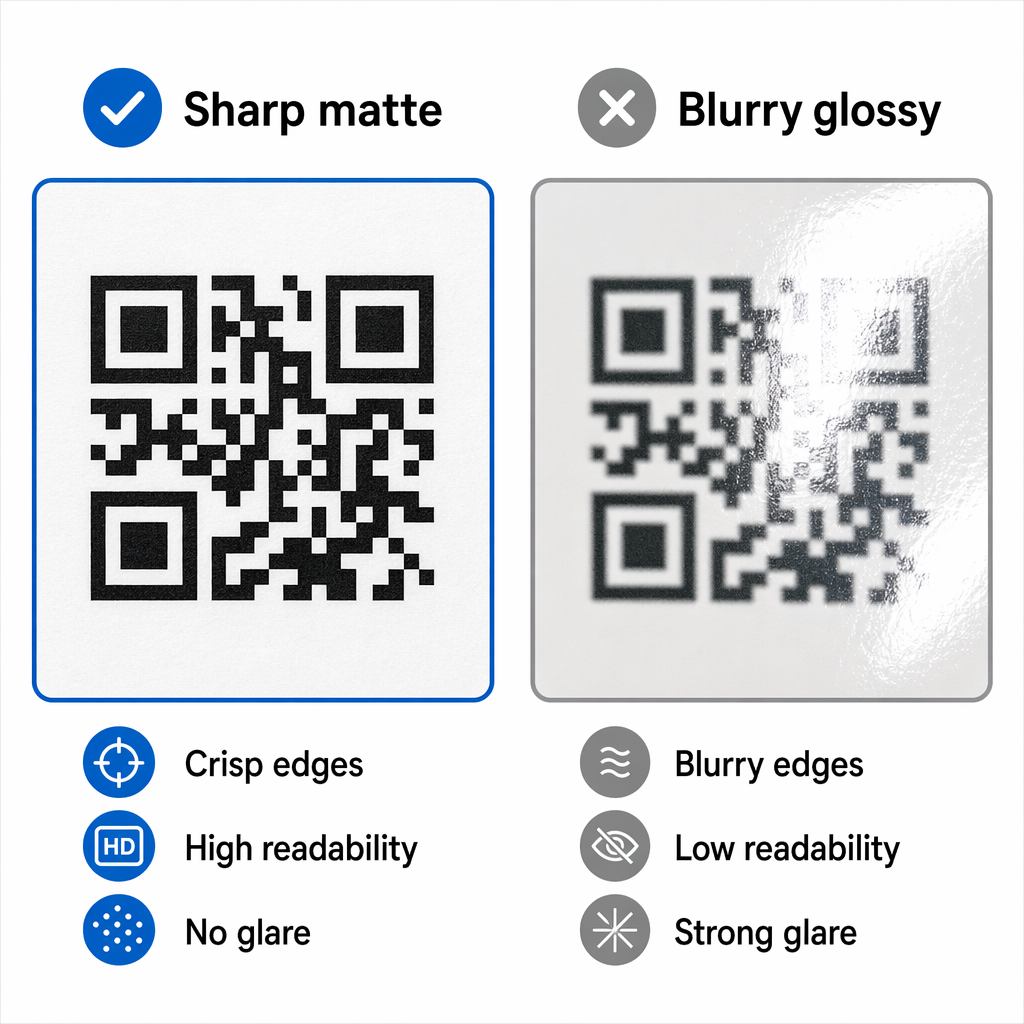
Environmental factors like glare also play a role. Glossy paper, glass, or plastic packaging can reflect light directly into the camera lens, washing out the code’s details. Using matte finishes or placing the code on a flat surface – rather than a curved bottle or a folded edge – will greatly improve the scan rate. If your code must be on a curved surface, increasing its size can help mitigate the distortion caused by the wrap.
Troubleshooting Device and Environment Issues
Sometimes the problem isn’t the code, but the environment or the device being used. Low lighting conditions can make it difficult for sensors to pick up contrast, while dirty camera lenses are a common but overlooked cause of blurry images. It is vital to test QR codes for mobile usability across different devices, including older Android and iOS models, to ensure broad accessibility.
If you are using branded elements, such as a logo in the center of the code, you must increase the error correction level to Q or H. This allows the code to remain functional even if up to 30% of the pattern is obscured. Following QR code usability best practices involves testing these branded designs in real-world lighting to ensure that the added graphics do not compromise the fundamental scan speed.
Ensuring your QR codes are functional requires a combination of proper sizing, high contrast, and the use of dynamic technology to handle data efficiently. By testing your codes on multiple devices and choosing high-quality print materials, you can eliminate the technical barriers that prevent customers from engaging with your brand.
Frequently Asked Questions
Blurriness usually happens when you use a low-resolution file format like a small JPG or PNG. To keep the edges sharp, always download your code in a vector format like SVG, PDF, or EPS, which allows for resizing without any loss in quality.
You can only change the link if you used a dynamic QR code. Static QR codes have the destination data hard-coded into the pattern, whereas dynamic codes allow you to update the redirect URL through your management dashboard at any time.
This is often caused by low contrast or a missing quiet zone. Ensure there is a clear border around the code and that the color of the modules is significantly darker than the background. You should also check if the code is too small for the camera to focus on at that distance.