Video QR Code Generator
Use the video QR code generator to convert your video link into a QR code. Customize the QR code design while keeping it fully scannable.
Style
Frame
Text
Frame color
Background color
Text color
Body
Body color
Edges
Frame type
Edge frame color
Ball type
Edge ball color
Trusted by over 20 000 brands to get more sales, reviews & followers.


What is a video QR code?
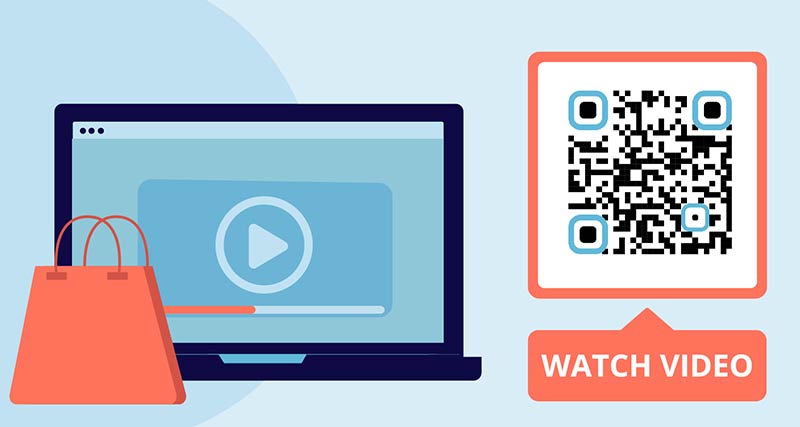
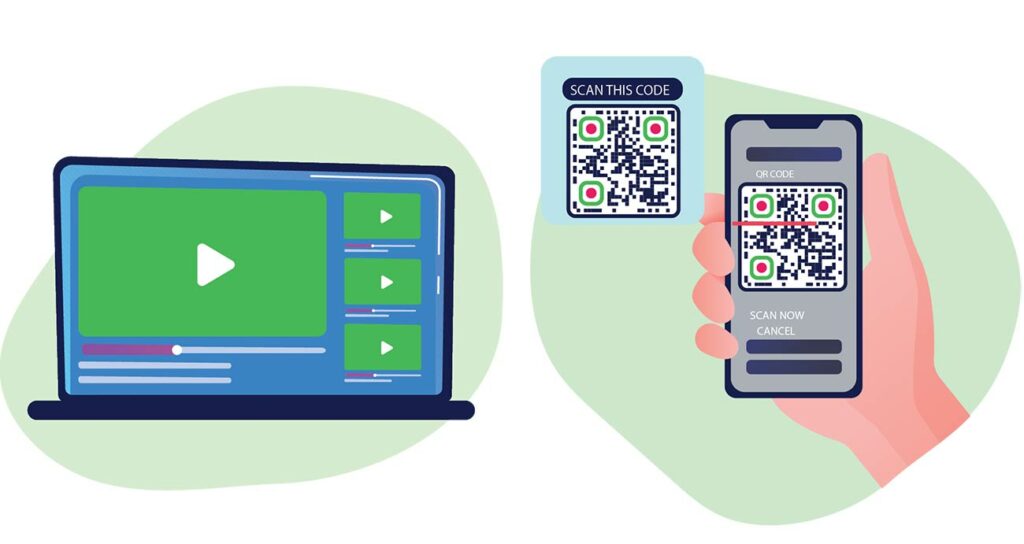
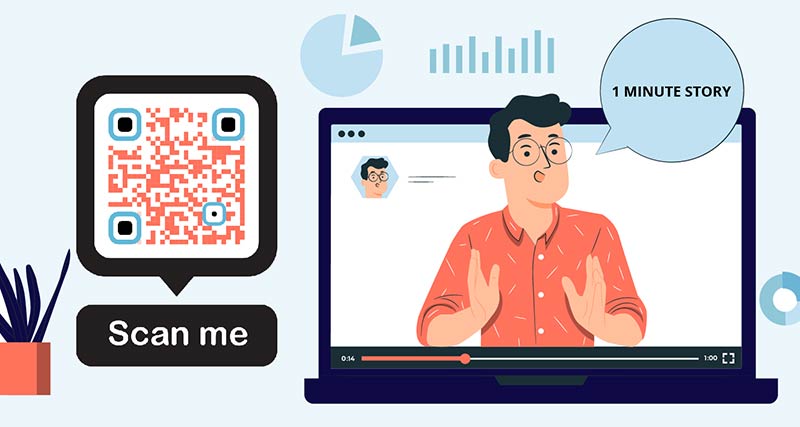
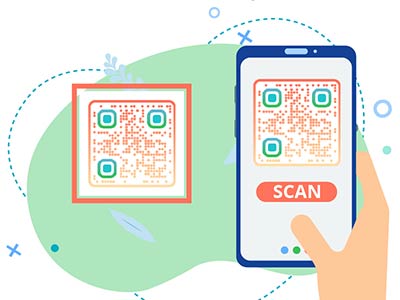
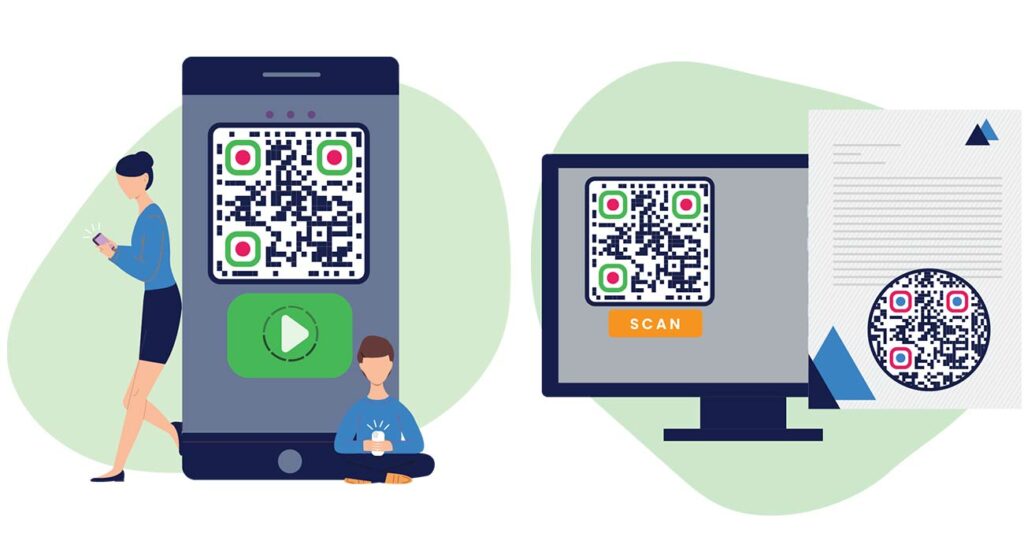
A video QR code is a scannable code that instantly opens a video on a smartphone or desktop device. It allows you to create a QR code for a video and give users fast access to video content without searching or typing links.
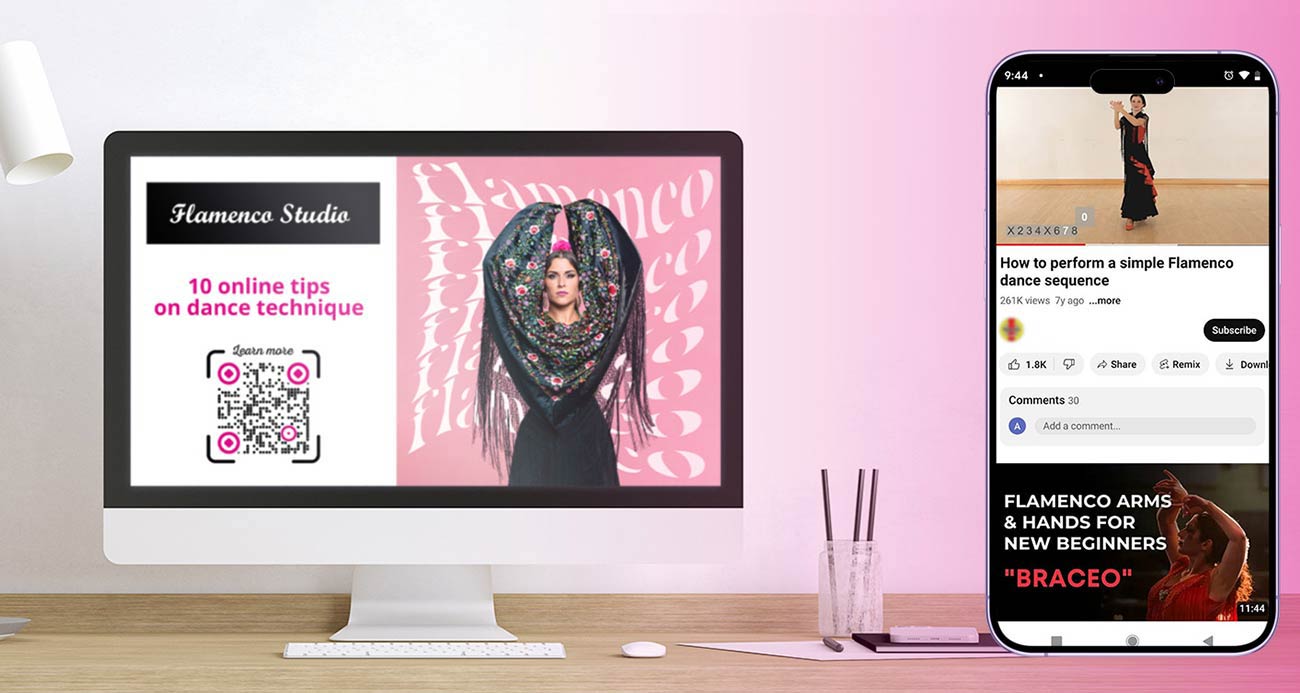
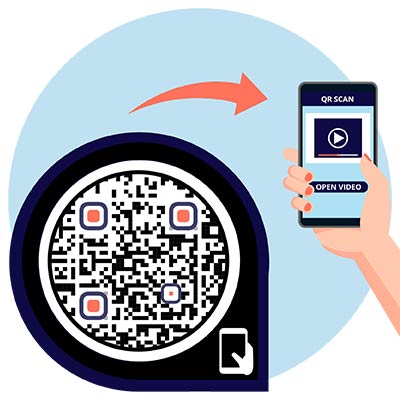
When users scan the video QR code, they are redirected directly to the video hosted on platforms like YouTube, Vimeo, Google Drive, or Dropbox, allowing instant playback. It allows you to instantly watch the content without the need to search it manually.


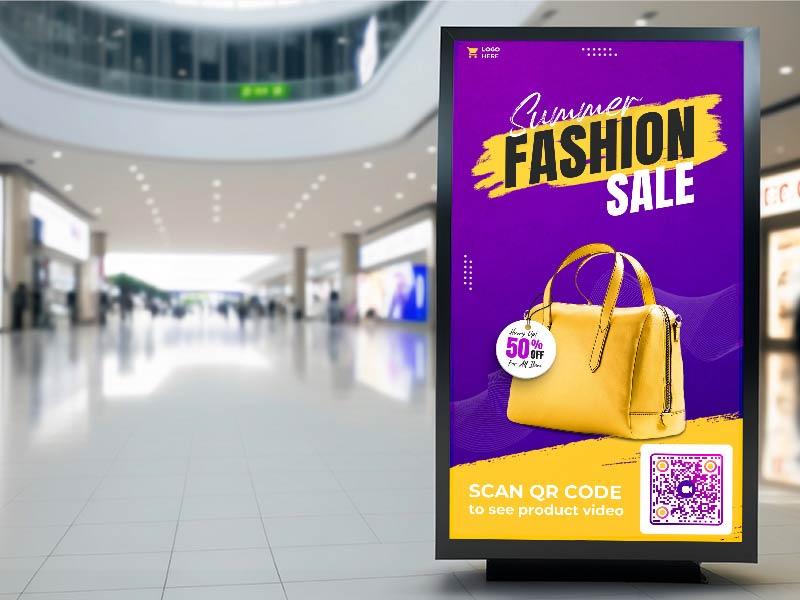
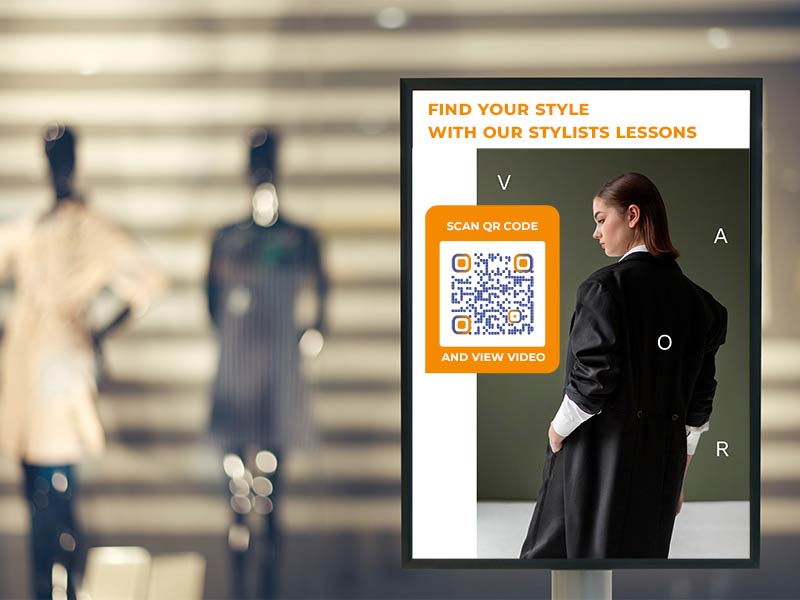
Create a QR Code for Video Examples
Tap on the images to zoom in
How Does a Video QR Code Work?


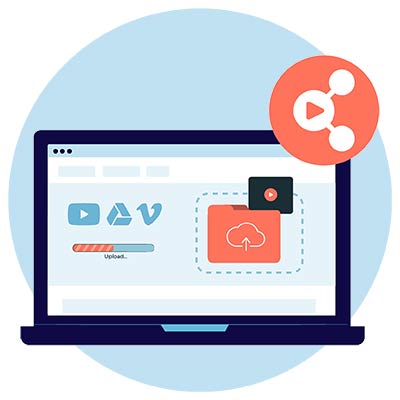
Upload a video to YouTube or another platform like Google Drive, Vimeo, and others and copy the ‘Share’ link.


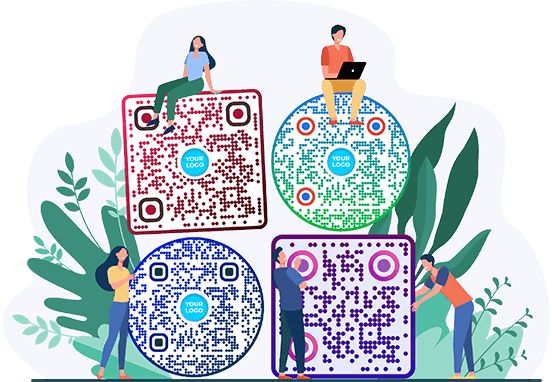
Use the free QR code generator to convert video to QR code. Customize it to align with your branding or make it visually appealing, but ensure that the QR code remains scannable.


Once generated, download or save the QR code image in the needed format.


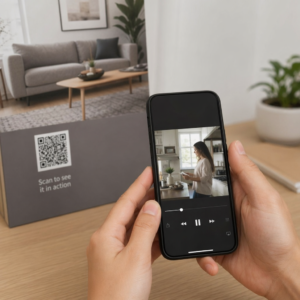
Add the QR code to your marketing materials, packaging, or digital platforms for users to scan the QR code using their smartphones.
How to make a QR code video?
Use Google Drive or Dropbox to upload your video and save the ‘Share’ link to the selected video. You can also upload your video to any other video platform like Vimeo and copy the link to it.
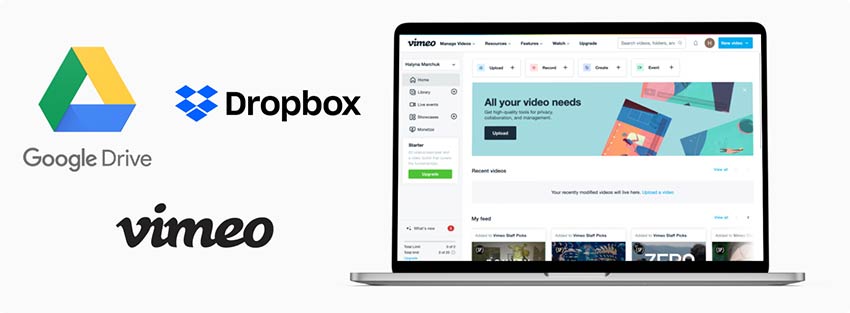

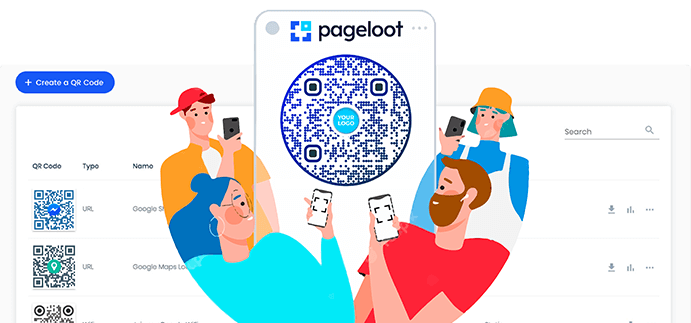
Go to Pageloot’s QR code generator for the video and add your link into the URL field.


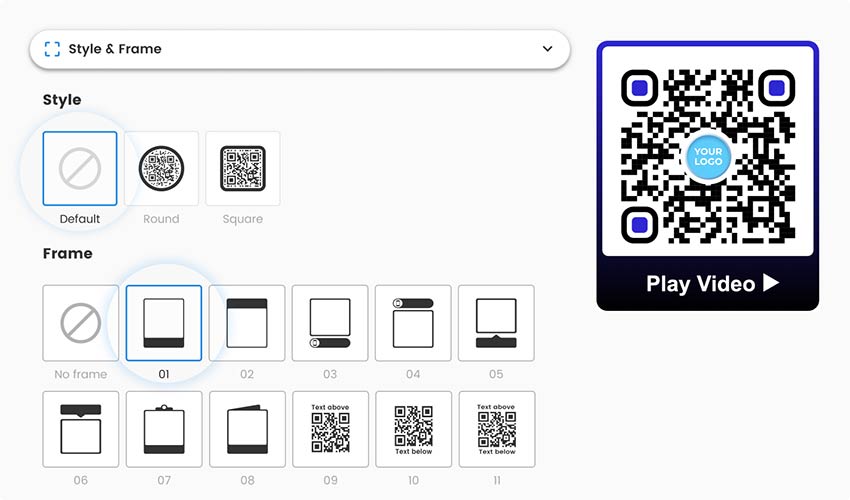
Add branding elements like an icon or a logo and edit your QR code by changing the background or color of the code.

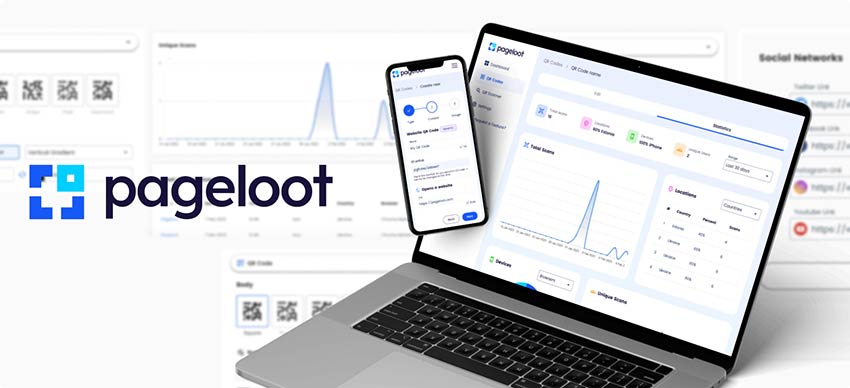
If you’re a Pageloot’s premium subscriber, you can use additional features like scan tracking and design library.

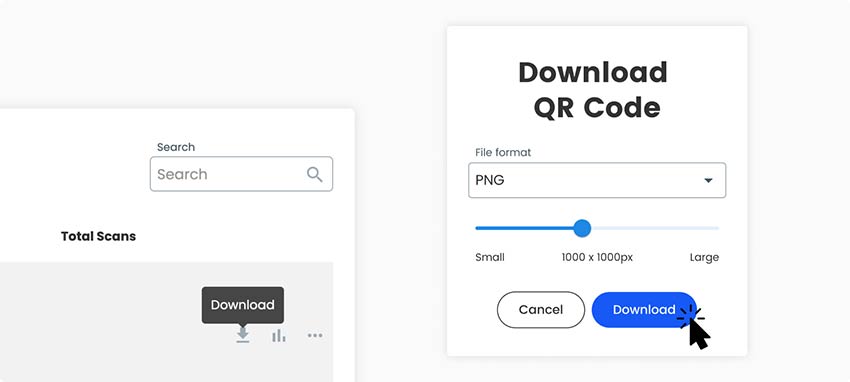
When done with customization, choose the format and quality you want your QR code to have and click the green ‘Download QR code’ button on the right side of the page, and save it to your laptop.

Why do I need a QR code for a video?


A video QR code helps businesses and creators direct viewers to video content instantly. By creating QR codes for videos, you can increase watch time, improve engagement, and simplify video sharing across physical and digital materials.
QR codes enhance user engagement, allowing customers to access videos instantly with a simple scan. It’s not only time-efficient but also creates a more interactive experience.
Also, QR codes can be tracked and provide valuable analytics, helping businesses measure the effectiveness of their video marketing efforts and make data-driven decisions to optimize their strategies. QR codes for videos enable businesses to enhance brand visibility, engage customers, and deliver compelling video content with ease.
What are the advantages of a Video QR Code?
A video QR code allows users to instantly watch a video by scanning a single code. It improves accessibility, increases video views, supports analytics, and simplifies video promotion across online and offline channels.
Key advantages of using a video QR code:
Instant Video Access
Users can scan the QR code with their phone camera and immediately watch the video without searching, typing URLs, or navigating menus.
Works on All Devices
A single video QR code works on Android, iOS, tablets, and desktop devices, redirecting users to the correct video platform automatically.
Higher Engagement & Watch Time
By removing friction, QR codes encourage more users to watch videos, resulting in higher engagement and longer viewing sessions.
Easy Video Promotion Offline
Video QR codes can be printed on flyers, brochures, packaging, posters, billboards, and event materials, connecting offline audiences to digital video content.
Editable Without Reprinting
If the video link changes, you can update the destination without changing the QR code. The same QR code continues to work.
Trackable & Measurable
With scan tracking and analytics, video QR codes allow you to measure performance, understand audience behavior, and optimize video marketing campaigns.
Cost-Effective Marketing Tool
One QR code replaces multiple links and promotional materials, reducing printing, design, and distribution costs.
Frequently asked questions


To scan a QR code, users can use their smartphone or a QR code scanner. When you scan a QR code or just direct your camera towards the code, your phone will open the URL with the video in the default browser.
You can use the free tool on this page. However, if you need advanced functionality, you should check out our premium subscription plans offered at various pricing points, so you can choose the one that fits your needs and requirements the best.
By providing a quick and direct way for viewers to access videos, QR codes can significantly improve engagement and encourage more people to watch your YouTube content. It’s important to make sure that users know about this code from different channels and can scan it.
The QR code generators available online are mostly free. You can pay for additional functionality like tracking or editing, however, basic features are available in the free plans. You can turn a video into a QR code using Pageloot’s free QR code generator tools. Simply paste your video link, generate the QR code, and download it for immediate use. Try out advanced functionality included in our monthly subscriptions. A 14-day free trial allows you to explore these features without the need to commit.
The number of scans is usually shown in the analytics dashboard on the QR code generator for videos. With tracking functionality, you can monitor not only the scan count, but also the location, where it was scanned, and other relevant metrics. You get access to all tracking features in the premium subscription.


Contact us and we’ll be happy to help!
4.86 / 5 stars rating


Where to use a QR code for video? Examples
Tap on the images to zoom in


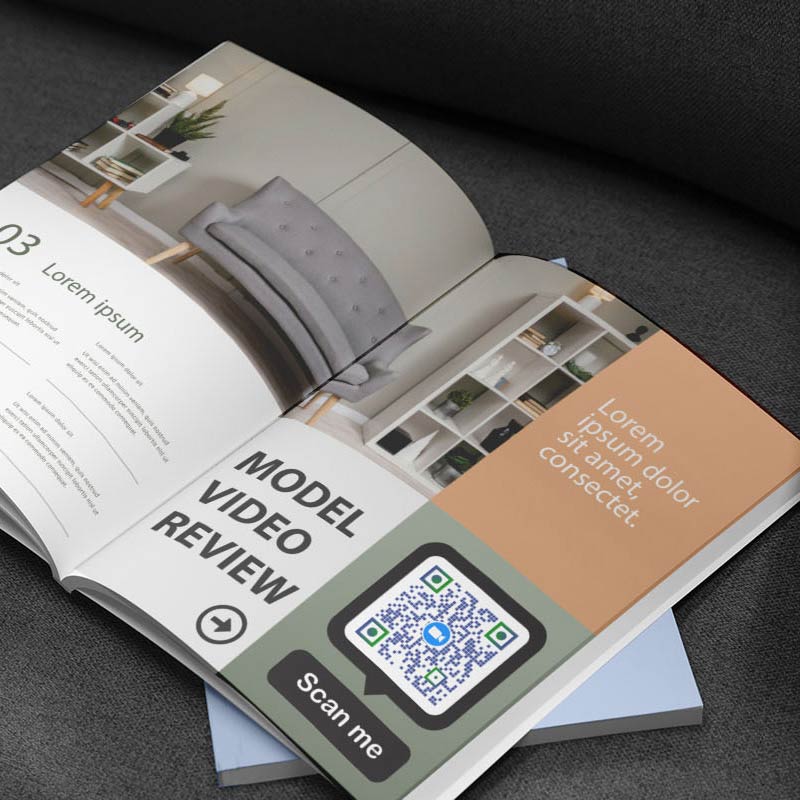
QR codes are good for printed materials to direct viewers to promotional videos, product demonstrations, or other content related to your business. You can also integrate QR codes into digital ads like banner ads or sponsored posts, to redirect viewers to video content that complements the promotional message, increasing engagement and brand awareness.


Include QR codes on product packaging to provide customers with instructions or product reviews, showcasing the features and benefits of the product. QR code for video is an excellent way to share tutorials and guides that help customers better understand your services and encourages them to make informed decisions.


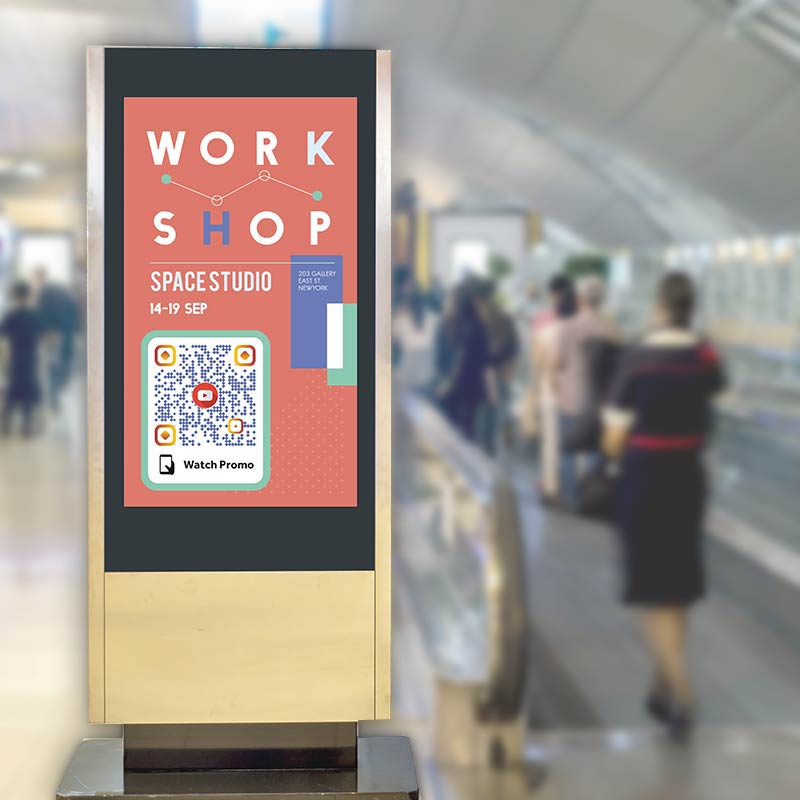
Display QR codes on banners, posters, or digital screens at events to share event highlights, speaker sessions, or behind-the-scenes videos. This allows attendees to access relevant video content instantly. It’s a great way to engage with attendees and bring more awareness to your brand.


Place QR codes on in-store displays and shelf tags to offer customers additional information like explainers, video tutorials, or reviews. This can be used in numerous industries, including retail, arts and culture, design, and more. When it comes to business or education, you can also add a video relevant to the topic.
How to get more scans for a video QR code?
-
Make it easy to scan
Position your QR code in strategic locations where it's easily visible and accessible to your target audience. -
Offer exclusive content
Provide Incentives: Encourage users to scan the QR Code by offering incentives such as exclusive content, discounts, giveaways, or access to bonus features. This creates a sense of curiosity and reward, motivating viewers to engage with your video content.
-
Test and experiment
Experiment with different approaches, code placements, designs, and incentives to see what resonates the most with your target audience. -
Increase awareness
Ensure that your QR code is prominently displayed on various marketing channels, printed and digital. Make it visually appealing and clearly communicate the value or content viewers can expect by scanning the code.
Best practices & tips for video QR code
You can upload many YouTube videos to one QR code, it’s usually worth sticking to a few of your best short videos. Many long videos can slow down the loading time of your page and also make users abandon your videos without watching them.


Create a sense of exclusivity by offering additional content that can only be accessed through the QR code. This could be sneak peeks, explainers, or interviews related to your offer.
Using QR code tracking tools to monitor the performance of your QR code campaigns allows you to identify which platforms and strategies help generate the most scans. Use this data to optimize the QR code placement on promotional materials.


Adding a frame on your QR code can go a long way in capturing attention and getting more scans. A clear and compelling call to action can entice users to scan the QR code and show the value of the code.
Benefits of using QR codes for videos


QR codes provide a seamless way for users to access videos with just a scan. It’s a simple and efficient way for users to access video content. By scanning the code with their smartphones, viewers can instantly watch videos without the need for manual searching or typing URLs.


By using video QR codes, businesses can attract and maintain the attention of their audience. The dynamic and immersive nature of videos allows for storytelling, demonstrations, and showcasing products or services in a compelling and memorable way.


QR codes can be easily incorporated into various materials and platforms. They can be easily integrated into different channels and mediums. This versatility allows businesses to reach their audience through multiple touchpoints and adapt their video marketing to different contexts.


QR codes add an interactive element to video marketing. Businesses can encourage clients to explore additional video content. This increased engagement can result in longer viewing times, better brand awareness, and a stronger connection with the target audience.


Videos provide a great experience by combining visuals, audio, and sometimes even text or subtitles. QR codes enable viewers to access this rich multimedia content with just a single scan, enhancing their overall experience and creating a deeper connection with the brand or message being shown.


Video QR codes can provide valuable analytics and insights into viewer behavior. Businesses can track metrics such as the number of scans, the duration of video views. Optimize video content with QR codes and refine your video marketing strategies for better results.