Link to QR Code Generator

Generate a QR code from your URL and connect offline users to your website instantly. Start now and track scans with ease.

preview qr code
Go to Website
Link
0 / 2048
preview qr code
1100
Low Quality
1100 x 1100px
High Quality

Design Preset

Trusted by over 20 000 brands to get more sales, reviews & followers.

Client logos

What is a link to QR code?

A link to QR code (QR code from URL) directs users to a website address, landing page, or web link instantly after scanning.

When scanned using a smartphone camera or QR code reader, the URL QR code automatically redirects users to the designated website, landing page, or online content.

This allows you to access online content directly without the need to manually enter the URL.

How to make a qr code for a link with a smartphone

Generate a QR Code for URL
Examples

Tap on the images to zoom in

How Does a URL to QR code Work?

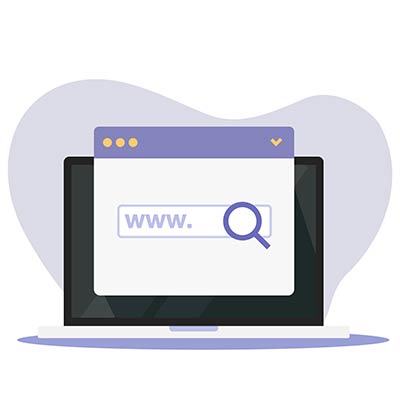
Search box in a laptop with a magnifying glass on the screen
Create

To convert a link to a QR code, start by inputting the desired website URL or link you want to encode.

Turning a link into a QR code
Scan

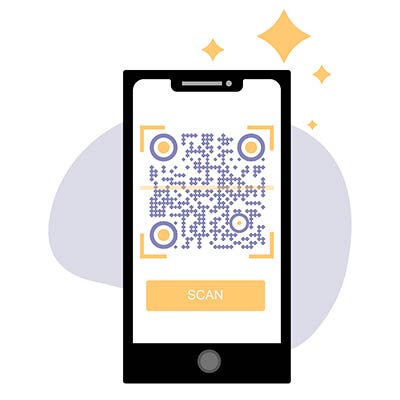
When a user scans the link QR code using a smartphone camera, the device decodes the QR code pattern.

Phone with contacts list on gray background
Open

The converted qr to link opens a URL automatically in the user’s web browser or application.

Icons of different files on a gray background and the image of a picture icon
Share

A link code scanner provides a seamless way to share and access online content. 

How to make a QR code for a link?

Here is how turning a link into a QR code is done in 5 easy steps:

Copy your link

Use the free link QR code generator on this page. Provide the website URL or web link that you want to convert into a QR code. This can include a webpage, landing page, online content, or any other URL that you want users to be directed to when scanning the QR code.
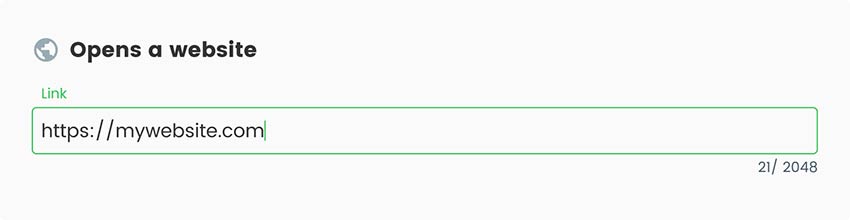
Place for a link in link QR code generator
Paste the link

Click the “Next” button to generate a QR code from URL based on the provided website link. The QR code generator for the link will create a unique QR code image that transforms the link to QR code.
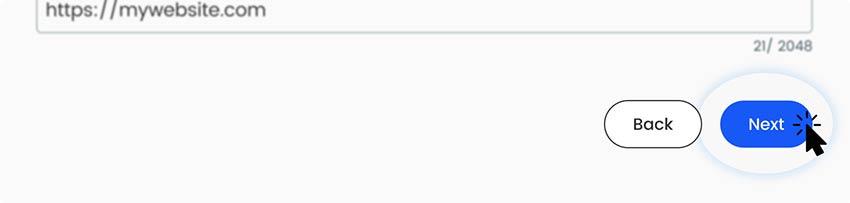
Next button image on link QR code generator
Add style

The Pageloot QR code generator for links offers customization options to modify the appearance of your link QR code. Our generator has the option to change colors, add a logo, and adjust the size of the QR code.
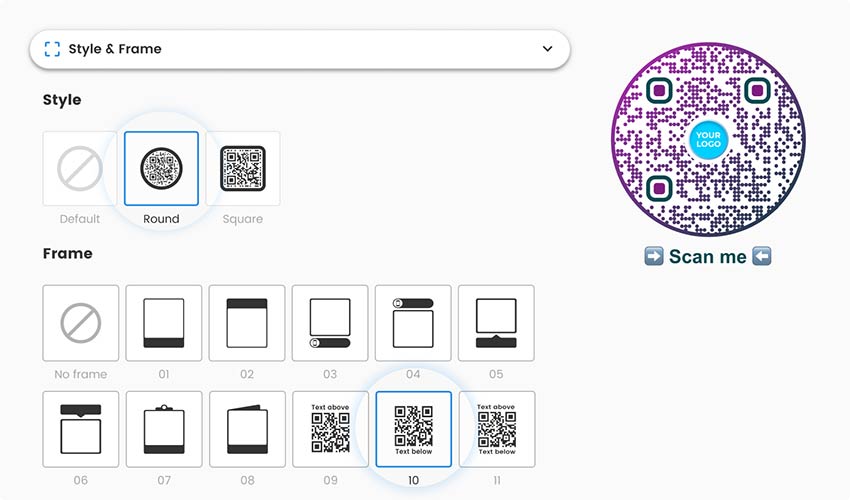
Customization field with frame and style selection for QR code for a URL
Download

Once you are satisfied with the generated QR code, download or save the image file to your computer or device.
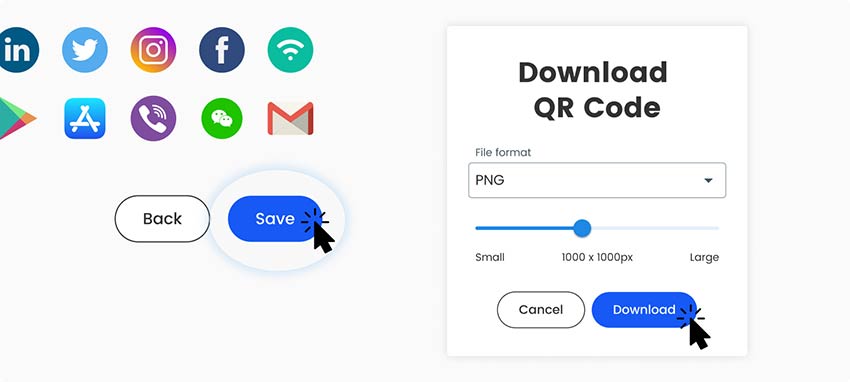
Download window link QR code generator with the ability to share in social networks
Print it

Incorporate the link QR code into your marketing materials, such as posters, flyers, business cards, or digital platforms. Users can then scan the QR code with their devices to easily access the linked content.
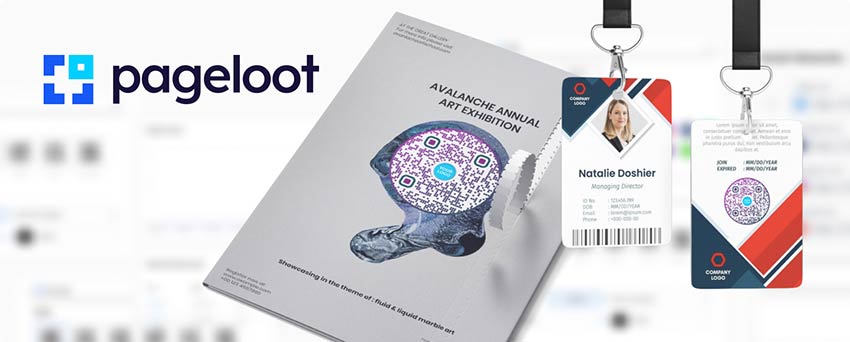
How to turn a link into a qr code for printed items
All done!

Why do I need a link QR code?

How to create a QR code from URL

A link QR code provides users with instant access to online content by eliminating the need for manual URL entry. A link QR code is essential for several reasons. This convenience enhances the user experience and encourages engagement.

Link QR codes are particularly useful for marketing and promotions, allowing businesses to drive traffic, track engagement, and provide targeted content. By incorporating link QR codes into offline materials, such as brochures or business cards, companies can seamlessly connect their offline and online presence. The tracking and analytics capabilities of link QR codes enable businesses to gather valuable data on user behavior and campaign effectiveness.

What are the advantages of QR codes for links?

Converting a website link into a QR code makes online access faster, simpler, and more engaging for users. QR codes for links help businesses turn offline touchpoints into measurable online actions while improving user experience and conversion rates.

Key advantages:

  • Instant access to web content
    Users can open a website, landing page, or online offer instantly by scanning the QR code—no manual URL entry required.
  • Seamless offline-to-online conversion
    Link QR codes can be placed on flyers, posters, packaging, menus, business cards, or ads to drive traffic directly to digital content.

  • Higher engagement and conversions
    By reducing friction, QR codes for links increase click-through rates and encourage users to take action faster.
  • Mobile-optimized experience
    QR codes are designed for smartphones, ensuring smooth access to mobile-friendly websites and pages.
  • Editable destination links
    With dynamic link QR codes, you can change or update the destination URL without reprinting the QR code.
  • Scan tracking and performance analytics
    Monitor how many times your link QR code is scanned, where scans occur, and which devices are used to optimize campaigns.
  • Custom branding and design
    Customize colors, shapes, frames, and logos to align the QR code with your brand identity.
  • Cost-effective marketing tool
    Drive traffic and generate leads without printing long URLs, saving space and reducing marketing costs.

Frequently asked questions

Yes, no technical knowledge is needed. Use the free tool on this page. Anyone can follow our simple 5-step guide to convert a link to a QR code. It is possible to create a static or a dynamic QR code. This depends if you need to edit it later after printing.

To scan a QR link code, just open your camera app. You may need a link QR code scanner installed on your smartphone or tablet. Open the camera app and align the QR code within the scanning frame. The QR code will automatically open the URL. Once scanned, the app will display the linked website URL or content associated with the QR code. You can then tap on the displayed link to open it in your device’s web browser.

Yes, with Pageloot, you can choose from over 50+ ready-made options. There are different templates for every taste.

You can create a QR code from the URL for free. To use more of the advanced functions, you can choose a convenient paid subscription plan.

Yes, the Pageloot QR code link generator offers a free QR code maker service that includes the creation of link QR codes. You can input the desired website link and generate a QR code for URL without incurring any cost. However, it’s worth noting that there are additional features and advanced customization options available.

Frequently asked questions icon
More questions?

Contact us and we’ll be happy to help!

Trusted by top brands
Rated 4.8 out of 5

4.86 / 5 stars rating

Hugo Laurent
Hugo Laurent
Restaurant owner
The most easy and reliable QR code Generator ever. PDF files can be uploaded instantly. Our restaurant menus are now digital.
Lucas Jansen
Lucas Jansen
Real estate developer
This is an excellent tool and the QR codes take you to just where you want. We only use the location QR code but there are so many useful features.
Emma Moretti
Emma Moretti
Retail products
Easy to use and quick. It works great and creates a perfect images, so employees can download my vCard.
Hugo Laurent
Hugo Laurent
Restaurant owner
The most easy and reliable QR code Generator ever. PDF files can be uploaded instantly. Our restaurant menus are now digital.
Lucas Jansen
Lucas Jansen
Real estate developer
This is an excellent tool and the QR codes take you to just where you want. We only use the location QR code but there are so many useful features.
Emma Moretti
Emma Moretti
Retail products
Easy to use and quick. It works great and creates a perfect images, so employees can download my vCard.
Generate QR codes for URL

Free 14-day trial. No credit card required.

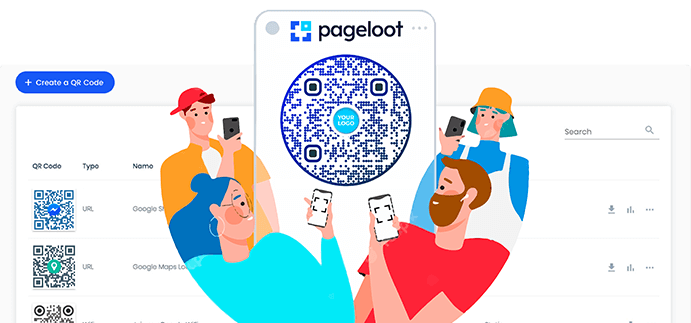
QR code generator dashboard preview

Where to use a link QR code?
Examples

Tap on the images to zoom in

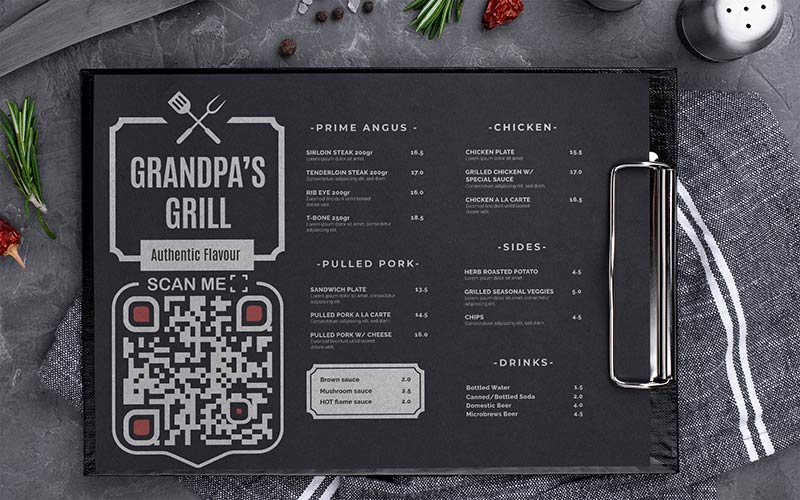
Restaurant menu with link QR code in black minimalist style

Restaurants & menus

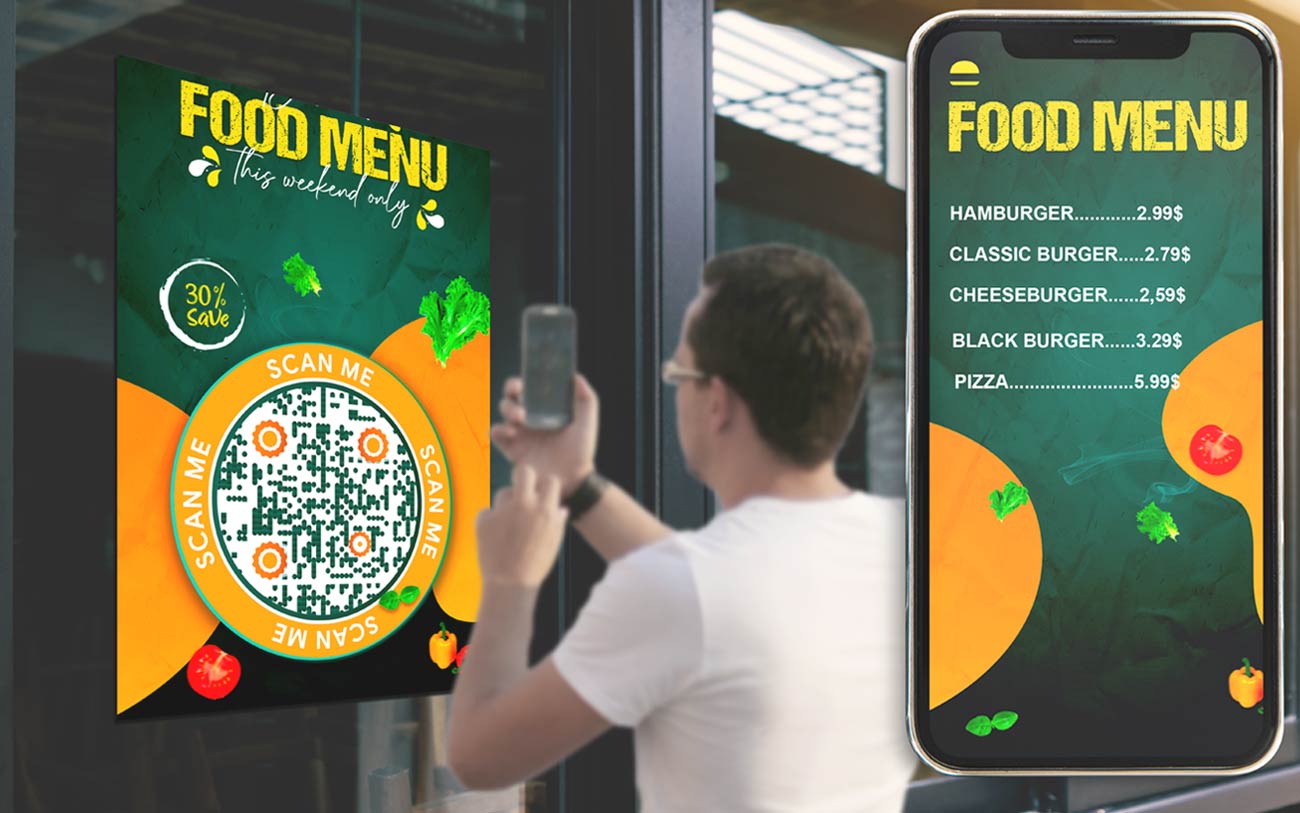
Display link QR codes on menus or table tents to allow customers to view nutritional information, place online orders, make reservations, or access promotions and discounts.

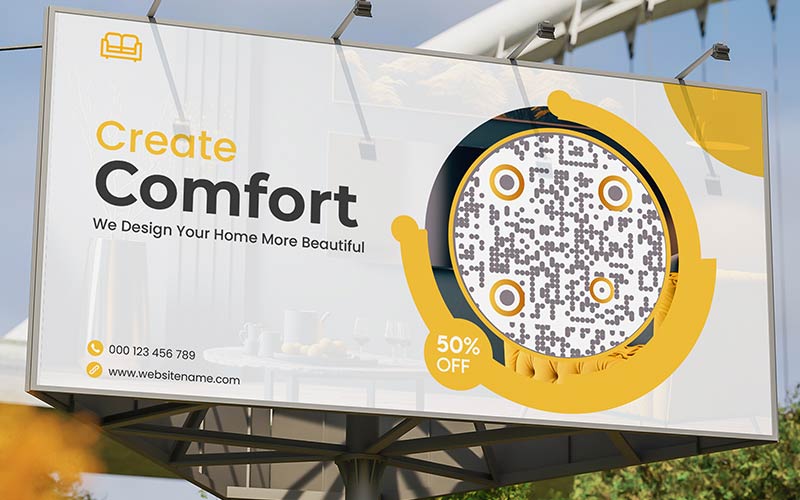
Billboard with round link QR code on the street

Advertising

Utilize link QR codes in advertisements, promotional materials, or billboards to direct users to specific landing pages, registration forms, or exclusive offers. It helps track campaign performance and drives targeted traffic.

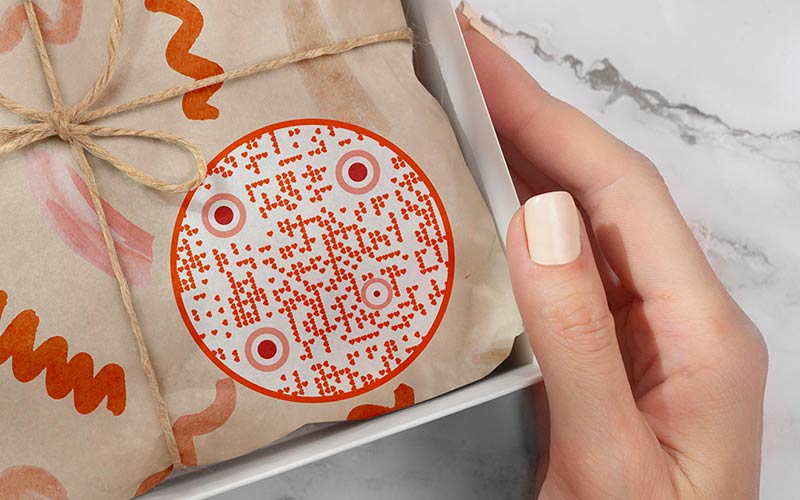
Box with link QR code packing inside

Product packaging

Place link QR codes on product packaging to provide customers with access to user manuals, assembly instructions, warranty information, or related product videos. It enhances the customer experience and provides valuable resources at their fingertips.

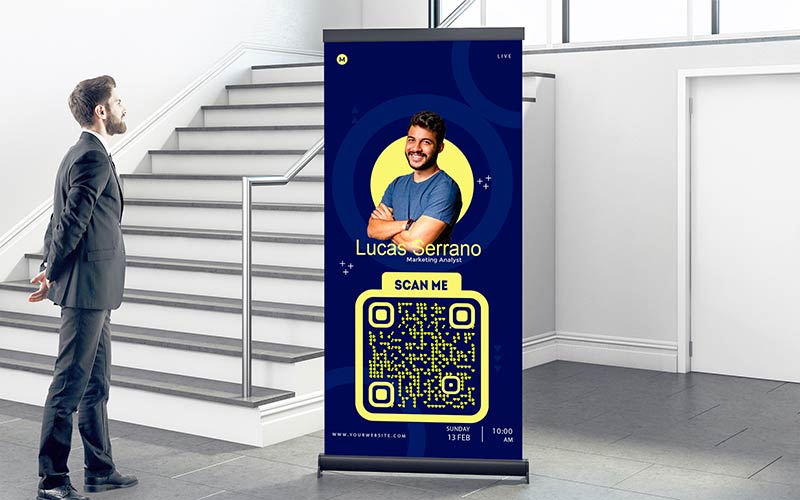
Stand with link QR code which is analyzed by a person

Events & conferences

Use link QR codes on event materials, badges, or signage to provide attendees with quick access to schedules, speaker bios, presentation materials, or registration forms. It enhances the event experience and makes information easily accessible.

How to get more scans for a link QR code?

Best practices for link to QR code

Use a correct URL

Ensure that the URL you encode in the link QR code maker is valid, correctly formatted, and leads to the desired webpage. Double-check for any typos or errors in the URL to avoid directing users to the wrong location.

Use a correct link for QR code
People scanning link QR code on a billboard
Consider QR code placement

Place the link QR code in easily visible and accessible locations. Make sure it’s large enough to be scanned easily, even from a distance. Avoid placing it on cluttered or visually distracting backgrounds.

Optimize landing pages

Ensure that the landing page or online content linked to the QR code is mobile-friendly, loads quickly, and provides a seamless user experience. Optimize the page layout and content to enhance readability and engagement.

Editing the site by people with rearrangement of different parts of the page
Set of statistics indicators on white background
Monitor analytics

When using the Pageloot link QR generator platform, take advantage of its built-in analytics tracking feature. Monitor scan rates, location data, and other relevant metrics provided by the platform. By analyzing these insights, you can measure the success of your QR code campaigns and make data-driven marketing decisions.

Generate QR codes for URL

Free 14-day trial. No credit card required.

Different styles of QR codes created

Benefits to create a QR code from URL

Woman using link to QR code for website access
Easy access to online content

Link to QR code generator provides a seamless and convenient way for users to access specific web pages, landing pages, online content, or resources. 

Man talking from laptop screen on white background
Offline-to-online integration

Link QR codes bridge the gap between offline and online marketing channels. By incorporating QR codes into print materials or promotional items, businesses can seamlessly connect their offline presence to relevant online content.

Laptop with many icons and statistics on the screen
Versatile applications

Link QR codes have versatile applications across various industries and sectors. They can be used for marketing campaigns, product promotions, event registration, lead generation, customer support, menu ordering, and more.

People are pouring water on the planet
Cost-effective & eco-friendly

Implementing a link barcode can be a cost-effective alternative to traditional advertising methods. It reduces the need for printed materials with lengthy URLs, saving printing and distribution costs.

A person sits on a magnet magnet attracts contacts and attention
Increased engagement & conversions

Link QR codes can drive user engagement and increase conversions by providing a direct and interactive pathway to relevant online content. 

People analyze people's profiles and statistics with a huge magnifying glass
Trackable & measurable

By utilizing a link QR code, you can enhance the user experience by providing a seamless and streamlined way to access information.

GL-22

Learn more about link QR codes

Customer scanning QR code
QR Codes forSmall Business
Scanning website QR code
QR Codes onWebsites

Get 30% off your first purchase

Use the code:

Share your MP3 files

Sign up to create PDF QR codes

Upload and display everything you need:

  • Audio files
  • Podcasts
  • Music

14-day free trial with sign-up.
QR codes expire after trial.

sign up to create an audio mp3 QR code

Get more scans with frames

Sign up to add more frames to your QR codes

Call-to-action frames help your customers interact with the QR Code easily. Try them out!

14-day free trial with sign-up.
QR codes expire after trial.

Sign up to add more frames to your QR codes

Add more style with shapes

Signup to create more shapes

QR Codes don’t have to be square. Try switching it up to fit your brand’s image.

14-day free trial with sign-up.
QR codes expire after trial.

Signup to create more shapes

Add a logo to your QR Code

Sign up to add your logo to QR codes

Make your QR code stand out by adding your logo and brand to it.

14-day free trial with sign-up.
QR codes expire after trial.

Sign up to add your logo to QR codes

Smart App Store redirects

Sign up to create an app store QR code

Add your App links to our smart App Store QR Code. The users are redirected based on their device.

14-day free trial with sign-up.
QR codes expire after trial.

Sign up to create an app store QR code

Upload an image to a QR Code

Sign up to create image QR codes

Share your images easily. Change any image dynamically within seconds.

14-day free trial with sign-up.
QR codes expire after trial.

Sign up to create image QR codes

Share your PDF files

Sign up to create PDF QR codes

Upload and display everything you need:

  • Menus & price lists
  • Instructions
  • Any documents

14-day free trial with sign-up.
QR codes expire after trial.

Sign up to create PDF QR codes

Edit later without printing

Sign up to edit your QR codes without printing again

Dynamic QR Codes let you change the contents of your QR Code without having to print new ones.

14-day free trial with sign-up.
QR codes expire after trial.

Sign up to edit your QR codes without printing again

When? Where? Track your QR Code scans

Sign up to track your QR codes

Discover which of your QR Codes receive the most scans and what excites your clients the most.

14-day free trial with sign-up.
QR codes expire after trial.

Sign up to track your QR codes

Print ready files available

Sign up to create vector QR codes like PDF and SVG

.EPS, .PDF, .SVG

Want to download your QR Codes in HD resolution? Get vector or pixel formats that are ready to be printed.

14-day free trial with sign-up.
QR codes expire after trial.

Sign up to create vector QR codes like PDF and SVG

Please wait. Your QR Code is loading... loading...

Make it your own

Sign up to save your QR code for later

Get more scans by creating awesome QR Codes with different colors, logos and call-to-action frames.

14-day free trial with sign-up.
QR codes expire after trial.

Sign up to save your QR code for later