
Edit after printing
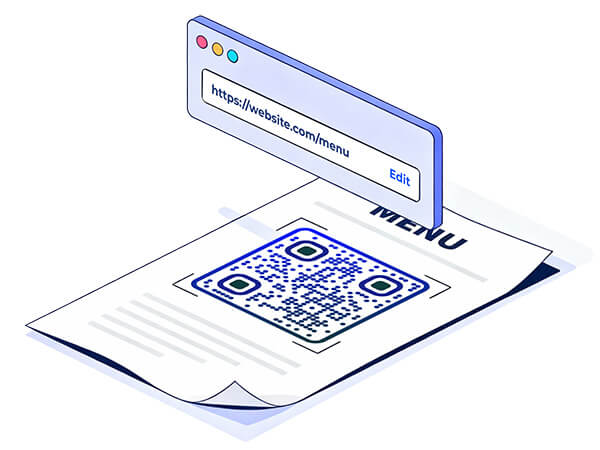
Print your QR Code once and keep full control later. Update the destination anytime, fix mistakes fast, and keep campaigns running smoothly.
Trusted by 20,000+ companies in 110 countries







Print with confidence
- Fix mistakes
Wrong link? New landing page? Update it without throwing away printed materials.
- Update content
Keep menus, offers, files, and pages current, even after your QR Code is already out in the world.
- Save costs
Reduce waste and avoid reprints when campaigns change or details get updated.
Your QR Code stays the same
Your content can change whenever you need it.
UPDATES
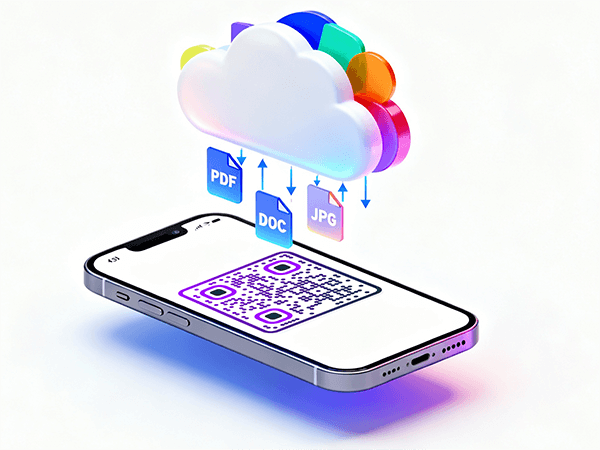
Change links anytime
Point the same QR Code to a new URL, file, or page in seconds when your campaign evolves.
ACCURACY
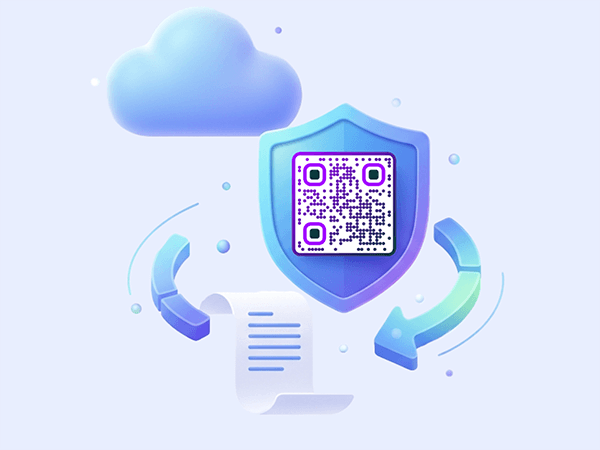
Correct errors without damage control
If something goes live with the wrong destination, you can fix it immediately without reprinting.
EFFICIENCY
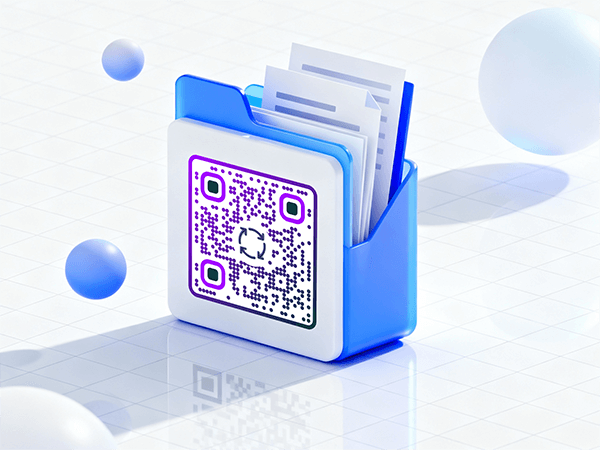
Keep materials working longer
Seasonal promos, price changes, and new pages don’t require new print runs.

See how "Brand Name" uses QR codes on their business cards
“Pageloot has completely transformed the way we network and share information. By integrating customizable QR codes on our business cards, we’ve made it incredibly easy for potential clients and partners to access our digital profiles, websites, and contact details.
I highly recommend it to any tech company looking to enhance networking and boost engagement.”
Enhances networking
Modern touch
Leaves a lasting impression
Ann Smith
Head of Marketing, Company
Frequently asked questions about editing QR Codes after printing

Yes. Editing after printing is a dynamic feature that lets you update the destination while keeping the same QR Code.
As often as you need. It’s built for campaigns that evolve over time.
Yes, the QR Code stays the same. Only the destination changes.
Yes, you can update where the QR leads, depending on what you want scanners to see.
Changes are designed to be quick, so campaigns stay live and usable.










