vCard QR Code Generator

Create a vCard QR code to share your contact information instantly. Generate a QR code for your digital business card, contact card, or visiting card and let people save your details with one scan.

preview qr code
Frame

Style

No shape
Round
Square

Frame

No frame
01
02
03
04
05
06
07
08
09
10
11

Text above

7/30

Background color

Text above color

preview qr code
1100
Low Quality
1100 x 1100px
High Quality

Design Preset

Trusted by over 20 000 brands to get more sales, reviews & followers.

Client logos

What is a vCard QR code?

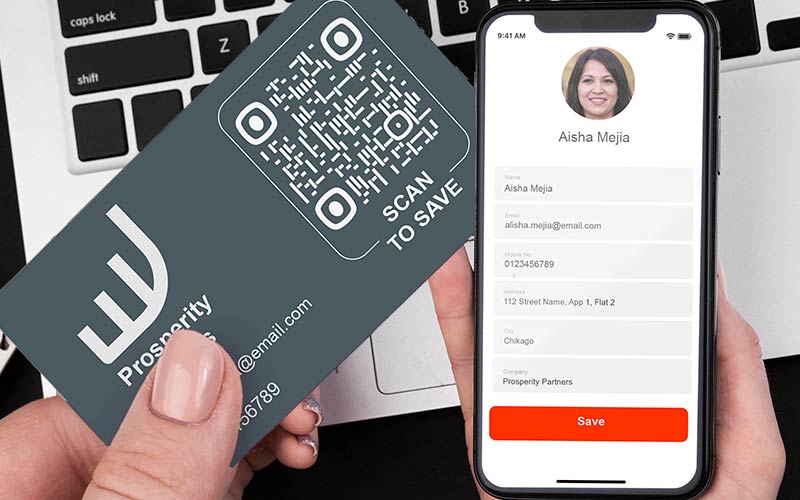
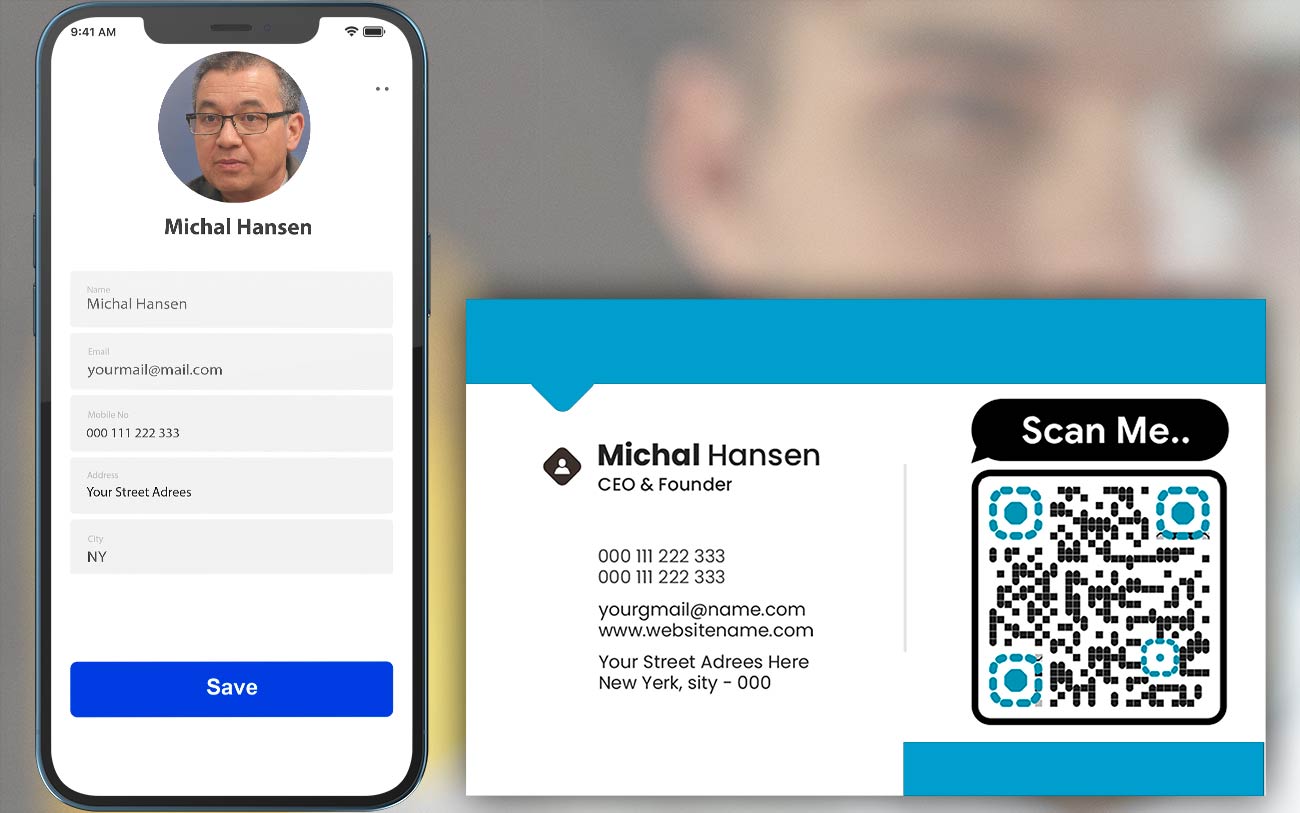
When a client scans your vCard QR code, they instantly receive your contact information and can save it directly to their phone’s contact book.

Customers can immediately import contact details into their contact book.

A vCard QR code is a type of QR code that contains your personal contact information in vCard (VCF) format, such as name, phone number, email address, company name, and website URL.

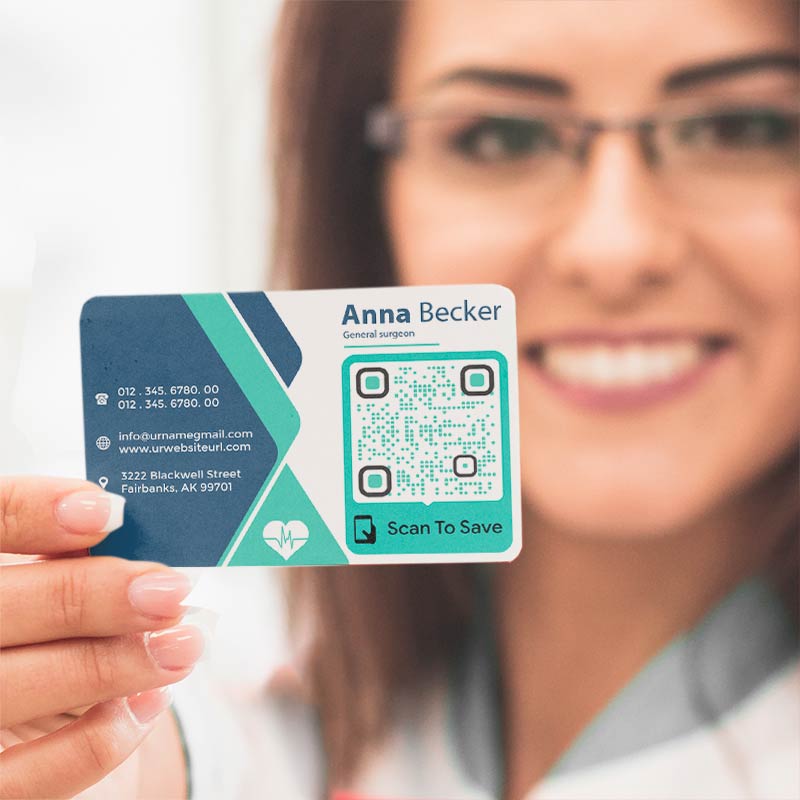
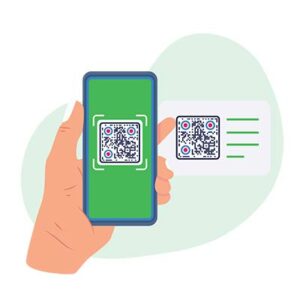
Client scans a vCard QR Code and is holding a business card

Create vCard QR Codes
Examples

Tap on the images to zoom in

How Does a vCard QR Code Work for Contact and Visiting Cards?

Man examines information of other people
Create

Enter your contact details into the vCard QR code generator and create a QR code for your contact card or visiting card.

A vCard QR Code in the client's phone
Scan

Potential partners can scan your vCard QR code using their smartphone camera or any QR scanner app.

A phone showing vCard with details and the option to add the contact
Share

The user receives your contact information instantly and can save it as a digital contact card without typing errors.

A vCard QR Code is available for scanning
Finished

You get a big conversion and save time for your customers, which makes you more attractive to them.

Make a vCard QR code

Free 14-day trial. No credit card required.

Different styles of QR codes created

How to Create a QR Code for Contact Info or vCard

Add contact details

Use the free vCard QR code generator on this page and fill in your contact details. At minimum, add your name and one contact method such as a phone number or email.
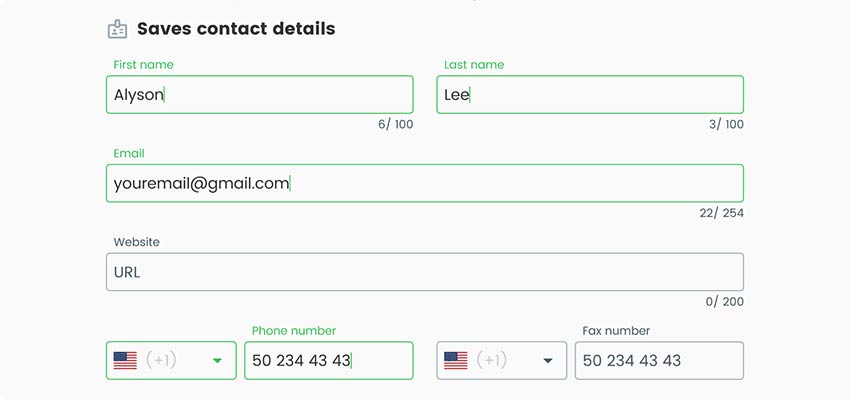
Screenshot of fields for entering personal information in vCard QR code generator
Press next

Click the "Next" button to create a v Card QR code.
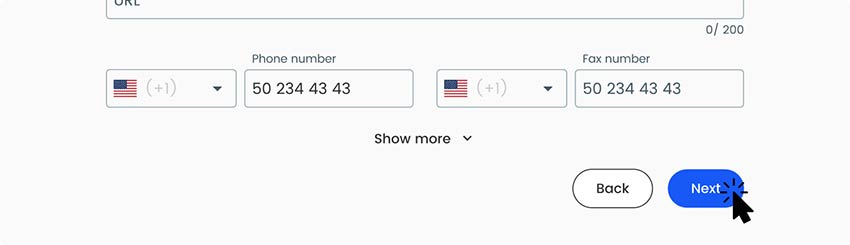
A screenshot of the button for creating a vCard QR code
Add styles

Customize the design and style of the QR code, if desired.
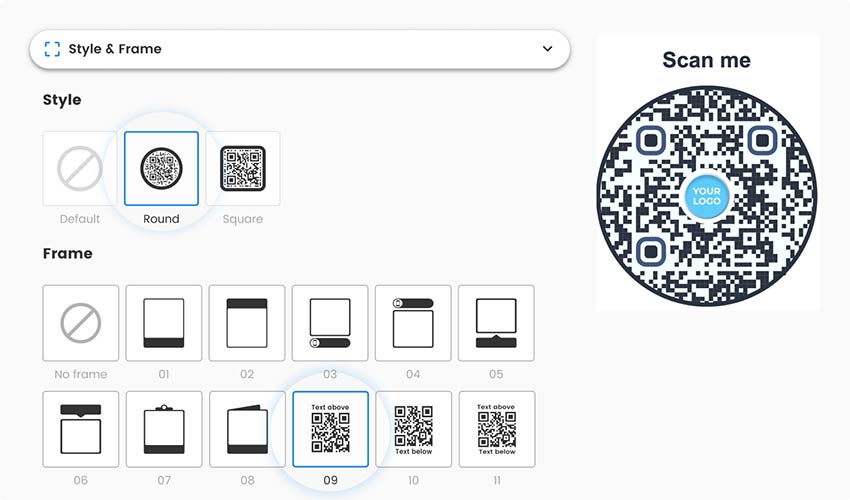
A screenshot of the vCard QR code personalization field
Download

Download your vCard QR code in high-quality format and use it on business cards, email signatures, or websites.
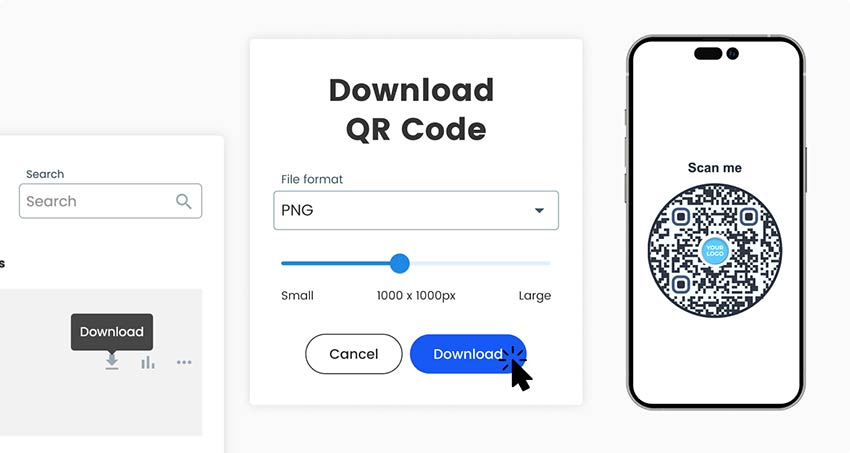
A screenshot of the vCard download button
All done!

Why Create a vCard QR Code for Contact and Name Cards?

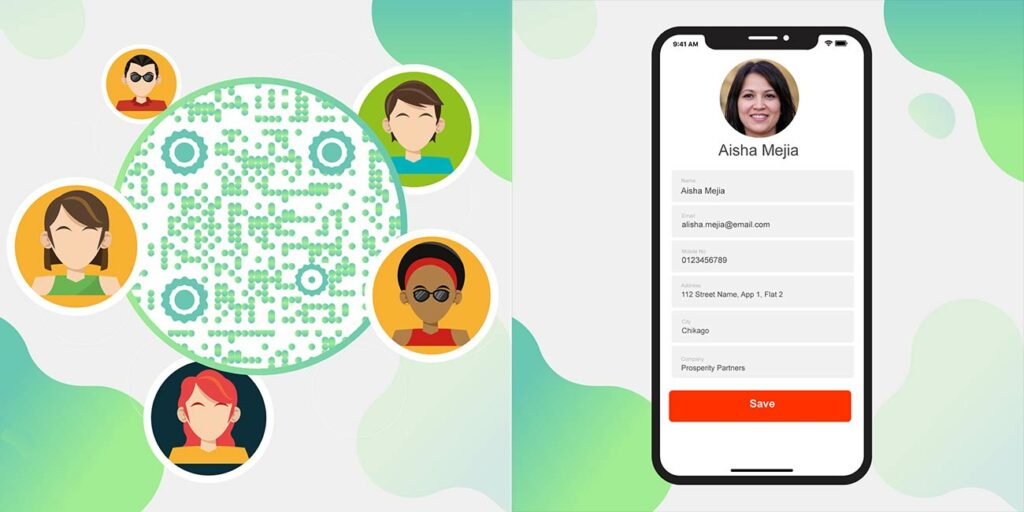
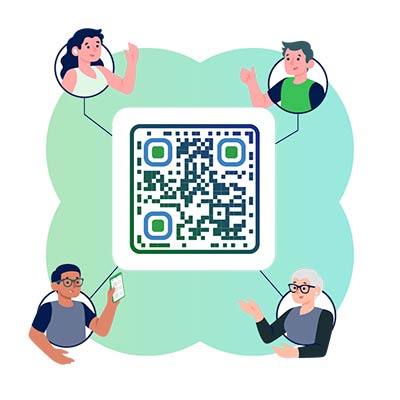
A contact QR code generator with people's profiles represented as icons

A QR code for contact information is one of the fastest and most convenient ways to share your digital contact card, reduce errors, and present a professional image.

The code will help your partners avoid mistakes in your contact information, can give a professional image, and make it easier for people to get in touch with you.

Imagine that you meet a potential client or partner at some event. Of course, you want to stay in touch with them for further cooperation, so your v Card QR code will come in handy, with which you can quickly exchange contact information.

What are the advantages of QR codes for vCard?

Using QR codes for vCard makes sharing contact information faster, more accurate, and more professional. Instead of exchanging visit cards or manually typing details, a single scan allows people to save your contact information instantly.

Key advantages of vCard QR codes:

  • Instant contact sharing
    One scan saves all contact details directly to a smartphone’s address book, eliminating manual entry.

  • Error-free information
    Prevents mistakes in phone numbers, emails, or names that often occur when typing contact details.

  • Professional and modern image
    A vCard QR code enhances your brand image and shows that your business uses modern, digital tools.

  • Easy to use on any medium
    vCard QR codes can be placed on business cards, email signatures, websites, resumes, badges, and marketing materials.

  • Supports dynamic updates
    With dynamic vCard QR codes, you can update contact information without reprinting the QR code.

  • Improved networking efficiency
    Ideal for events, conferences, and meetings where fast contact exchange is essential.

  • Mobile-friendly experience
    Works seamlessly on smartphones and tablets using built-in cameras or QR scanner apps.

  • Optional scan tracking and analytics
    Track how often your vCard QR code is scanned and measure engagement (available with advanced plans).

Frequently asked questions

Person scanning a vCard QR Code

A vCard QR code creator can include a range of contact information: name, company name, title or position, phone numbers (work, home, mobile), email addresses, physical addresses, website URLs, and photos or logos.

To scan the QR code for contact, you only need a phone and a camera in it. Just point the camera at the code you need, and you will be prompted to read the VCF card.

A static vCard QR code can’t be edited after it has been created. It is possible to create a new one as needed. However, dynamic vCard QR codes offer the option to change your contact details without reprinting the code.

Your dynamic vCard QR code with the logo is protected as long as you share it with trusted people. The only danger is that your contact information can be found by people who do not need to know it (for example, scammers).

You can always create static vCard QR codes for free. This has all the basic features included. For premium features like editing after printing, you can try out the codes for free for 14 days.

You can create a free vCard QR code using our free vCard QR code generator. Upgrade anytime to unlock dynamic editing, scan tracking, and advanced customization.

Yes. You can create a digital business card landing page that appears before the vCard file downloads, giving more context and branding to your contact QR code. You can create stylish landing pages that will be displayed on scanning before your vCard file will download.

Frequently asked questions icon
More questions?

Contact us and we’ll be happy to help!

Trusted by top brands
Rated 4.8 out of 5

4.86 / 5 stars rating

Hugo Laurent
Hugo Laurent
Restaurant owner
The most easy and reliable QR code Generator ever. PDF files can be uploaded instantly. Our restaurant menus are now digital.

Lucas Jansen
Lucas Jansen
Real estate developer
This is an excellent tool and the QR codes take you to just where you want. We only use the location QR code but there are so many useful features.

Emma Moretti
Emma Moretti
Retail products
Easy to use and quick. It works great and creates a perfect images, so employees can download my vCard.
Hugo Laurent
Hugo Laurent
Restaurant owner
The most easy and reliable QR code Generator ever. PDF files can be uploaded instantly. Our restaurant menus are now digital.
Lucas Jansen
Lucas Jansen
Real estate developer
This is an excellent tool and the QR codes take you to just where you want. We only use the location QR code but there are so many useful features.
Emma Moretti
Emma Moretti
Retail products
Easy to use and quick. It works great and creates a perfect images, so employees can download my vCard.
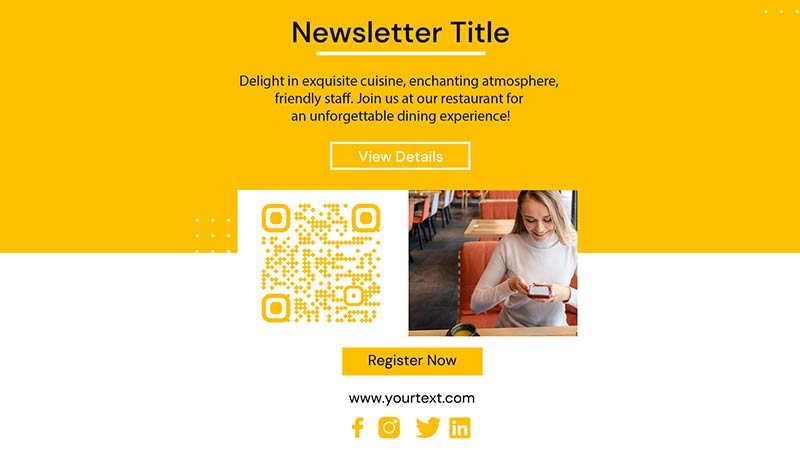
Make a vCard QR code

Free 14-day trial. No credit card required.

QR code generator dashboard preview

Where to use a vCard QR code?
Examples

Tap on the images to zoom in

An email with an embedded QR code

Add your QR code vCard to your email signature to make it easier for your customers to get to know you and conveniently provide all the necessary contact information.

A person's profile with a QR Code

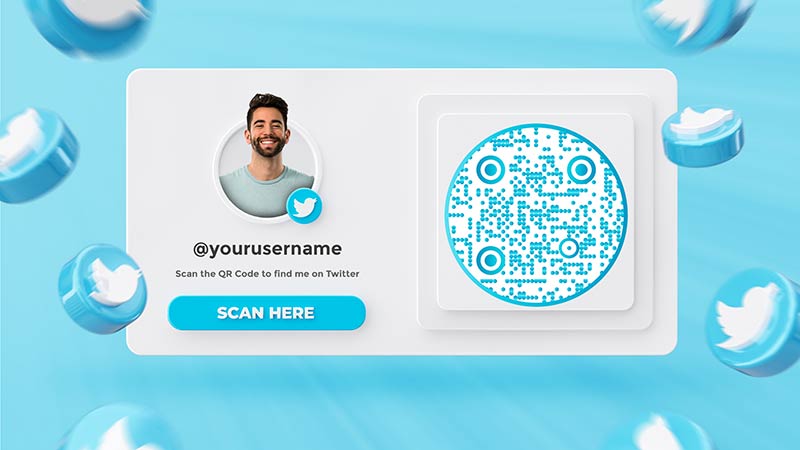
If you want to make it easier to connect with your customers via social media, try using the v Card QR code on your LinkedIn or Twitter page.

A man wearing a vCard QR Code badge

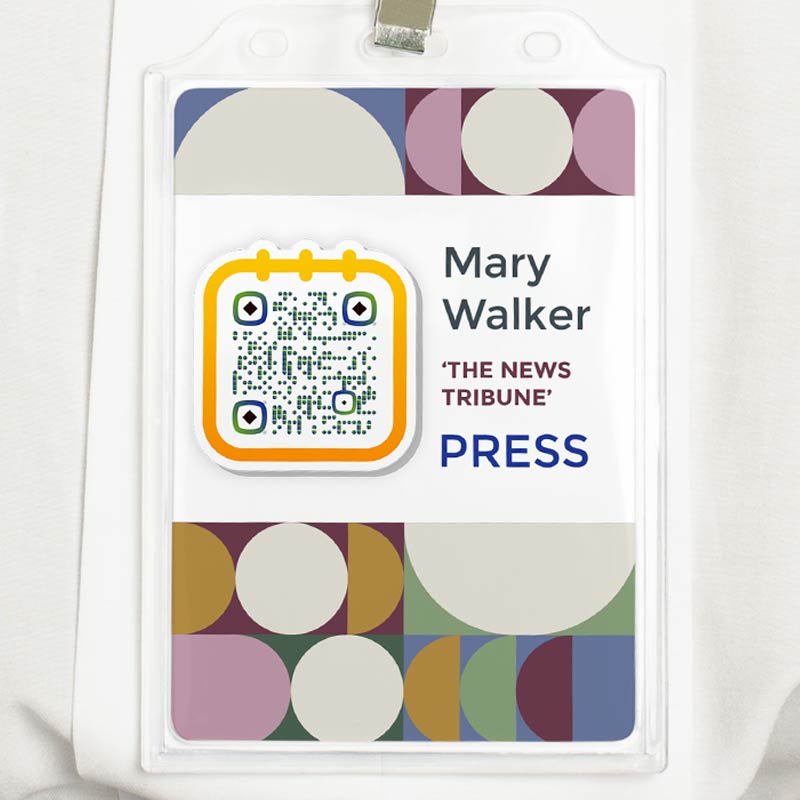
Your event badge may benefit from a QR code contact that makes it simple for other attendees to save your contact details.

A brochure featuring a QR Code

It can be simple for potential customers to contact you if your marketing materials have a QR code contact info.

How to get more scans for vCard QR code?

Best practices & tips for vCard QR code

Keep it simple

Try to indicate only the most relevant information so as not to distract people from the necessary data. This will help people focus on the key details. You can always add more data inside the QR code itself.

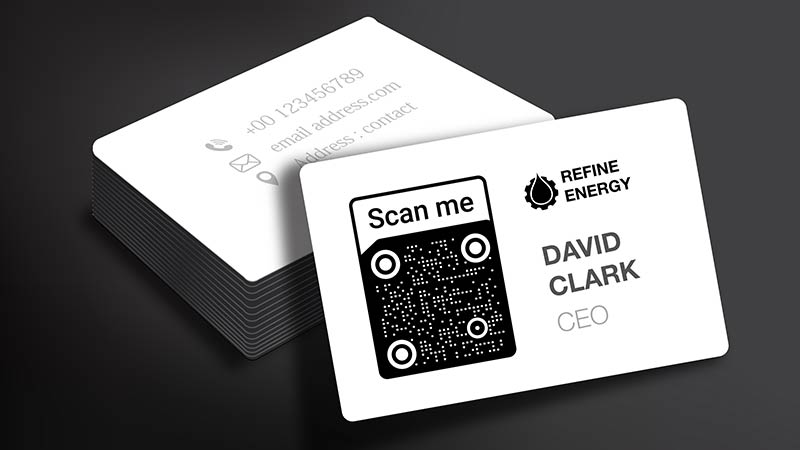
Minimalistic business card featuring a vCard QR Code
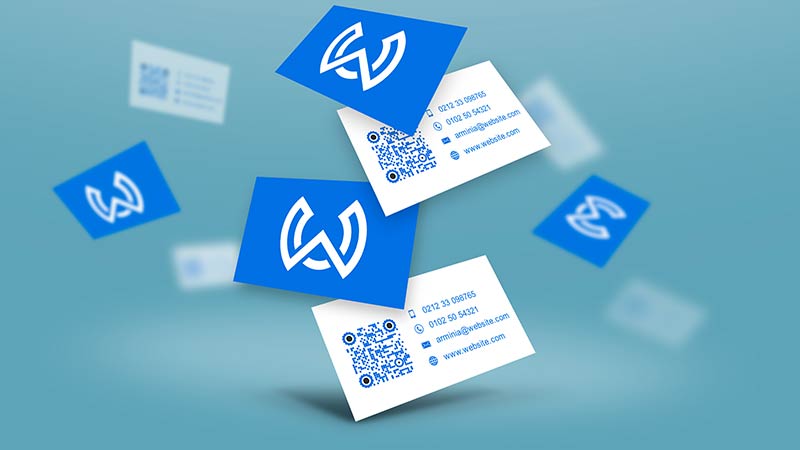
Business cards with company logos
Make it visually appealing

To attract more people, try using a logo or a personalized design on your contact QR code to make it stand out. Make use of your brand logo and colors. You can easily make the QR code match in style so that it looks like it was designed to fit your brand.

Use a reputable generator

To prevent leakage of your personal information, try to check the vCard creator you use. You can search for ratings or read reviews about our QR code vCard generator.

An abstract representation of a score with 5 points
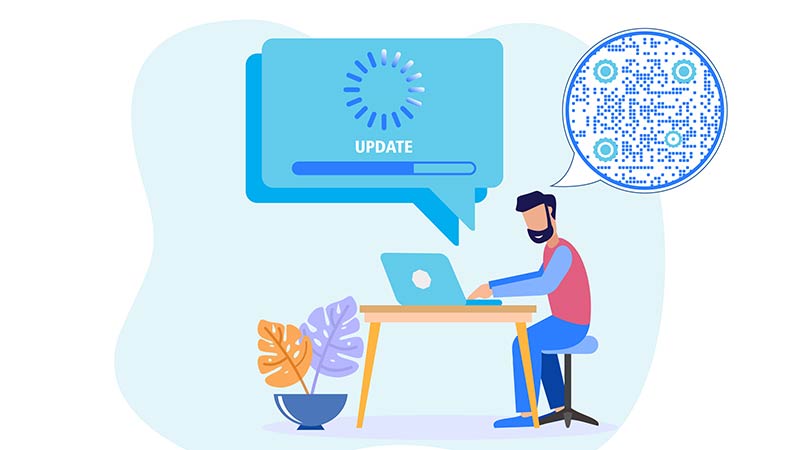
A man sits at a table and updates a QR Code
Update it regularly

Always keep track of and update the information in your contact info QR code so that your customers always have access to up-to-date information about you.

Benefits of using a QR code for Vcard

People scanning a QR code
Versatility

A QR code for vCard is adaptable for many networking scenarios because it may store a variety of contact details.

Illustration of planet Earth with leaves
Eco-Friendly

By eliminating the need for actual business cards, using a vCard QR code generator can help decrease paper waste.

A target with an arrow in the center
Accuracy

You should ensure that the contact details shared are precise and current by utilizing a vCard QR code.

People ascending on charts
Cost-effective

Printing real business cards and other contact-sharing materials is sometimes more expensive than using a vCard generator.

A woman receiving a gold medal
Professionalism

A QR code vCard on your business card or email signature can give your contact sharing a more polished appearance.

A woman sitting on the phone
Convenience

People can save your telephone number, email, and other details with their mobile devices quickly and easily by scanning your QR code with contact information.

GL-04

vCard related topics

Сlient scans business QR codes from paper cards
QR Codes forBusiness card
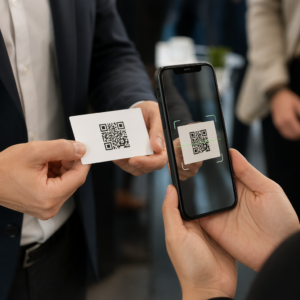
QR business card scan
Make QR Codes forBusiness Cards

Get 30% off your first purchase

Use the code:

Share your MP3 files

Sign up to create PDF QR codes

Upload and display everything you need:

  • Audio files
  • Podcasts
  • Music

14-day free trial with sign-up.
QR codes expire after trial.

sign up to create an audio mp3 QR code

Get more scans with frames

Sign up to add more frames to your QR codes

Call-to-action frames help your customers interact with the QR Code easily. Try them out!

14-day free trial with sign-up.
QR codes expire after trial.

Sign up to add more frames to your QR codes

Add more style with shapes

Signup to create more shapes

QR Codes don’t have to be square. Try switching it up to fit your brand’s image.

14-day free trial with sign-up.
QR codes expire after trial.

Signup to create more shapes

Add a logo to your QR Code

Sign up to add your logo to QR codes

Make your QR code stand out by adding your logo and brand to it.

14-day free trial with sign-up.
QR codes expire after trial.

Sign up to add your logo to QR codes

Smart App Store redirects

Sign up to create an app store QR code

Add your App links to our smart App Store QR Code. The users are redirected based on their device.

14-day free trial with sign-up.
QR codes expire after trial.

Sign up to create an app store QR code

Upload an image to a QR Code

Sign up to create image QR codes

Share your images easily. Change any image dynamically within seconds.

14-day free trial with sign-up.
QR codes expire after trial.

Sign up to create image QR codes

Share your PDF files

Sign up to create PDF QR codes

Upload and display everything you need:

  • Menus & price lists
  • Instructions
  • Any documents

14-day free trial with sign-up.
QR codes expire after trial.

Sign up to create PDF QR codes

Edit later without printing

Sign up to edit your QR codes without printing again

Dynamic QR Codes let you change the contents of your QR Code without having to print new ones.

14-day free trial with sign-up.
QR codes expire after trial.

Sign up to edit your QR codes without printing again

When? Where? Track your QR Code scans

Sign up to track your QR codes

Discover which of your QR Codes receive the most scans and what excites your clients the most.

14-day free trial with sign-up.
QR codes expire after trial.

Sign up to track your QR codes

Print ready files available

Sign up to create vector QR codes like PDF and SVG

.EPS, .PDF, .SVG

Want to download your QR Codes in HD resolution? Get vector or pixel formats that are ready to be printed.

14-day free trial with sign-up.
QR codes expire after trial.

Sign up to create vector QR codes like PDF and SVG

Please wait. Your QR Code is loading... loading...

Make it your own

Sign up to save your QR code for later

Get more scans by creating awesome QR Codes with different colors, logos and call-to-action frames.

14-day free trial with sign-up.
QR codes expire after trial.

Sign up to save your QR code for later