Google Form QR Code Generator

Use the video QR code generator to convert your video link into a QR code. Customize the QR code design while keeping it fully scannable.

preview qr code
Open a form
Google Form link
0 / 2048
preview qr code
1100
Low Quality
1100 x 1100px
High Quality

Design Preset

Trusted by over 20 000 brands to get more sales, reviews & followers.

Client logos

What is a Google Forms QR code?

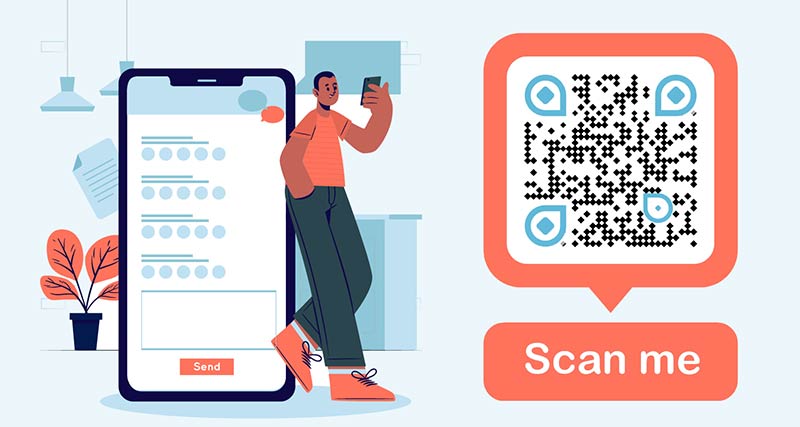
A Google Forms QR code is a scannable code that instantly opens a Google Form on any device. It allows you to create a QR code for a Google Form and collect responses faster from both online and offline audiences.

It can be shared with your customers through different channels. A QR code makes your Google Form more accessible.

You can create a QR code for Google Forms to collect customer feedback, run surveys, conduct user research, manage event registrations, perform skill assessments, and gather leads — all with one scan.

How to create qr code for google form for collecting feedback

Create a Google Form QR Code
Examples

Tap on the images to zoom in

How does Google Form QR code work?

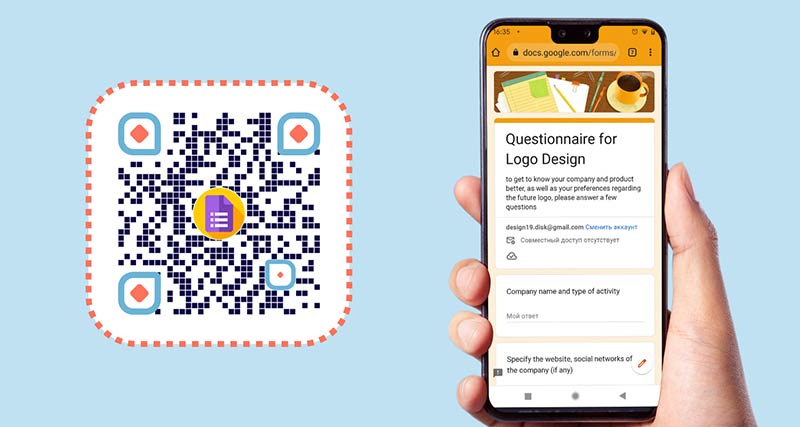
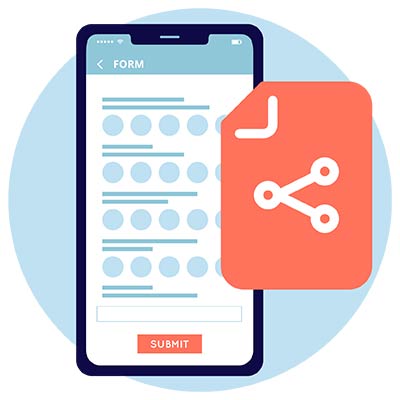
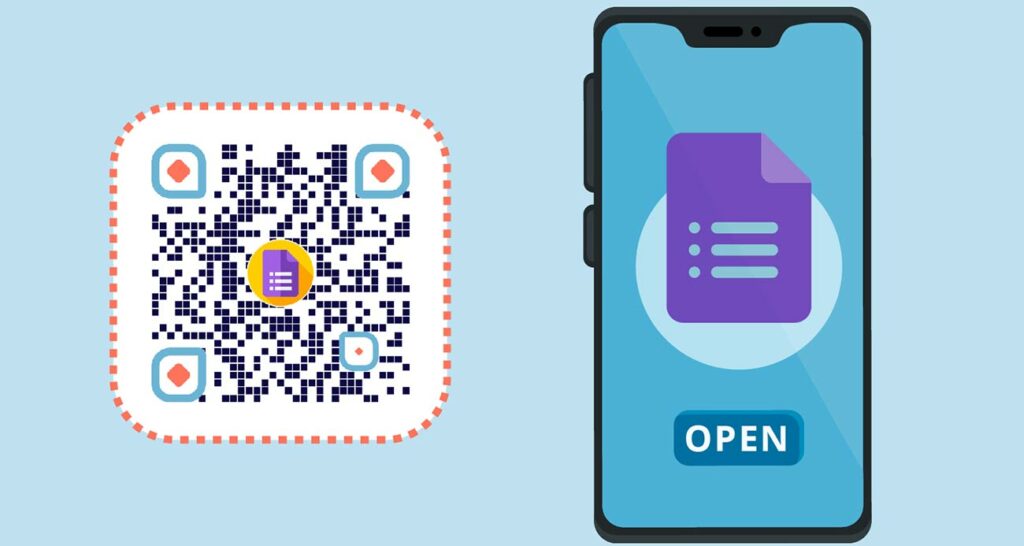
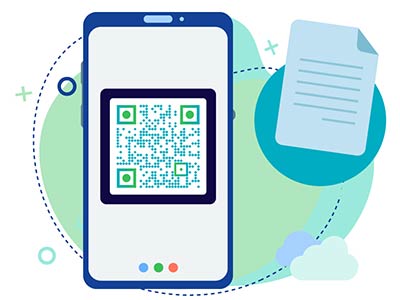
Google Form opened on the phone screen
Open

Create your form that should be filled out in Google Forms. Then click the ‘Share’ button and copy the link you get.

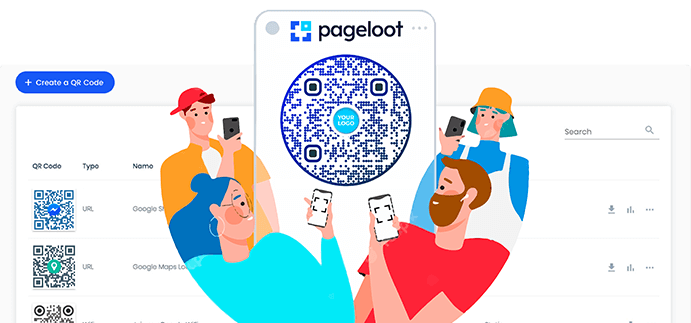
preview of Pageloot Google Form QR Code generator tool
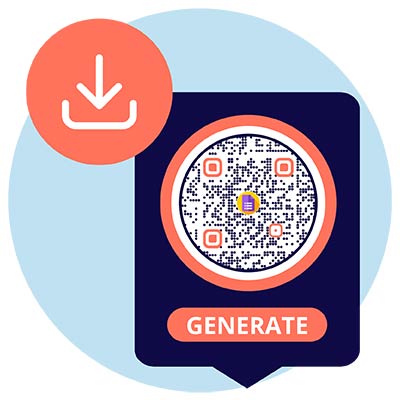
Create

Open the QR code generator for Google Forms online. Paste your Google Form link into the URL field to create a QR code for Google Form instantly. Copy the link in the URL field. Edit and customize the QR code the way you want.

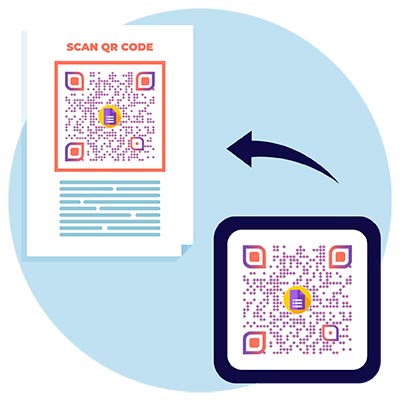
QR Code added to the web page

Download

Download your Google Form QR code and place it on printed or digital materials so users can scan the QR code and submit the Google Form instantly.

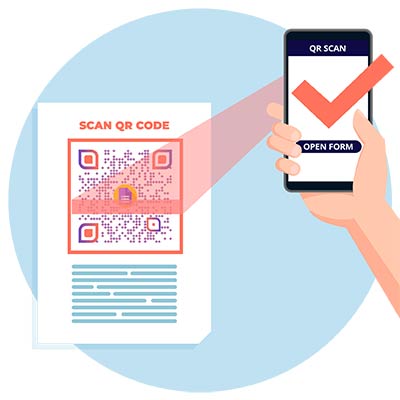
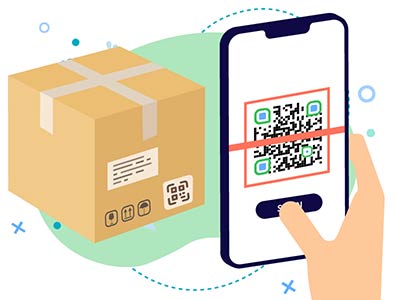
scanning the QR Code to Google Form using the phone
Scan

Users can fill out the form and submit it immediately or save the QR code for later. This way you increase participation and the number of submissions.

How to create a QR code for Google Form?

Create Google Form

Go to the Google Forms website. Create a new Google Form or open an existing one if you want to generate a QR code.
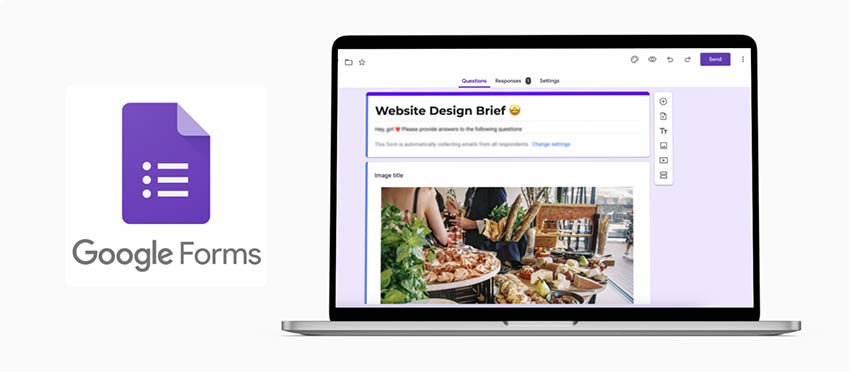
Google Form opened on a laptop screen
Copy link

Once you are on the Google Form editor page, click on the "Send" button located at the top-right corner of the screen. Copy the link to Google Forms.
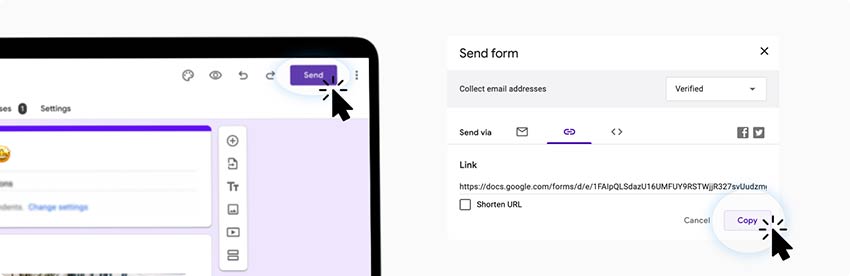
click on ‘Send’ button, in ‘Send form’ click on ‘Copy’ button to save the link with Google Form
Paste link

Open the QR code generator. Paste the copied link in the URL field of the QR code generator for Google Forms.
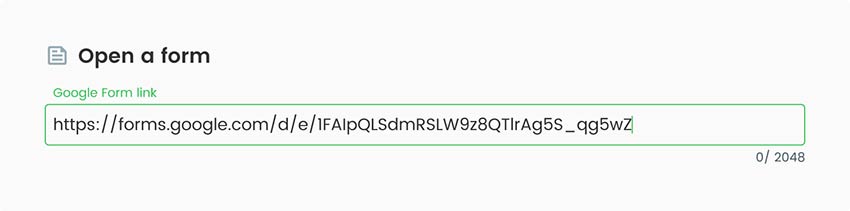
pasting Google Form link to the ‘Open a form’ field in QR Code Generator
Style it

Customize your QR Code. Add some branding elements like logos or icons. You can also customize the shape and size of the code itself as well. Choose the colors, shape, and then add your company name, PDF title, and description.
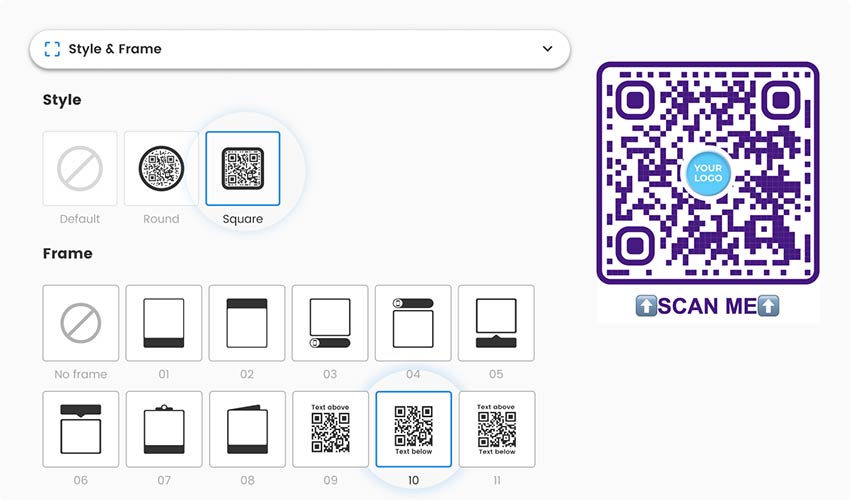
in ‘Style & Frame’ section, change the Google Form QR code shape and frame, add call to action
Extra features

If you sign up for the 14 day free trial, you’ll receive access to advanced functionality. Besides additional design features, you also get an analytics dashboard to track QR code activity and more features for editing.
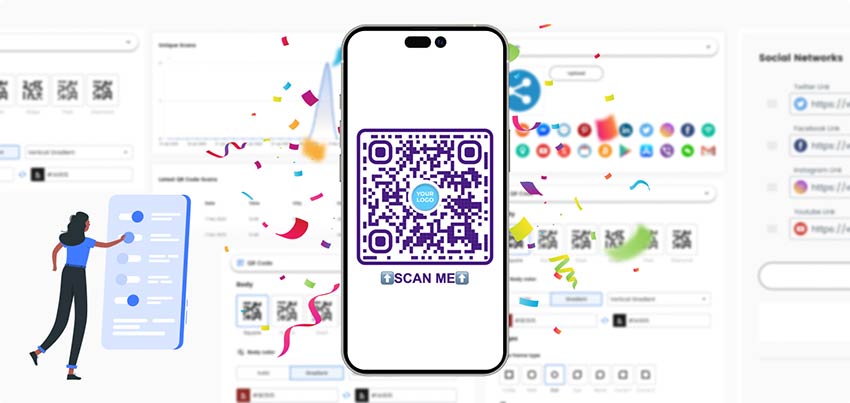
phone with QR Code with logo icon and overview of premium functionality in Pageloot QR Code Generator
Download

Download your QR code by clicking the green “Download button in the needed format.
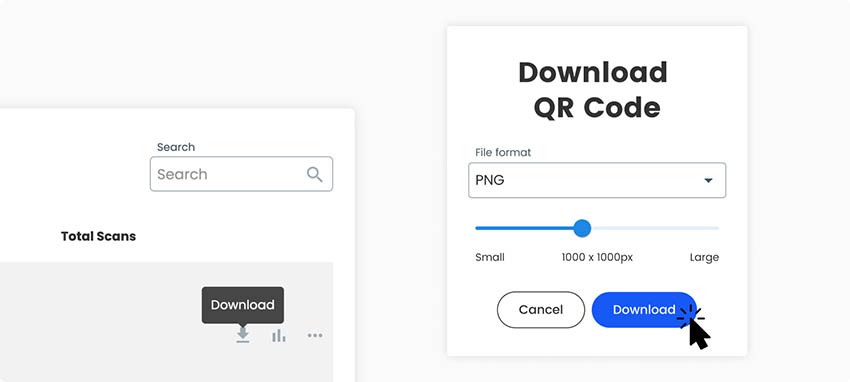
pointer on ‘Download’ button to download the Google Form QR Code
All done!

Why do I need a Google Forms QR code?

Google Form QR code generator and a smartphone preview

It is an easy and convenient way for clients to access online forms and submit responses. Businesses need a QR Code for Google Forms to increase the efficiency of their data collection efforts and streamline feedback processes. Integrating QR codes into their marketing materials or physical locations helps with this.

This not only saves time for both businesses and customers but also increases response rates, as the barrier to entry is significantly reduced. Additionally, linking QR code to Google Form enables businesses to track and analyze form submissions, providing valuable insights for decision-making and improving customer satisfaction.

What are the advantages of a Google Forms QR Code?

A Google Forms QR code allows users to instantly open and submit a Google Form using a single scan. It simplifies data collection, improves response rates, supports analytics, and makes it easy to share forms across both online and offline channels.

Key advantages of using a Google Forms QR code:

One QR Code for All Devices

A single Google Form QR code works on Android, iOS, tablets, and desktop devices. Users scan the code and are automatically redirected to the Google Form without compatibility issues.

Faster Form Submissions

Users can scan the QR code with their phone camera and immediately access the Google Form. Fewer steps mean less friction and higher completion rates.

Improved User Experience

There’s no need to type long URLs or search for forms manually. QR codes make accessing Google Forms quick, simple, and user-friendly.

Higher Response Rates

By removing barriers to entry, QR codes encourage more people to participate in surveys, feedback forms, registrations, and assessments.

Easy Updates Without Reprinting

If your Google Form link changes, you can update the destination without changing the QR code. The same QR code continues to work.

Cost-Effective Data Collection

One QR code replaces multiple links and printed instructions, reducing marketing, printing, and management costs.

Perfect for Offline & Online Use

Google Forms QR codes work seamlessly on posters, flyers, business cards, product packaging, emails, and websites.

Frequently asked questions

QR codes can be scanned with Android and iOS mobile devices or using other scanning apps. When scanned, the code opens a link that leads to Google Forms, where users can fill out their information or share feedback.

Yes, you can create a QR code for Google Form for free using our free QR code generator. The free version allows basic QR code creation, while premium plans unlock tracking, analytics, and advanced customization. You can use Pageloot’s free generator tool, however, it has limited functionality. To unlock the full premium toolkit, you can sign up for a 14-day free trial of our subscription, and then decide which monthly plan would be the most suitable for your business needs.

After linking QR code to a Google Form, you can turn on alerts to get you notified when people submit new forms. You just need to go to your selected form and enable notifications in settings under the ‘Responses’ tab.

You need to create QR code for Google Form, download it, and add it to printed marketing materials. This can be brochures, magazines, flyers, or any other print ads. This way people can see the QR code, scan it using their phones, and fill out the form.

You can create a QR code for free using our free QR code Generator tool. If you want to get additional tracking, analytics, and customization features, you can choose a premium plan. We offer several pricing options to suit your business needs best. You can sign up for a 14-day free trial to try out advanced functionality before committing long-term.

Frequently asked questions icon
More questions?

Contact us and we’ll be happy to help!

Trusted by top brands
Rated 4.8 out of 5

4.86 / 5 stars rating

Hugo Laurent
Hugo Laurent
Restaurant owner
The most easy and reliable QR code Generator ever. PDF files can be uploaded instantly. Our restaurant menus are now digital.
Lucas Jansen
Lucas Jansen
Real estate developer
This is an excellent tool and the QR codes take you to just where you want. We only use the location QR code but there are so many useful features.
Emma Moretti
Emma Moretti
Retail products
Easy to use and quick. It works great and creates a perfect images, so employees can download my vCard.
Hugo Laurent
Hugo Laurent
Restaurant owner
The most easy and reliable QR code Generator ever. PDF files can be uploaded instantly. Our restaurant menus are now digital.
Lucas Jansen
Lucas Jansen
Real estate developer
This is an excellent tool and the QR codes take you to just where you want. We only use the location QR code but there are so many useful features.
Emma Moretti
Emma Moretti
Retail products
Easy to use and quick. It works great and creates a perfect images, so employees can download my vCard.
Make a Google Forms QR code

Free 14-day trial. No credit card required.

QR code generator dashboard preview

Where to use a Google Form QR code?
Examples

Tap on the images to zoom in

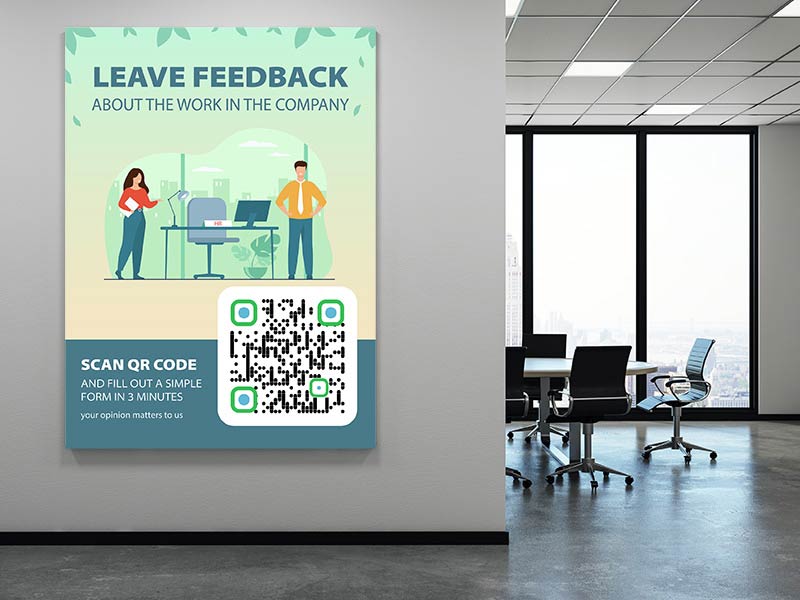
Feedback QR code in an office

Google Forms QR codes are usually used by businesses to conduct surveys that help collect feedback and improve products based on insights from their customers. QR codes can be displayed on internal communication materials, bulletin boards, or employee newsletters. This allows employees to access Google Forms for surveys, feedback, or HR-related purposes.

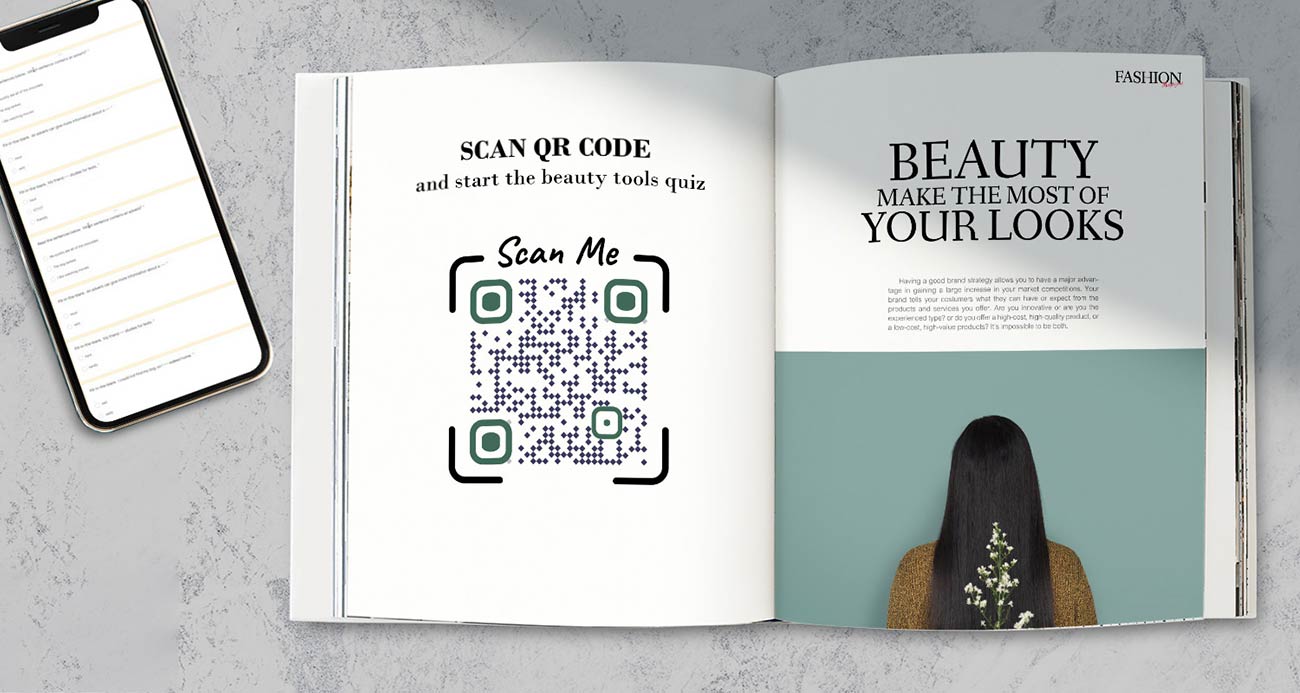
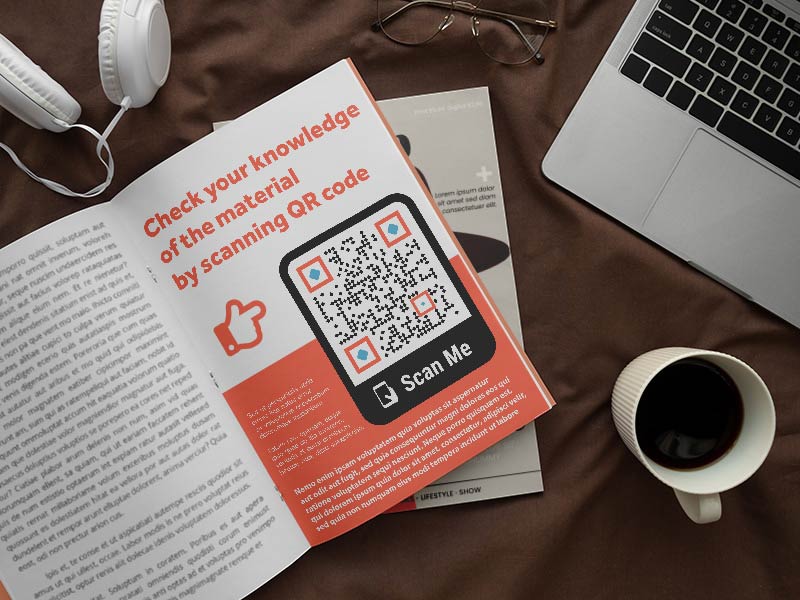
Google Form QR Code in book with an assessment of knowledge

QR codes can be used on educational materials, worksheets, or assignments. Students can scan the code to access the Google Form for quizzes, surveys, or submitting assignments. Especially, they would be useful for knowledge assessments like exams, tests, or finals.

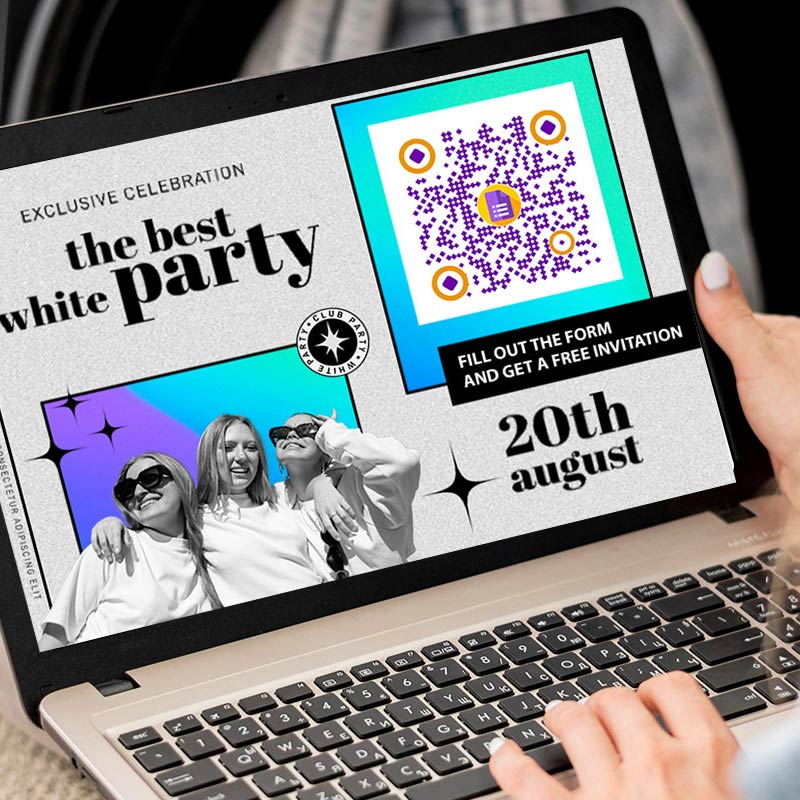
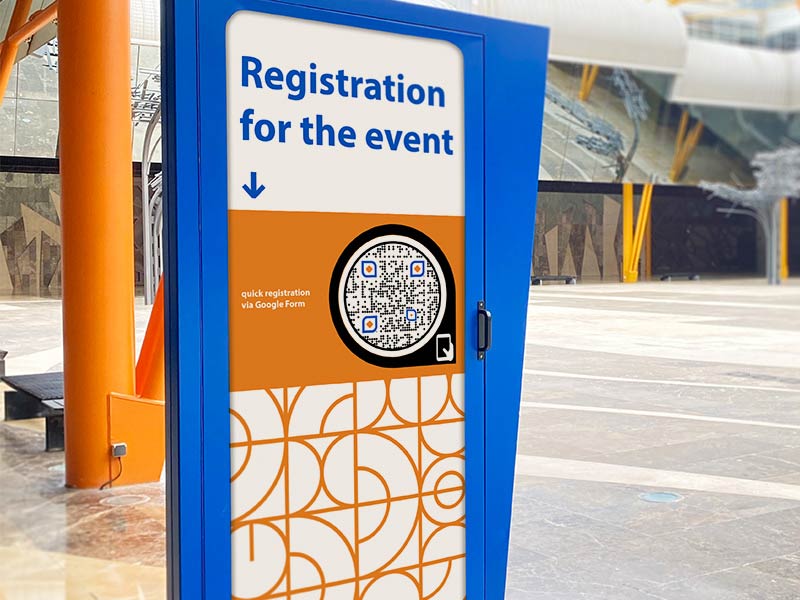
Google Form QR Code on a stand during an event with registration form

Use QR codes on event registration materials like invitations or tickets. Attendees can scan the QR code to access the Google Form and provide necessary information or RSVP for the event. By displaying a QR code at the event venue or on promotional materials, attendees can also quickly share their feedback or information.

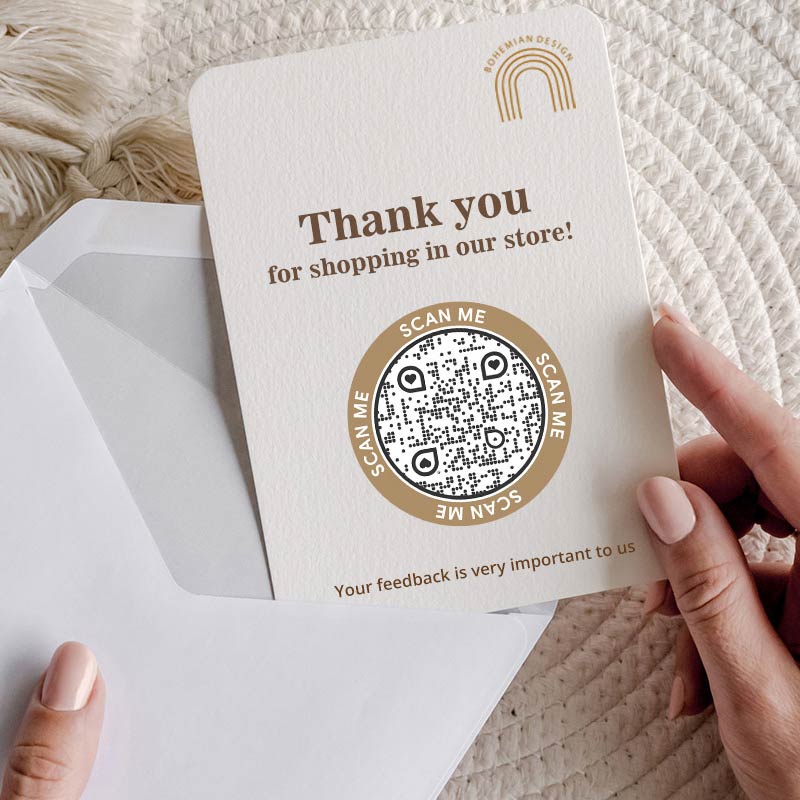
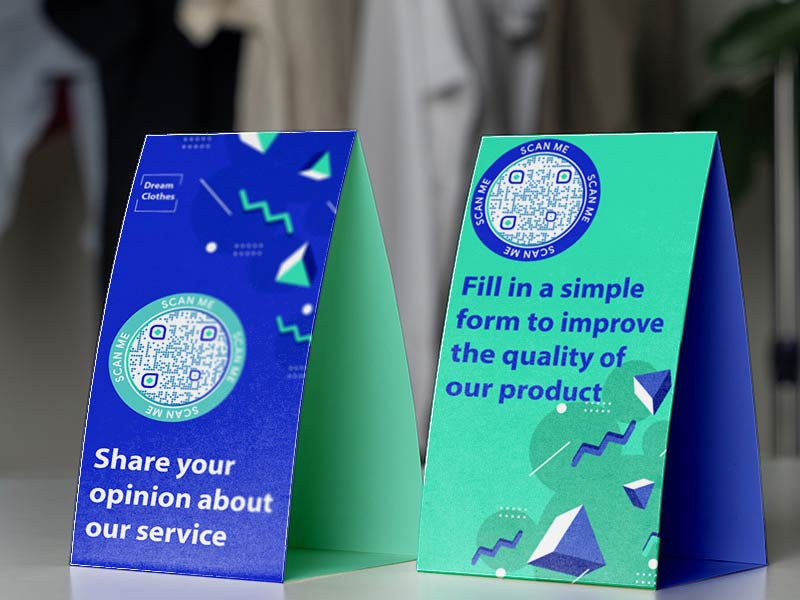
QR Code in a store with a call to fill in the form and share opinion

Place QR codes on displays or signage in physical locations, such as retail stores, restaurants, or trade show booths. Customers or visitors can scan the code to provide feedback, participate in surveys, or access additional information through the Google Form.

How to get more scans for QR codes linked to Google Forms?

Best practices & tips for Google Forms QR code

Test readability and functionality

Scan the QR code with various devices, QR code reader apps, or cameras to verify its readability across different platforms. Ensure it works smoothly and takes users directly to the Google Form without any extra steps. Before distributing the QR code, test it to ensure it properly links to the intended Google Form.

QR Code with a Google Form on a smartphone
Phone with QR Code Generator opened on-screen with branding functions
Customize the design thoughtfully

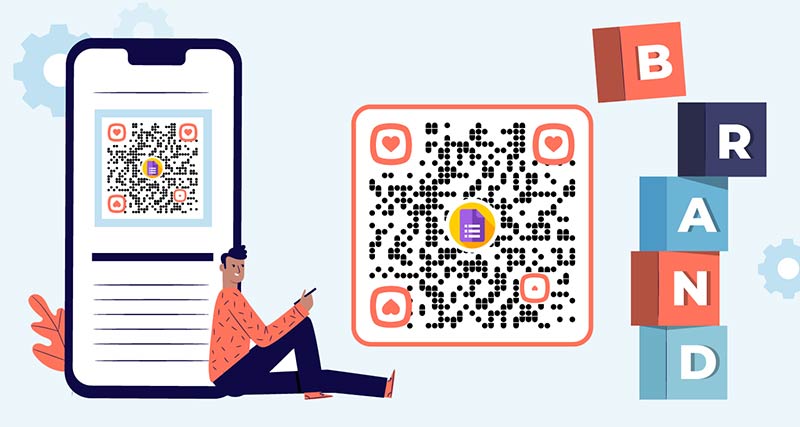
When you link QR code to Google Form, add branding to your QR code while keeping it scannable. Avoid adding excessive colors, complex patterns, or elements that may hinder scanning. Retain sufficient contrast between the foreground and background to maintain readability.

Provide guidance to access Google Forms

Not all users may be familiar with scanning QR codes, so it’s important to guide users on how to access the form.

Google Form QR Code with a guide
QR Code with Google Form on various digital and print materials
Share using multiple channels

Extend the reach of the QR code by sharing it across multiple channels. Include it in email newsletters, add it to your website, or leverage other relevant channels to increase exposure and engagement.

Make a Google Forms QR code

Free 14-day trial. No credit card required.

Different styles of QR codes created

Benefits of using a Google Forms QR code generator

Google Form QR Code opened on the phone
Easy to use

QR codes provide a quick and convenient way for respondents to access your Google Form. QR codes for Google Forms can be utilized for surveys, feedback collection, event registrations, lead generation, and more. This versatility allows you to adapt them to suit your specific needs.

QR Code for Google Form with analytics dashboard
Higher response rates

The accessibility and simplicity of QR codes can help boost response rates for your Google Form. QR codes lower barriers to participation, making it more likely for people to engage and provide feedback or information.

users scanning a Google Form QR Code on a package
Offline promotion

QR codes can be printed and distributed in physical locations or materials such as flyers, brochures, posters, or business cards. This allows you to promote your Google Form in offline settings and reach a wider audience beyond online channels. 

a preview of Google tools, including Google Form and Google Sheets
Google Workspace integration

Google Forms seamlessly integrates with other Google Workspace tools like Google Sheets. This allows you to automatically store and analyze data from form responses. This integration streamlines data management and analysis, making it more efficient and convenient.

an overview of responses from Google Form QR Code
Real-time data collection

Google Forms allows you to collect responses in real-time, making it easy to monitor and analyze data as it comes in. This enables you to gain insights and take timely action based on the feedback and information received through the QR code-linked Google Form.

QR Code analytics dashboard
Tracking and analytics functionality

Google Forms provides built-in analytics that tracks form responses and gathers valuable data. By using QR codes, you can easily track the number of scans. This data helps you measure engagement and make informed decisions for the effectiveness of future campaigns.

GL-10

Learn more about Google Forms QR codes

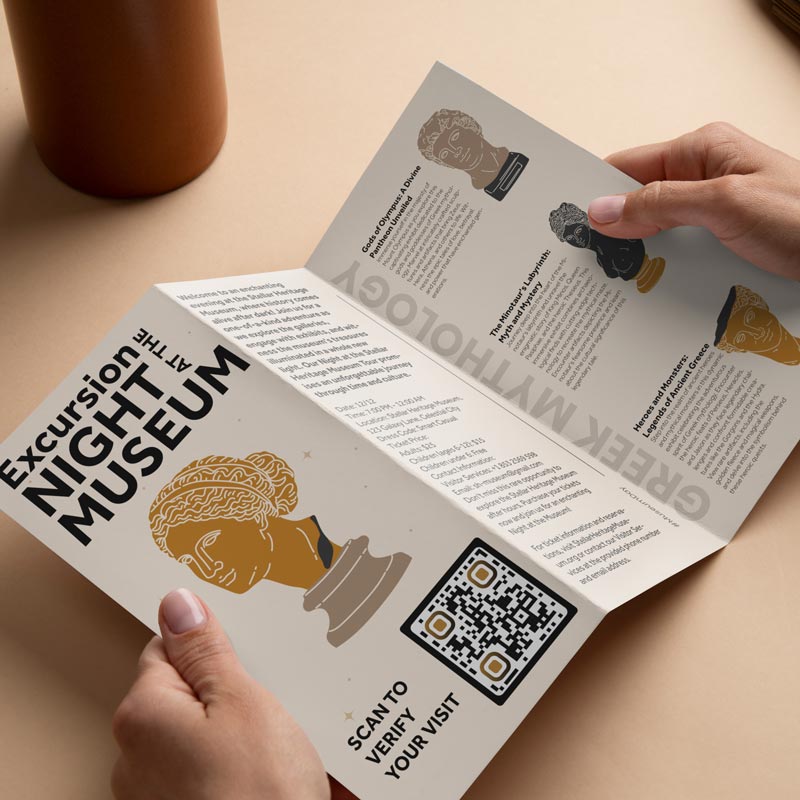
QR code for attendance of the night museum tour
QR Codes forAttendance tracking
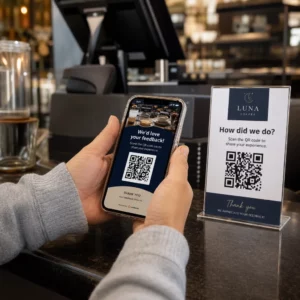
Customer scans feedback QR
QR Codes forCustomer feedback

Get 30% off your first purchase

Use the code:

Share your MP3 files

Sign up to create PDF QR codes

Upload and display everything you need:

  • Audio files
  • Podcasts
  • Music

14-day free trial with sign-up.
QR codes expire after trial.

sign up to create an audio mp3 QR code

Get more scans with frames

Sign up to add more frames to your QR codes

Call-to-action frames help your customers interact with the QR Code easily. Try them out!

14-day free trial with sign-up.
QR codes expire after trial.

Sign up to add more frames to your QR codes

Add more style with shapes

Signup to create more shapes

QR Codes don’t have to be square. Try switching it up to fit your brand’s image.

14-day free trial with sign-up.
QR codes expire after trial.

Signup to create more shapes

Add a logo to your QR Code

Sign up to add your logo to QR codes

Make your QR code stand out by adding your logo and brand to it.

14-day free trial with sign-up.
QR codes expire after trial.

Sign up to add your logo to QR codes

Smart App Store redirects

Sign up to create an app store QR code

Add your App links to our smart App Store QR Code. The users are redirected based on their device.

14-day free trial with sign-up.
QR codes expire after trial.

Sign up to create an app store QR code

Upload an image to a QR Code

Sign up to create image QR codes

Share your images easily. Change any image dynamically within seconds.

14-day free trial with sign-up.
QR codes expire after trial.

Sign up to create image QR codes

Share your PDF files

Sign up to create PDF QR codes

Upload and display everything you need:

  • Menus & price lists
  • Instructions
  • Any documents

14-day free trial with sign-up.
QR codes expire after trial.

Sign up to create PDF QR codes

Edit later without printing

Sign up to edit your QR codes without printing again

Dynamic QR Codes let you change the contents of your QR Code without having to print new ones.

14-day free trial with sign-up.
QR codes expire after trial.

Sign up to edit your QR codes without printing again

When? Where? Track your QR Code scans

Sign up to track your QR codes

Discover which of your QR Codes receive the most scans and what excites your clients the most.

14-day free trial with sign-up.
QR codes expire after trial.

Sign up to track your QR codes

Print ready files available

Sign up to create vector QR codes like PDF and SVG

.EPS, .PDF, .SVG

Want to download your QR Codes in HD resolution? Get vector or pixel formats that are ready to be printed.

14-day free trial with sign-up.
QR codes expire after trial.

Sign up to create vector QR codes like PDF and SVG

Please wait. Your QR Code is loading... loading...

Make it your own

Sign up to save your QR code for later

Get more scans by creating awesome QR Codes with different colors, logos and call-to-action frames.

14-day free trial with sign-up.
QR codes expire after trial.

Sign up to save your QR code for later