Dynamic QR Code Generator

Create a dynamic QR code for links, websites, PDFs, vCards, menus, and more. Edit the destination anytime, track scans, and manage your QR codes from one dashboard.

preview qr code
Share a dynamic link
Dynamic link
0 / 2048
preview qr code
1100
Low Quality
1100 x 1100px
High Quality

Design Preset

Create a Dynamic QR Code
Examples

Tap on the images to zoom in

What is a dynamic QR code?

A dynamic QR code is an editable QR code that allows you to change the destination link or content even after it has been generated, printed, or shared.

It is a type of code that allows for updates and changes to the encoded information. Unlike static QR codes with fixed content, dynamic QR codes allow you to update URLs, files, or information without creating a new QR code.

The encoded information, such as a website URL, text, or contact details, can be edited or replaced without having to create a new QR code.

Dynamic QR code generator for links

How do dynamic QR codes work?

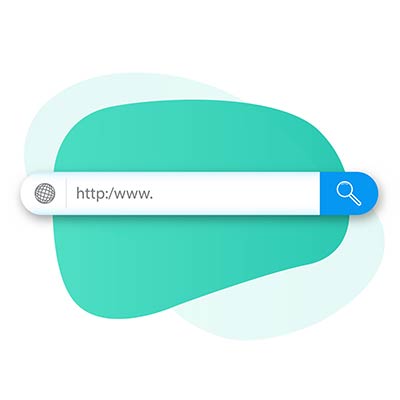
Search bar on a green background
Create

To create a dynamic QR code, enter the destination URL or content into the dynamic QR code generator. The QR code points to a short redirect link that can be updated anytime.

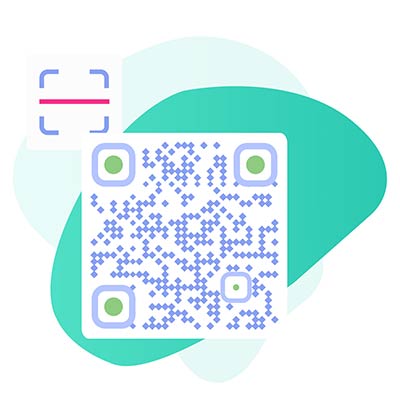
Dynamic QR code and scan icon
Scan

After the URL is extracted from the dynamic QR code, the dynamic QR code scanner initiates an automatic action by launching the user’s web browser.

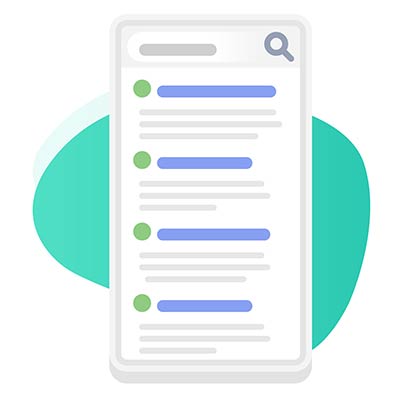
Dynamic QR code destination
Access

It allows users to seamlessly access online content without the need to manually type or search for the URL.

Internet and scan icon on green background
Edit later

QR codes eliminate the need for users to remember or manually enter long URLs. You can edit a dynamic QR code anytime—change the URL, redirect it to a vCard, PDF, menu, or replace the content without reprinting the QR code.

How to create a dynamic QR code?

Here’s how to generate a dynamic QR code in 5 easy steps:

Add link

Sign up for the 14-day free trial to create a dynamic QR code. Enter the specific information you want to encode. For example, if you're creating a dynamic QR code for a website URL, enter the URL in the designated field.
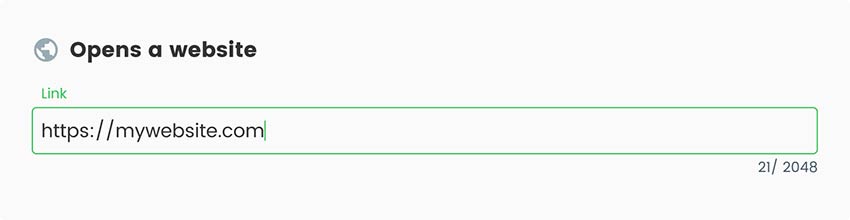
Screenshot of how to redirect a QR code
Add style

Pageloot dynamic QR code generator offers the flexibility to customize the appearance of your QR codes.
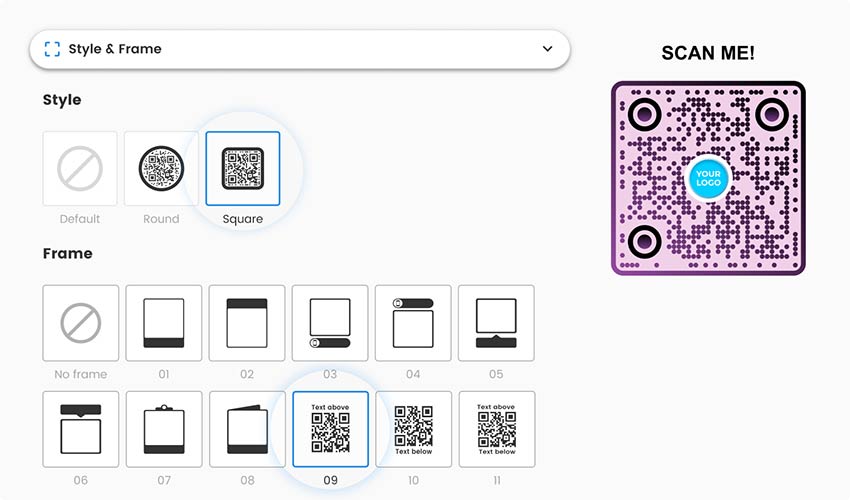
Changeable qr code with a choice of style and frame
Generate

Once you have entered the desired information and made any customizations, generate the dynamic QR code by clicking the appropriate button.
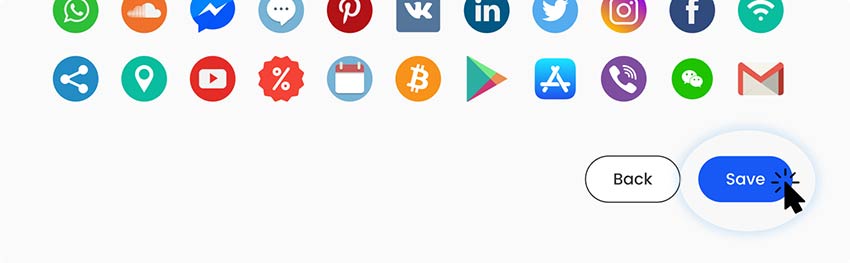
Screenshot of the field to save dynamic QR code
Test it

Before distributing or using the QR code, test it using a QR code scanning app or smartphone camera to ensure that it decodes correctly.
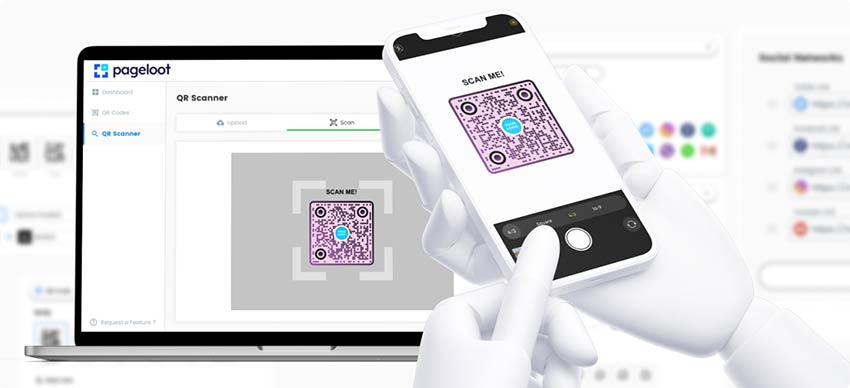
How to scan dynamic QR code on Pageloot dashboard
Download

Our QR code generator platform provides robust management and tracking features for your QR code campaigns. Download your dynamic QR code and manage it from the dashboard. Track scans, update destinations, and optimize performance in real time.
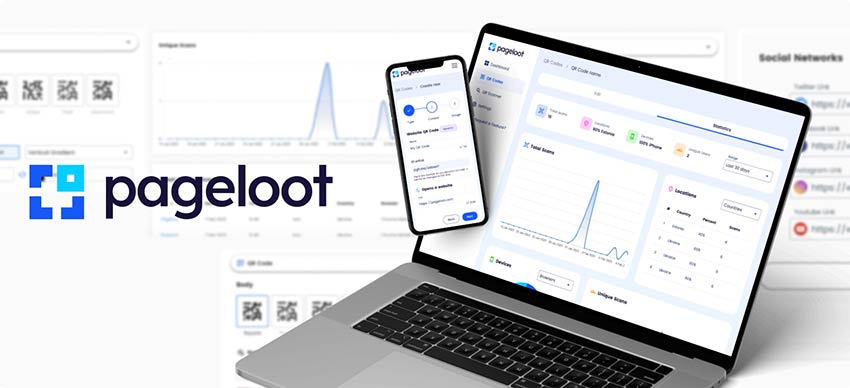
A QR dynamic code generator with tracking capabilities
All done!

Why do I Need an editable QR code?

How to redirect an existing qr code

Dynamic QR codes are ideal when you need flexibility. They let you update content, redirect links, and manage campaigns without replacing printed QR codes. They provide flexibility and convenience by allowing you to update the encoded information without changing the QR code itself.

It means you can easily modify the linked content, such as updating a website URL or refreshing promotional offers, without the need to reprint or redistribute new codes.

What are the advantages of converting URLs to Dynamic QR Codes?

Converting URLs to dynamic QR codes allows you to update, track, and optimize link destinations even after the QR code has been printed or shared. Instead of creating a new QR code every time a URL changes, you can edit the destination in real time while keeping the same QR code active.

Key advantages of dynamic QR codes:

Editable destination links
Change or update the target URL anytime without regenerating or reprinting the QR code.

Scan tracking and analytics
Monitor how many times your URL QR code is scanned, where users are located, and which devices they use.

Cost and time efficiency
Avoid reprinting marketing materials when links change, saving both time and production costs.

Better campaign flexibility
Redirect users to different landing pages, promotions, or offers based on campaign needs or timing.

Improved user experience
Ensure users always reach the correct, up-to-date content without broken or outdated links.

Supports A/B testing and optimization
Test multiple destination URLs using the same QR code to identify which pages perform best.

Works across online and offline channels
Use dynamic URL QR codes on posters, packaging, flyers, business cards, emails, and digital ads.

Future-proof link management
Keep your QR codes functional even if your website structure or URLs change.

Frequently asked questions

To scan a QR dynamic code, you need to:

  1. Open your smartphone camera app.
  2. Align the QR code within the scanning frame.

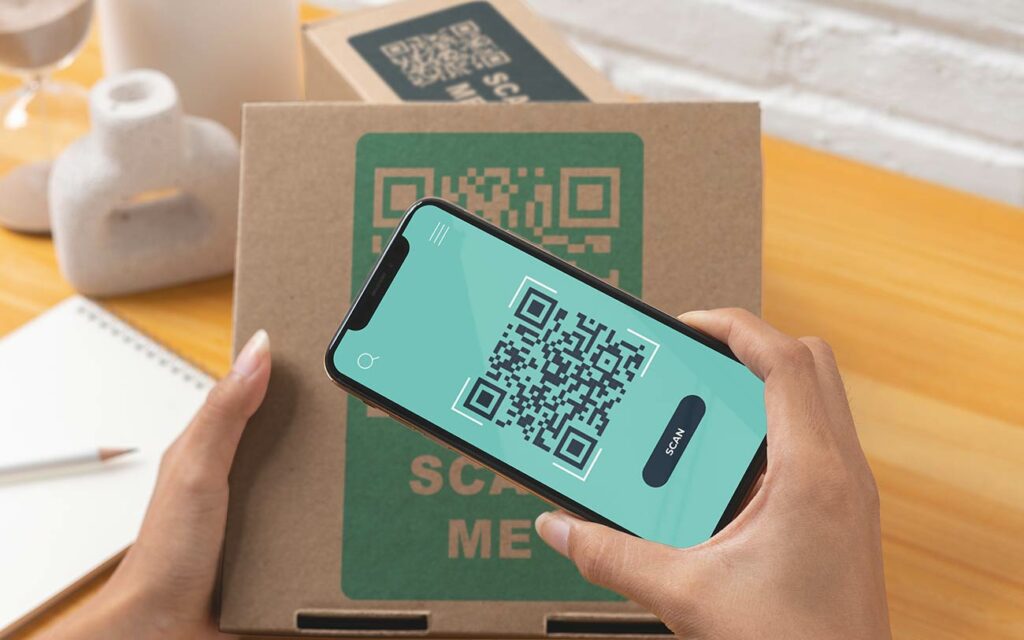
  3. Scan the QR code, and the app will extract the linked content.
  4. View and interact with the content as directed by the app.
 

Yes, the Pageloot editable QR code generator provides pre-designed templates that you can choose from to customize the appearance of your QR code. These templates include different styles and colors. These are elements that you can apply to your dynamic QR code to make it visually appealing and align with your branding guidelines.

To use the dynamic editable QR codes, you need to sign up for the 14-day free trial. Later, you can select one of the paid subscriptions of our generator tool. With the paid subscription, you can not only create a dynamic QR code but also use other paid features.

You can create unlimited static QR codes for free. You can create unlimited static QR codes for free. To create a dynamic QR code that can be edited later, you need to sign up for an account and choose a paid plan. A paid subscription is needed for this feature. This allows you to avoid printing new codes. Instead, you can edit existing ones.

To redirect a QR code and make it flexible to change the destination URL in the future, you should use a dynamic QR code. dynamic QR codes allow you to update the redirection URL without having to generate a new QR code each time you need to change it. You can also redirect an existing QR code.

If you already have an existing QR code, it may be possible to redirect it and make it editable. If the code is pointing to a website or link that you control, you can use that link to redirect your users to the new desired location. If your code is pointing to a 3rd party link, then it may not be possible to convert your static QR code. In this case you need to make a new one. Read more about the differences here.

Dynamic QR codes are not only for links and URLs. It is possible to create a lot of different functions, like vCard, PDF, menu, text, payments, and much more.

The price per code is based on the subscription package. The larger subscription you have, the smaller the cost per QR code will be. Please take a look at our pricing page to learn more about dynamic QR Code prices.

Frequently asked questions icon
More questions?

Contact us and we’ll be happy to help!

Trusted by top brands
Rated 4.8 out of 5

4.86 / 5 stars rating

Hugo Laurent
Hugo Laurent
Restaurant owner
The most easy and reliable QR code Generator ever. PDF files can be uploaded instantly. Our restaurant menus are now digital.
Lucas Jansen
Lucas Jansen
Real estate developer
This is an excellent tool and the QR codes take you to just where you want. We only use the location QR code but there are so many useful features.
Emma Moretti
Emma Moretti
Retail products
Easy to use and quick. It works great and creates a perfect images, so employees can download my vCard.
Hugo Laurent
Hugo Laurent
Restaurant owner
The most easy and reliable QR code Generator ever. PDF files can be uploaded instantly. Our restaurant menus are now digital.
Lucas Jansen
Lucas Jansen
Real estate developer
This is an excellent tool and the QR codes take you to just where you want. We only use the location QR code but there are so many useful features.
Emma Moretti
Emma Moretti
Retail products
Easy to use and quick. It works great and creates a perfect images, so employees can download my vCard.
Generate dynamic QR codes now

Free 14-day trial. No credit card required.

QR code generator dashboard preview

Where to Use a dynamic QR code?
Examples

Tap on the images to zoom in

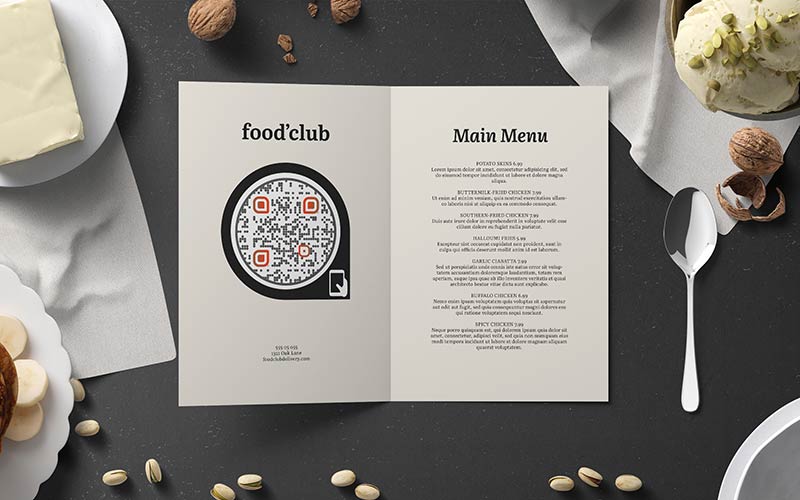
Restaurant Menu with Round dynamic QR code

Place dynamic QR codes on menus, table tents, or takeout packaging to provide a digital menu. Access online ordering, or the ability to make reservations. Modify the QR code to reflect seasonal menu changes or special promotions.

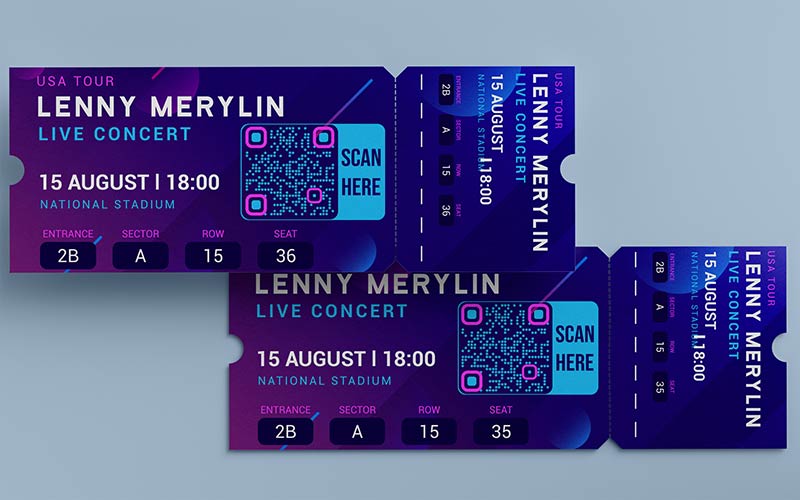
Purple Concert Tickets with dynamic QR code on blue background

Include dynamic QR codes on event invitations, tickets, or conference programs to offer attendees easy access to event details. Add schedules, speaker bios, or presentation materials. Alter the QR code to provide real-time updates, session changes, or additional resources.

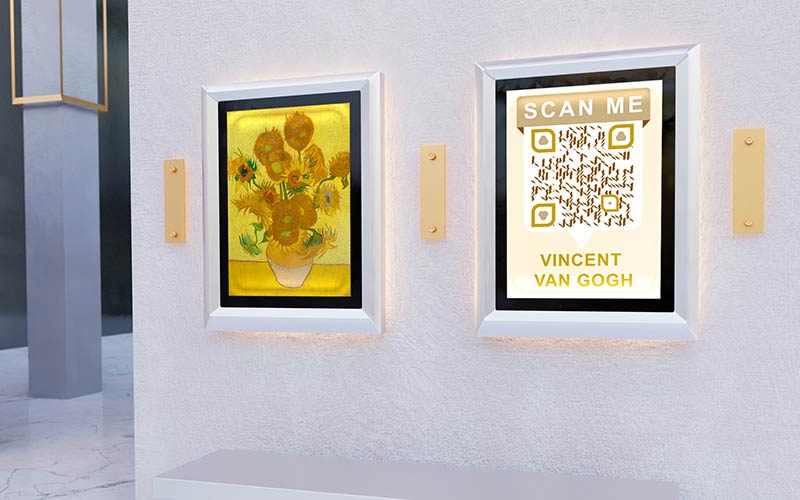
Painting with dynamic QR codes on the wall next to another painting

Display dynamic QR codes alongside artworks or exhibits to provide additional information, artist biographies, or audio guides. Update the QR code to offer new exhibitions, interactive content, or upcoming events.

Business card with dynamic QR code on the background of real estate

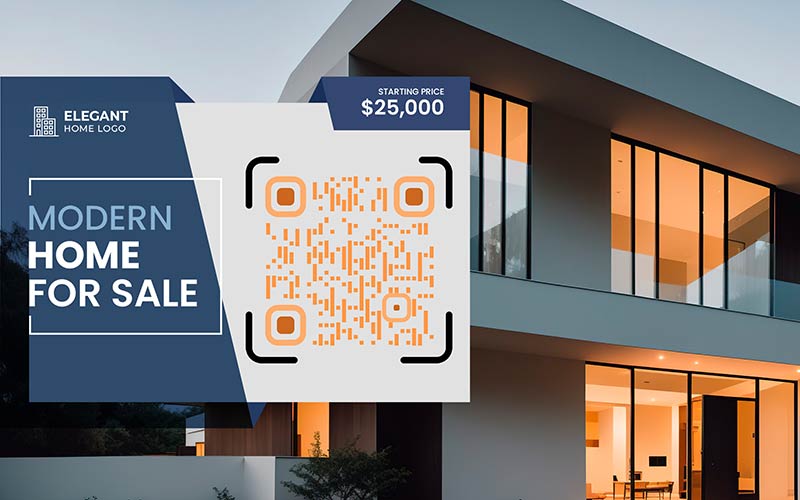
Use dynamic QR codes on property listings, flyers, or “For Sale” signs to provide virtual property tours, detailed descriptions, or contact information of agents. Update the QR code to reflect price changes, status updates, or newly available properties.

How to Get More Scans for a dynamic QR code?

Best practices for dynamic QR codes

Provide a clear call-to-action

Clearly communicate to users what they can expect by scanning the QR code. Use a compelling and concise call-to-action (CTA) near the changeable QR code to encourage scanning and convey the value they will receive by accessing the linked content.

Use a call to cation for a dynamic QR code
Dynamic QR code strategical placement
Place QR codes strategically

Position changeable QR codes where they are easily visible and accessible to your target audience. Consider factors such as eye level, proximity to relevant information, and the context in which the QR code will be scanned.

Regularly update the linked content

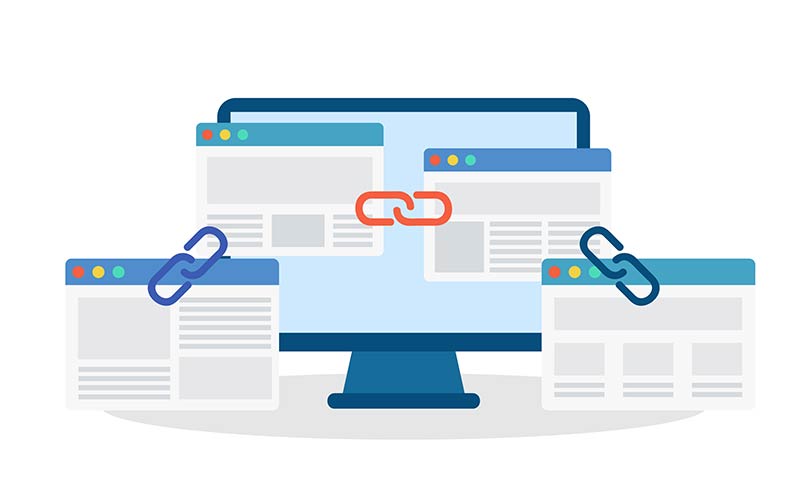
For dynamic QR codes, ensure that the linked content stays relevant and up to date. Regularly review and update the destination URL to provide users with the most current and valuable information.

Websites linked to each other on a computer screen
Customize the dynamic QR code design
Customize the QR code design

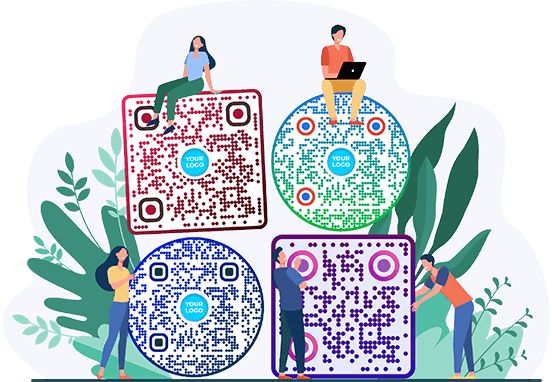
Customize the appearance of the QR code to align with your brand identity or the context in which it will be displayed. Add colors, logos, or other branding elements to make the QR code visually appealing and recognizable.

Generate dynamic QR codes now

Free 14-day trial. No credit card required.

Different styles of QR codes created

Benefits of using a changeable QR code

Enhanced security for dynamic QR codes
Enhanced security

Dynamic QR codes can provide an additional layer of security by allowing you to control who can access the linked content. You can limit access to specific periods, locations, or user groups, ensuring that only authorized individuals can view the content, which can be beneficial for exclusive promotions or restricted information.

Save money and time with dynamic QR codes
Cost and time efficiency

By using dynamic QR codes, you can save costs and time associated with reprinting or reproducing QR codes whenever there are changes or updates to the linked content. Instead, you can simply update the destination URL or content within the dynamic QR code management system, eliminating the need for physical modifications.

Improved user experience with dynamic barcodes
Improved user experience

Dynamic barcodes enable you to provide a better user experience by tailoring the linked content based on specific user segments, locations, or time-sensitive campaigns. You can deliver personalized offers, targeted messages, or dynamic content that resonates with your audience, enhancing their engagement and satisfaction.

Track dynamic QR code analtyics
Real-time tracking and analytics

Our dynamic QR code generator provides tracking and analytics features that allow you to monitor scan rates, location data, and other metrics. This data helps you measure the effectiveness of your QR code campaigns, gain insights into user behavior, and make data-driven marketing decisions.

You can edit dynamic QR code later after printing
Flexibility and editability

The Pageloot dynamic generator allows you to change the linked content or destination URL at any time, even after the QR code has been generated and distributed. This flexibility enables you to update information, promotions, or offers without the need to reprint or redistribute new QR codes.

Enhance marketing with dynamic QR codes
Enhanced marketing opportunities

With QR dynamic Codes, you can leverage real-time marketing opportunities by adjusting the linked content based on current trends, events, or market conditions. This agility allows you to deliver timely messages, promotions, or updates, keeping your marketing campaigns relevant and impactful.

GL-16

Learn more about dynamic QR codes

Choosing QR code type
How to UseDynamic QR Codes
Adding various URL links when creating the QR code in the generator
QR Codes forMultiple links
How to make a qr code for a link with a smartphone
QR Codes forLink

Get 30% off your first purchase

Use the code:

Share your MP3 files

Sign up to create PDF QR codes

Upload and display everything you need:

  • Audio files
  • Podcasts
  • Music

14-day free trial with sign-up.
QR codes expire after trial.

sign up to create an audio mp3 QR code

Get more scans with frames

Sign up to add more frames to your QR codes

Call-to-action frames help your customers interact with the QR Code easily. Try them out!

14-day free trial with sign-up.
QR codes expire after trial.

Sign up to add more frames to your QR codes

Add more style with shapes

Signup to create more shapes

QR Codes don’t have to be square. Try switching it up to fit your brand’s image.

14-day free trial with sign-up.
QR codes expire after trial.

Signup to create more shapes

Add a logo to your QR Code

Sign up to add your logo to QR codes

Make your QR code stand out by adding your logo and brand to it.

14-day free trial with sign-up.
QR codes expire after trial.

Sign up to add your logo to QR codes

Smart App Store redirects

Sign up to create an app store QR code

Add your App links to our smart App Store QR Code. The users are redirected based on their device.

14-day free trial with sign-up.
QR codes expire after trial.

Sign up to create an app store QR code

Upload an image to a QR Code

Sign up to create image QR codes

Share your images easily. Change any image dynamically within seconds.

14-day free trial with sign-up.
QR codes expire after trial.

Sign up to create image QR codes

Share your PDF files

Sign up to create PDF QR codes

Upload and display everything you need:

  • Menus & price lists
  • Instructions
  • Any documents

14-day free trial with sign-up.
QR codes expire after trial.

Sign up to create PDF QR codes

Edit later without printing

Sign up to edit your QR codes without printing again

Dynamic QR Codes let you change the contents of your QR Code without having to print new ones.

14-day free trial with sign-up.
QR codes expire after trial.

Sign up to edit your QR codes without printing again

When? Where? Track your QR Code scans

Sign up to track your QR codes

Discover which of your QR Codes receive the most scans and what excites your clients the most.

14-day free trial with sign-up.
QR codes expire after trial.

Sign up to track your QR codes

Print ready files available

Sign up to create vector QR codes like PDF and SVG

.EPS, .PDF, .SVG

Want to download your QR Codes in HD resolution? Get vector or pixel formats that are ready to be printed.

14-day free trial with sign-up.
QR codes expire after trial.

Sign up to create vector QR codes like PDF and SVG

Please wait. Your QR Code is loading... loading...

Make it your own

Sign up to save your QR code for later

Get more scans by creating awesome QR Codes with different colors, logos and call-to-action frames.

14-day free trial with sign-up.
QR codes expire after trial.

Sign up to save your QR code for later