Text QR Code Generator
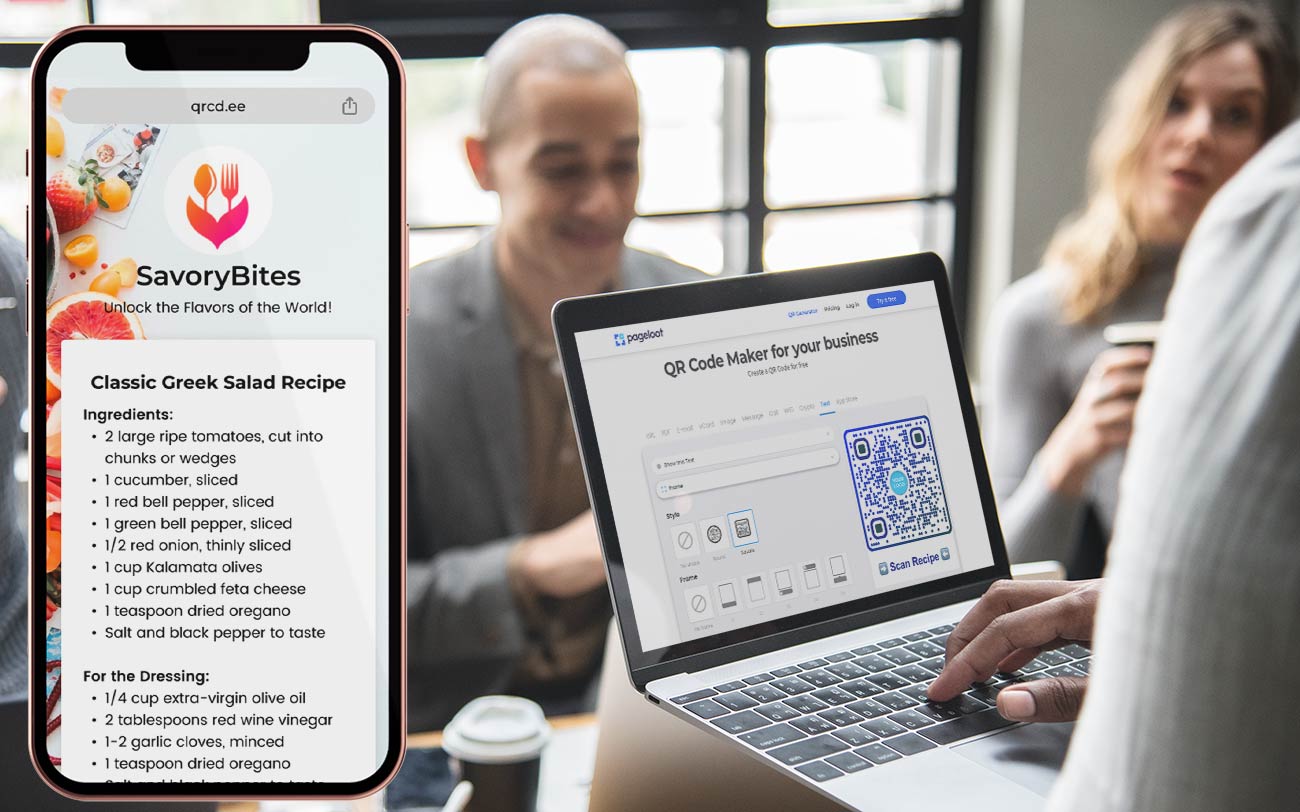
To create a text QR code, simply enter the text you want to encode using a text to QR code generator. You can include messages, emojis, contact details, or instructions.
Style
Frame
Text above
Text below
Background color
Text above color
Text below color
Body
Body color
Edges
Frame type
Edge frame color
Ball type
Edge ball color
Create a QR Code for Text Examples
Tap on the images to zoom in
What is a text QR code?
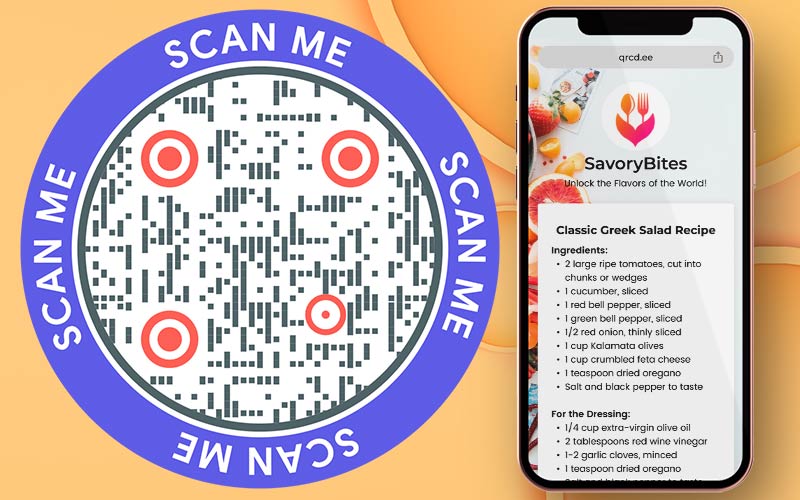
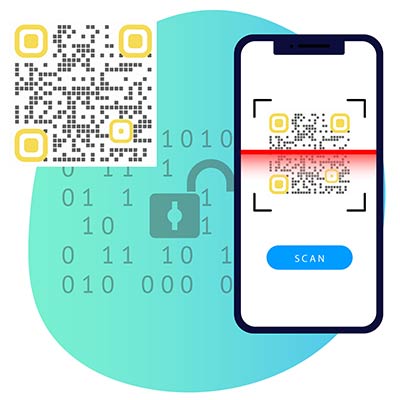
A text QR code is a scannable code that stores and displays plain text information directly after scanning. It allows you to create a QR code from text and share messages, instructions, or details instantly.
Unlike URL-based QR codes, a text QR code generator encodes text directly into the QR code, allowing users to read the message without being redirected to a website.


How does text to QR code work?


To create a text QR code, you start by inputting the desired text you want to encode. It can include messages, emojis, or any other type of text-based information.


When someone scans the text QR code using a QR code reader or text QR code scanner app, the app decodes the pattern to extract the encoded text.


The decoded text is then displayed on the user’s device, allowing them to read and utilize the information contained within the QR code.


The advantage of text QR generators lies in their simplicity and efficiency. They offer a seamless method for sharing and consuming textual information.
How to create a text QR code?
Enter the desired text you want to encode into the free text QR code tool. It can include messages, contact details, emojis, URLs, or any other type of text-based content you want to share.
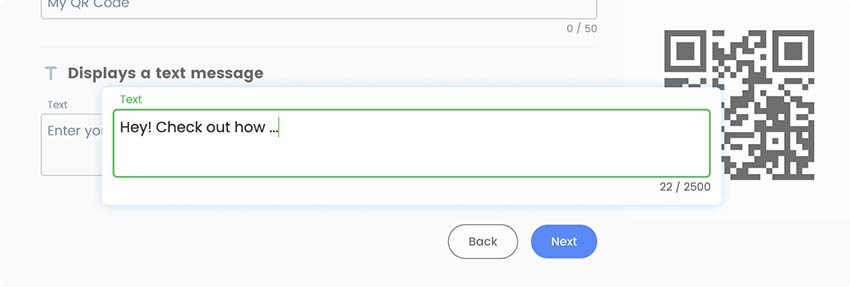

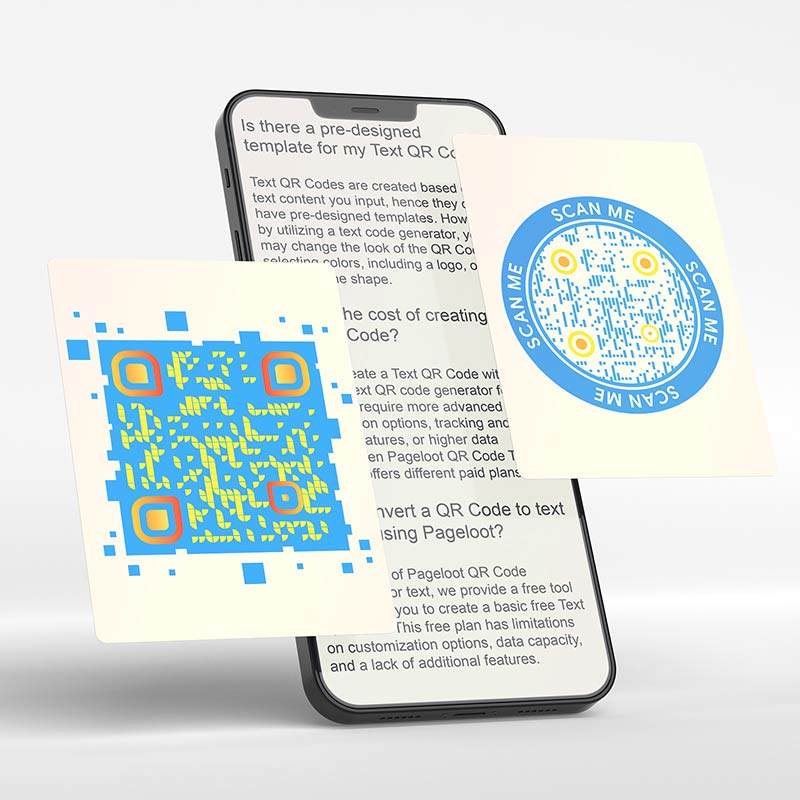
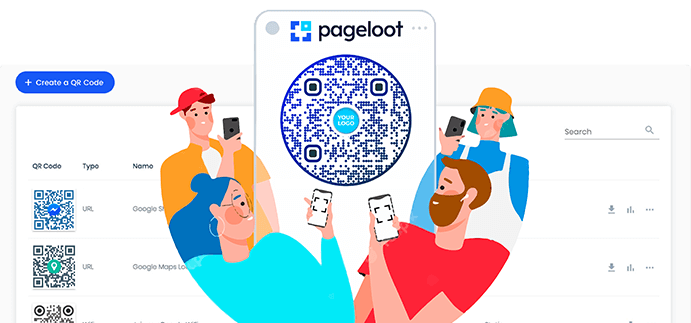
Pageloot QR code generator offers customization options that allow you to personalize the appearance of your QR code. You can modify the colors, add a logo or image, or choose from different design templates.
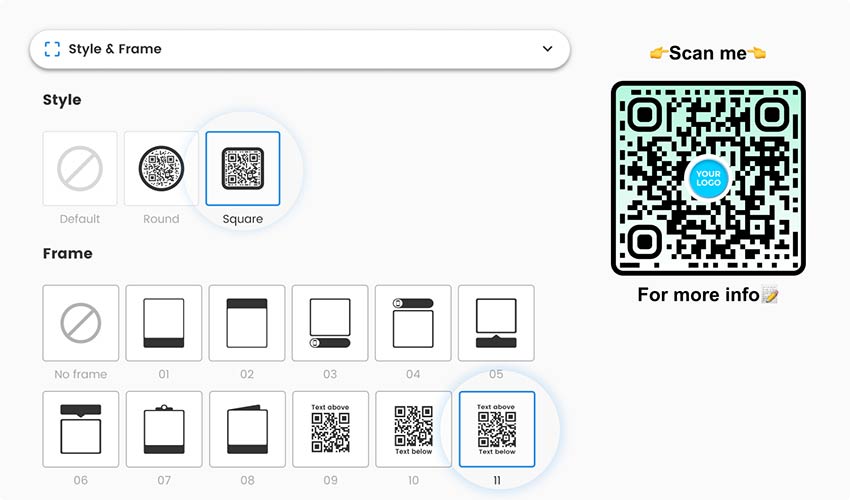

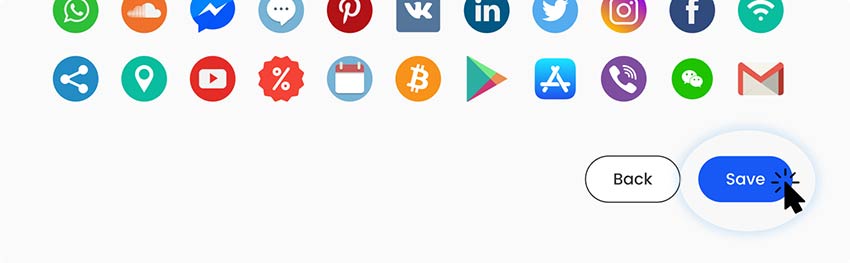
After entering the text and customizing the QR code (if desired), click on the "Save" button to create the text QR code.

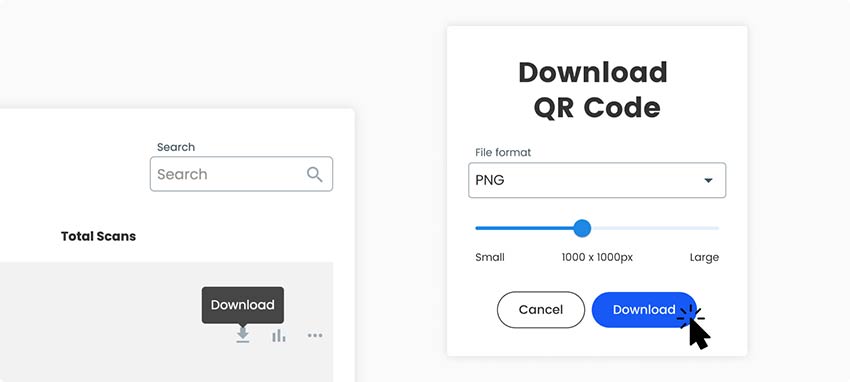
Once the QR code is generated, you'll have the option to download it as an image file (such as PNG or JPG) or save it directly to your device.

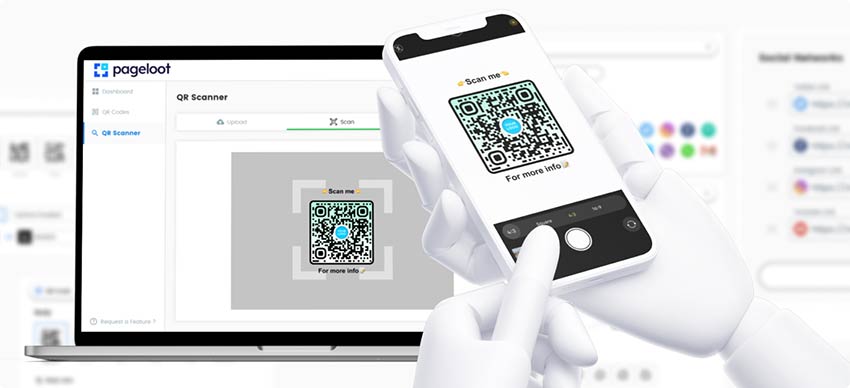
Before using the QR code to text converter, it's essential to test it to ensure it scans correctly. Use a QR code scanner tool or reader app on your smartphone or device to scan the QR code image you generated.


Why do I need a text QR code?


A text QR code makes sharing text-based information fast, accurate, and user-friendly. By using a text QR code generator, you can eliminate manual typing, reduce errors, and instantly deliver information with a single scan.
You may easily exchange things like contact information, website links, product details, event registrations, and more. Users may instantly scan and obtain the information by encoding the text into a QR code, doing away with the necessity for manual typing or copying.
By giving users a simple way to send text data, it improves user experience, streamlines communication, and improves marketing efforts. All things considered, a text QR code maker is a useful tool for effective information transmission in a variety of personal and professional scenarios.
What are the advantages of a Text QR Code?
A text QR code allows users to instantly read text-based information by scanning a single code. It improves information delivery, reduces errors, and simplifies communication across digital and physical channels.
Key advantages of using a text QR code:
Instant Text Access
Users can scan the QR code and immediately view the encoded text without opening a browser or visiting a website.
Works on All Devices
Text QR codes work on Android, iOS, tablets, and desktop devices using standard QR code scanners or phone cameras.
No Internet Required
Since the text is embedded directly into the QR code, users can read the information even without an internet connection.
Faster & Error-Free Sharing
QR codes eliminate manual typing, reducing mistakes when sharing instructions, codes, messages, or contact details.
Easy Updates & Reuse
You can quickly generate new text QR codes for different messages without complex setup or additional tools.
Cost-Effective Communication
One text QR code replaces printed instructions, labels, or long text descriptions, saving space and printing costs.
Perfect for Offline Use
Text QR codes are ideal for education, receipts, posters, events, presentations, and internal documentation.
Frequently asked questions


To scan a text QR code, follow these steps:
- Open a QR code scanning app on your smartphone or tablet.
- Position the QR code within the scanning frame displayed on the app.
- The app will scan and display the encoded text content.
- Read, copy, or interact with the text-based information provided.

- Close the scanning app when finished.

Text QR codes are created based on the text content you input, hence they do not have pre-designed templates. However, by utilizing a text code generator, you may change the look of the QR code by selecting colors, including a logo, or changing the shape.

You can create a text QR code with a Pageloot text QR code generator for free. If you require more advanced customization options, tracking and analytics features, or higher data capacity, then Pageloot QR code text generator offers different paid plans.
Yes, you can create a text QR code for free using our free QR code generator. Simply enter your text, generate the QR code, and download it instantly. This free plan has limitations on customization options, data capacity, and a lack of additional features.


Contact us and we’ll be happy to help!
4.86 / 5 stars rating


Where to use a text QR code? Examples
Tap on the images to zoom in


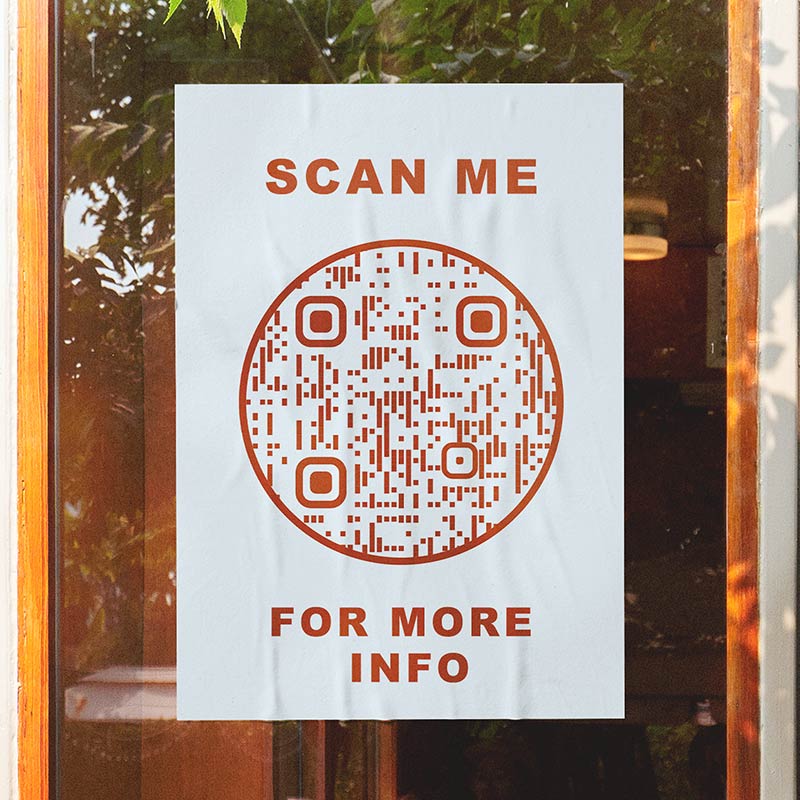
Include a text QR code on printed materials, such as business cards, flyers, brochures, posters, or product packaging. Users can scan the QR code to quickly access additional text-based information, contact details, or promotional messages.


Utilize a text barcode on event materials, such as banners, posters, or event programs, to provide attendees with access to event-related text information, schedules, speakers’ bios, or registration details.


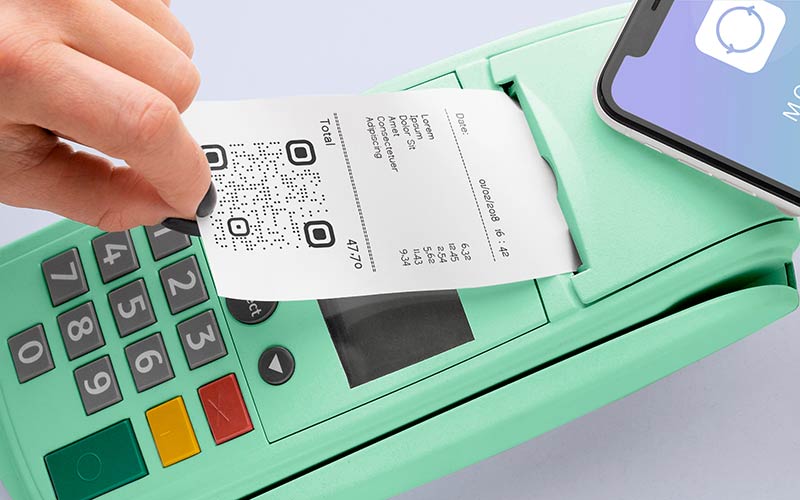
Display a text QR code on receipts, menus, or signage at your physical location to provide customers with additional text-based information, promotions, or loyalty program details.


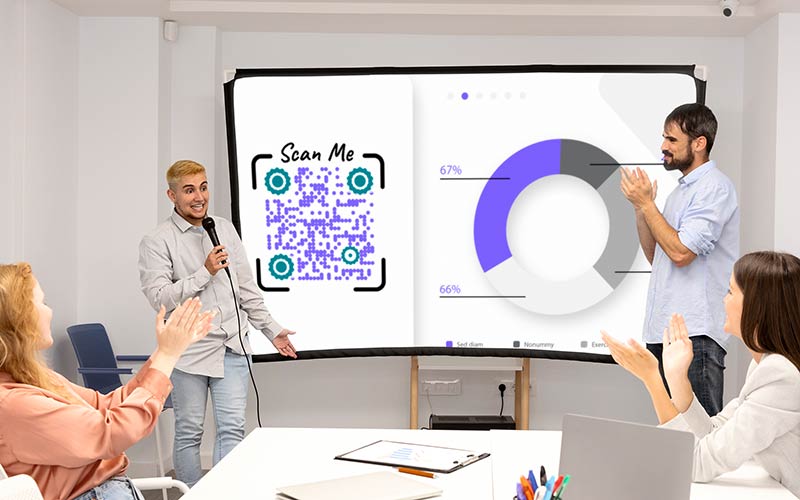
Embed a text QR code in your digital presentations, such as PowerPoint slides or PDF documents, to allow participants to quickly access additional text resources, references, or related content.
How to get more scans for a text QR code?
-
Provide clear value
Ensure that the text content encoded in the QR code offers clear value to the users. Whether it's exclusive information, discounts, access to resources, or other benefits, make it compelling and relevant to your target audience. -
Use a compelling CTA
Include compelling calls-to-action next to the QR code to persuade consumers to scan the text QR code. Tell them upfront what they may expect to gain through scanning, such as "Scan for a chance to win" or "Scan for a free ebook."
-
Promote the QR code
Actively promote the presence of the text QR code in various channels, such as social media, website, email newsletters, physical signage, or print materials. -
Enhance visibility
Ensure that the QR code is visually prominent and easily noticeable. Use contrasting colors, appropriate sizing, and strategic placement to make your QR code stand out. Consider using visual cues or directional signage to draw attention to the QR code.
Best practices for a text QR code
Text QR codes work best when the encoded text is concise and to the point. Avoid lengthy paragraphs or excessive details that may overwhelm the QR code for text or make it difficult to scan and read.


Encourage users to scan the text QR code by including a clear call-to-action. It could be a simple instruction, such as “Scan for more information” or “Scan to access exclusive content,” to prompt user engagement.
Place the QR text code in a prominent location where it’s easily visible and accessible to your target audience. Ensure that it’s not obstructed by other design elements or placed too far away for convenient scanning.


Before finalizing and deploying your text QR code, test it using different text code scanner apps and devices. Ensure that the text is readable and that the QR code can be easily scanned and decoded by various scanners.
Benefits of using a text QR code


QR codes save users time by providing instant access to text-based information. They eliminate the need for manual data entry or searching, enabling users to quickly retrieve contact details, website links, or other textual content.


Text QR codes simplify the process of sharing text-based information. Whether it’s contact details, website URLs, product descriptions, or event registrations, encoding the information into a QR code makes it easy to distribute and share with others.


Including text QR codes in your marketing materials can enhance brand visibility. Users who scan the QR code and engage with your text-based content are more likely to remember and recognize your brand.


Utilizing text QR codes demonstrates your organization’s adoption of modern technology and innovative approaches to communication. It can enhance your brand’s image as being tech-savvy, forward-thinking, and customer-centric.


If the text content encoded in the QR code needs to be updated or modified, it can be easily done without changing the QR code itself. It allows you to keep the information up to date, make adjustments, or add new content without the need for reprinting or redistributing new QR codes.


By utilizing a text QR code, you can enhance the user experience by providing a seamless and streamlined way to access information. Users appreciate the convenience of scanning a QR code instead of navigating through websites or documents to find specific text details.